By Walter Jobs, Technology writer and editor. Manufacturer sources and model scenarios reviewed 2 November 2026.
For a Ryzen 7 5700X, compare the RX 9060 XT 16GB for a moderate graphics upgrade, the RX 9070 for a stronger graphics-heavy workload, and the RTX 5070 when your software or preferred features favour NVIDIA. Start from your existing card and display. An eight-core CPU does not automatically need an expensive GPU, and its 65W TDP is not a description of the whole computer’s power needs.
As an Amazon Associate we earn from qualifying purchases. This does not change the price you pay, and a commission never affects what we recommend. Full disclosure.
This shortlist is for a practical AM4 upgrade. A working processor, motherboard and DDR4 can remain useful while the graphics card changes. The goal is to spend on the part that solves the current problem, leaving any future CPU or platform purchase dependent on evidence rather than age alone.
What matters about the Ryzen 5700X
| Manufacturer field | Published reference |
|---|---|
| CPU cores / threads | 8 / 16 |
| Socket / system memory | AM4 / DDR4 |
| L3 cache | 32 MB |
| CPU PCIe support | PCIe 4.0 |
| Default TDP | 65 W; not whole-system power consumption |
AMD’s processor information gives the platform and cache baseline. The 5700X is not a 5700X3D: do not apply a cache-focused CPU review to it simply because the names look similar. More cores can help some tasks, but gaming performance still depends on the specific workload and memory configuration.
The processor supports PCIe 4.0, while the board determines the usable graphics-slot connection. Confirm that connection in the manual, including any resource sharing with storage or other expansion devices. Compatibility is a system question, not a calculation based only on two component names.
The three GPU candidates
| Candidate | Reason to compare it | Purchase check |
|---|---|---|
| Radeon RX 9060 XT 16GB | A moderate graphics upgrade with more memory headroom | Compare the actual gain from your current GPU. Find offerson Amazon |
| Radeon RX 9070 | A stronger graphics-focused 1440p plan | Check case airflow and the precise power recommendation. Find offerson Amazon |
| GeForce RTX 5070 | A supported NVIDIA software or feature need | Compare your application and game requirements, not brand preference alone. Find offerson Amazon |
Compare actual offers rather than launch prices. A smaller card can be the right buy when it reaches the target, while a larger tier can make sense for a more demanding display or settings plan. Neither choice follows automatically from the CPU’s core count.
RX 9060 XT 16GB: a moderate purchase needs a worthwhile gain
The 16GB RX 9060 XT is the first shortlist option when a moderate graphics upgrade may be enough. Use the official RX 9060 XT specification to confirm the memory variant, then examine the board you would actually buy. A similar 8GB listing is not the same memory configuration.
Compare its measured performance with your existing GPU in the games you play. If the change is small, a low offer price does not necessarily make it a good upgrade. If you are moving from a much weaker card, retaining the 5700X and board may let the graphics purchase deliver the improvement without the expense of rebuilding the platform.
RX 9070: budget for the complete graphics upgrade
The RX 9070 is the larger graphics-focused candidate. Check AMD’s product specification and then the exact partner board’s power, connectors and dimensions. A GPU-family recommendation is not approval for every cooler design in your case.
Consider airflow, clearance and PSU suitability alongside performance. If a required case or PSU change makes the whole plan much more expensive, compare the smaller card again. The most useful upgrade is the complete system you can install and use, not a performance result from a card whose supporting requirements fall outside the budget.
RTX 5070: choose a real workload advantage
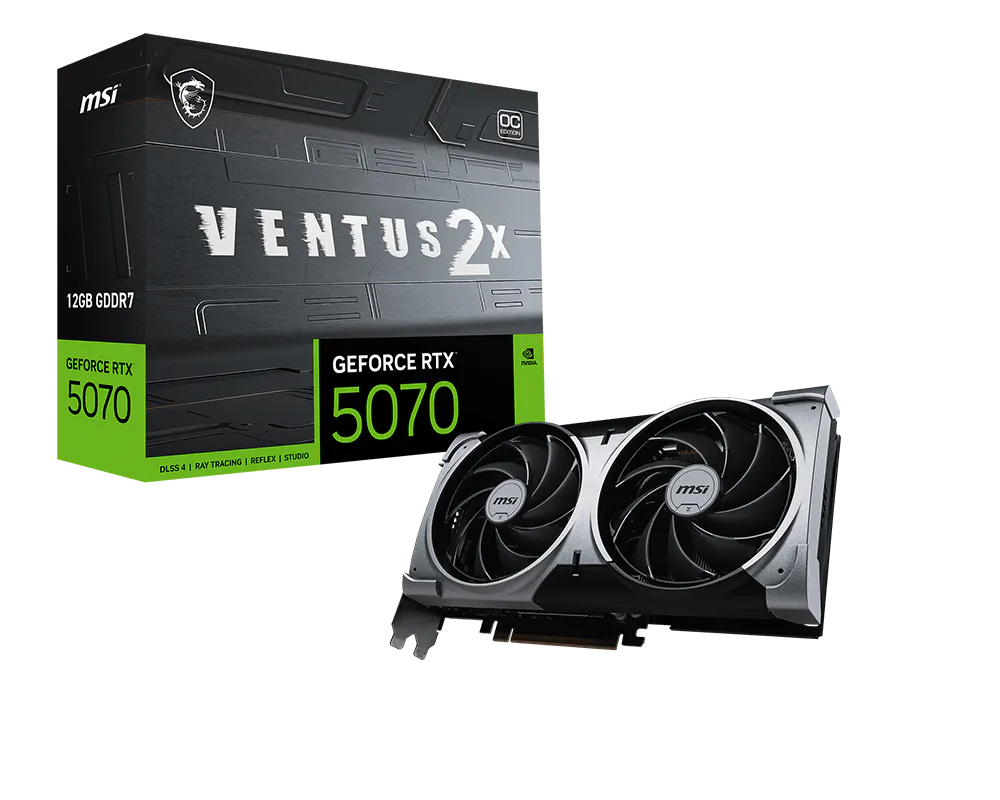
The RTX 5070 is worth comparing when a supported application feature, preferred game implementation or workflow makes NVIDIA relevant. Use the standard RTX 5070 specification, keeping it separate from the Ti model. Check the software version and measured results for the job rather than assuming the brand is universally faster.
For streaming or creation, establish whether you will use the GPU’s hardware encoder or CPU encoding, and which codec or acceleration path is supported. The 5700X’s eight cores do not by themselves decide the better configuration. Our generic gaming numbers below do not measure encoding quality, export time or simultaneous streaming overhead.
A cheaper RX 6600 comparison can still be useful
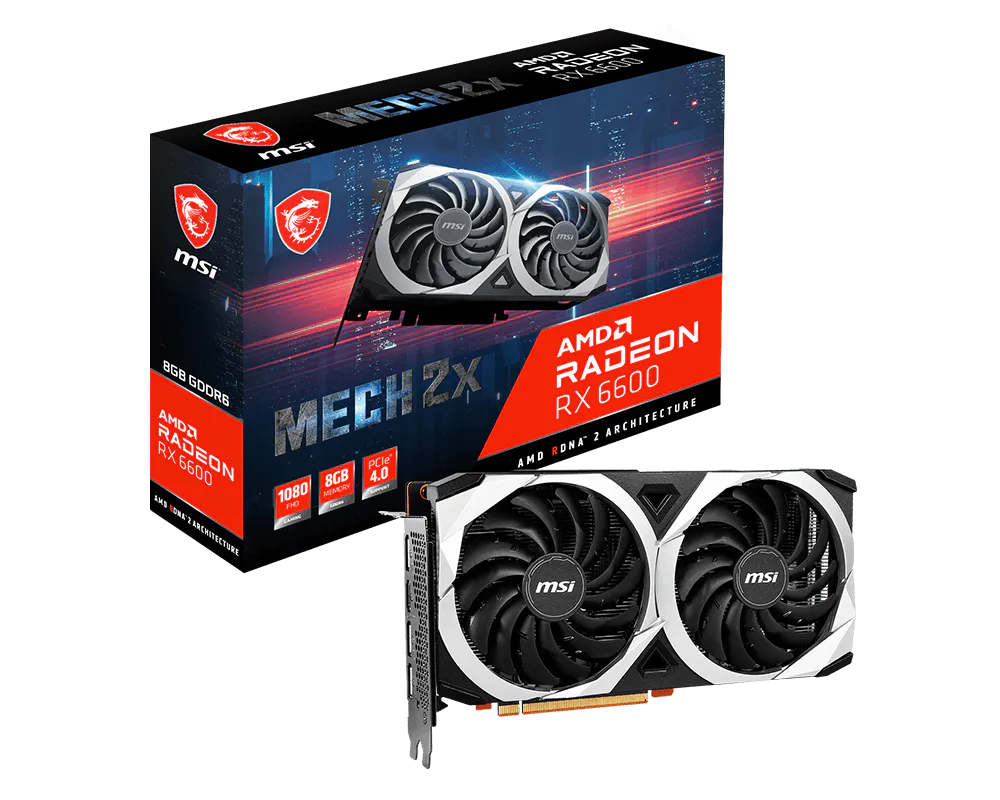
The RX 6600 appears as a lower-cost baseline in the table. It can be worth considering if it is a substantial improvement from your current GPU and a suitable offer is available. Check AMD’s RX 6600 product information and the condition of any used board.
It is not one of the three main shortlist picks because many owners considering a fresh upgrade may want a larger step. That does not make it incompatible or automatically poor value. The relevant question is whether the performance gain, price, warranty and intended ownership period make sense together.
Modelled comparisons across graphics tiers
| GPU | 1080p estimated FPS | 1440p estimated FPS | 4K estimated FPS |
|---|---|---|---|
| Radeon RX 6600 | 50 | 37 | 14 |
| Radeon RX 9060 XT 16GB | 77 | 57 | 33 |
| GeForce RTX 5060 Ti 16GB | 87 | 65 | 38 |
| Radeon RX 9070 | 118 | 88 | 52 |
| GeForce RTX 5070 | 115 | 86 | 50 |
| Radeon RX 9070 XT | 123 | 97 | 57 |
The model estimates 57 FPS for the RX 9060 XT 16GB, 88 for the RX 9070 and 86 for the RTX 5070 at 1440p High. These figures come from stored generic gaming indices, not measured games. The small difference between the latter two is not evidence that one is always faster, better at ray tracing or a better application choice.
The 5700X shares its gaming index with the 5600X in the current model, which can produce matching generic results. That is an engine simplification, not a claim of identical real hardware. The model also cannot show cache-sensitive frame-time differences, PCIe behaviour, individual driver issues or demanding multiplayer scenes.
The 65W CPU figure is not a PSU budget
Default CPU TDP describes a processor specification; it is not the entire computer’s electrical draw or a guaranteed measurement of the installed CPU. The GPU, motherboard, drives, fans and workload also matter. Do not add one label to another and treat that sum as proof that an old PSU is suitable.
Check the exact PSU model, age, condition, available connectors and the card manufacturer’s instructions. A wattage label alone does not establish quality or cable compatibility. Use the PSU calculator to organise the proposed system, then verify installation requirements with the relevant manufacturers.
When does a CPU upgrade belong in this plan?
Keep the 5700X when it delivers the responsiveness and frame-rate floor you need. Investigate a processor change if a repeatable CPU-heavy scene misses the target after caps, temperature issues and configuration problems are ruled out. Compare relevant measured CPU tests before assuming a newer socket or additional cache is necessary.
For an existing AM4 owner, price a supported CPU-only upgrade against retaining the current system and moving platforms. Include cooling, board and memory costs wherever applicable. For a completely new build, do not assume that buying every older supporting part reproduces the value of reusing components you already own. Our CPU and GPU pairing guide explains how to compare these plans.
How this article was researched
We checked manufacturer specifications and used PairMyRig calculations to illustrate the shortlist. We did not test these combinations in a laboratory. The engine uses generic gaming, High preset and 32GB RAM; it does not measure named games, 1% lows, ray tracing, frame generation, streaming or PCIe effects. Review our calculation method before using the figures as buying evidence.
Check the current local offer and seller terms before deciding. You can return to the GPU-for-CPU hub for another processor. A sensible AM4 upgrade can be one well-chosen component rather than a complete replacement system.
Explore another pairing scenario
Choose a different graphics card. Select High preset and 32GB system RAM to match the model table.
Frequently asked questions
Is the Ryzen 7 5700X powerful enough for an RX 9070?
It can be a useful pairing for an appropriate workload, but CPU-heavy targets still need game-specific evidence. Check compatibility and your actual frame-rate goal instead of relying on a universal bottleneck score.
Does the 5700X’s 65W TDP mean I can keep any PSU?
No. It is not a whole-system power figure. Check the GPU and full configuration, the exact PSU model and condition, connectors and manufacturer installation guidance.
Is the 5700X the same as a 5700X3D for gaming?
No. They are different processors. Cache-sensitive behaviour depends on the game, so use testing of the exact CPU rather than transferring results between similar names.
Should I upgrade AM4 and the GPU at the same time?
Only when the complete plan solves demonstrated needs at a sensible cost. A graphics-only upgrade may be enough if the existing CPU reaches your target. Diagnose and price the alternatives first.