By Walter Jobs, Technology writer and editor. Manufacturer sources and model scenarios reviewed 2 November 2026.
For an RTX 3060 Ti, compare a supported Ryzen 5 5600X AM4 upgrade with a Ryzen 5 9600X AM5 plan, and keep an adequate existing CPU in the running. The right purchase often comes down to retaining useful parts. A premium processor is not automatically the best use of money around an older midrange graphics card.
As an Amazon Associate we earn from qualifying purchases. This does not change the price you pay, and a commission never affects what we recommend. Full disclosure.
First decide whether you are improving an owned PC or building everything from scratch. The owner of a working AM4 or Intel board can reuse components that a new builder must buy. That difference can outweigh a small CPU-only price gap.
CPU options by platform
| Product | When to compare it | Before buying |
|---|---|---|
 Ryzen 5 5600X |
A supported CPU-only AM4 purchase | Compare other supported AM4 prices before paying for the X model. Find offerson Amazon |
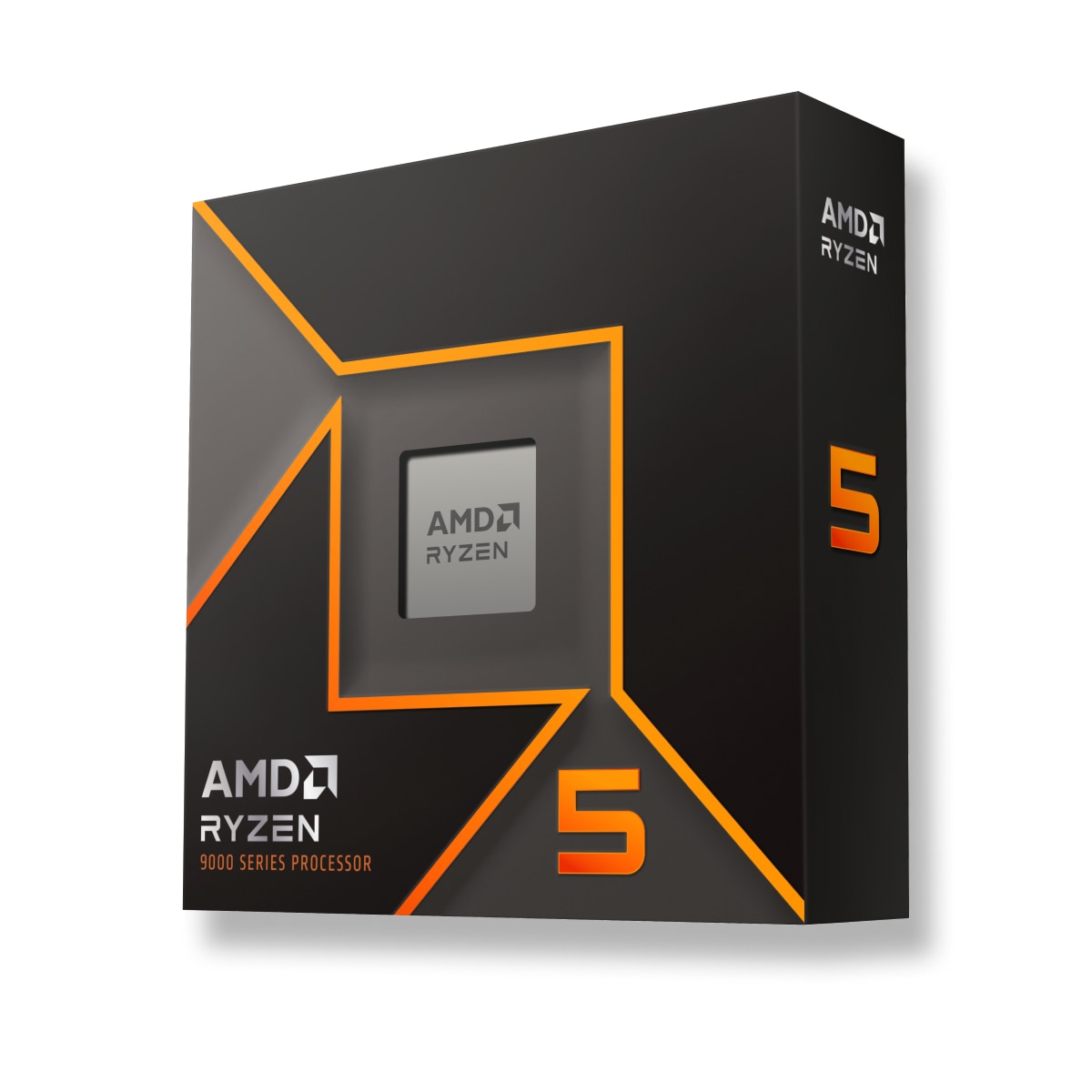 Ryzen 5 9600X |
A new AM5 plan extending beyond this GPU | Price board, DDR5 and cooling; the GPU may deserve the budget first. Find offerson Amazon |
We have kept this shortlist focused on two purchase routes rather than adding an expensive CPU to fill a “best premium” category. A supported Intel system and a lower-cost AM5 alternative still belong in your comparison; the table is not a claim that only these two CPUs can work.
Identify the RTX 3060 Ti memory version
| Manufacturer field | Published reference |
|---|---|
| GPU covered | Desktop RTX 3060 Ti |
| Memory versions listed by NVIDIA | 8 GB GDDR6 / 8 GB GDDR6X |
| Memory interface | 256-bit |
| Reference graphics card power | 200 W; check the exact retail design |
| Reference system power | 600 W; configuration-dependent |
NVIDIA lists 8GB GDDR6 and GDDR6X configurations for the 3060 Ti. Neither should be confused with the standard RTX 3060 12GB or 8GB. Check the exact board and memory version before using a review, power requirement or seller listing.
Our model has one generic 3060 Ti entry. It does not separately reproduce the GDDR6X version’s memory subsystem or every factory-overclocked board. The reference values above are a starting point; consult the maker’s requirements for the physical card you own or intend to buy.
Ryzen 5 5600X: make the AM4 saving concrete
The 5600X is a candidate when the current board explicitly supports it and the price makes a CPU-only improvement worthwhile. Consult AMD’s processor information and the board vendor’s CPU list. Check the required BIOS and update procedure before removing an older processor.
Compare other available supported AM4 CPUs, including the non-X 5600, using actual offers. Do not pay a large premium for the X suffix on the assumption that it unlocks the graphics card. If you already own a capable 5600-class CPU, keep it as the zero-purchase baseline and identify the workload that would benefit from replacing it.
A CPU-heavy game can justify a different supported upgrade, but that needs relevant measured evidence. A processor recommendation based only on core count cannot establish frame-time improvement in your game. Price the cooling and any necessary supporting work alongside the CPU.
Ryzen 5 9600X: useful when a new platform is already justified
The 9600X is an AM5 and DDR5 processor. Assess it as a complete platform plan, especially when a later graphics upgrade or another CPU-heavy task is already defined. Include a compatible motherboard, memory and suitable cooling.
Also quote a lower-cost AM5 alternative such as the 7600. The graphics card does not require a particular AM5 CPU tier. If a platform premium consumes money that would more effectively solve a graphics limitation, keep the older system longer or change the upgrade order.
What about a Core i5-12400F system?
A capable existing Intel setup should not be discarded because the illustrated picks use AMD. Check the 12400F specification and your exact motherboard’s support and memory type. DDR4 and DDR5 board versions are not interchangeable through a setting.
There is no CPU-brand requirement imposed by NVIDIA graphics. Compare an Intel CPU-only improvement, retaining the machine and an AM5 replacement on complete cost and relevant performance. The best upgrade can be the one that avoids replacing a functioning board and memory.
Generic model estimates for the same graphics card
| CPU | 1080p estimated FPS | 1440p estimated FPS | 4K estimated FPS |
|---|---|---|---|
| Ryzen 5 5600X | 73 | 55 | 21 |
| Core i5-12400F | 74 | 55 | 21 |
| Ryzen 5 7600 | 74 | 55 | 21 |
| Ryzen 5 9600X | 74 | 55 | 21 |
| Ryzen 7 9800X3D | 74 | 55 | 21 |
The five scenarios round to 55 estimated FPS at 1440p and 21 at 4K in the model. That indicates a graphics constraint in this particular generic workload. It does not show equal real CPU performance, nor does it establish measured results in a named game.
The table cannot quantify the benefit of extra cache in a specific engine or the worst frame times during a busy match. Use independent measured CPU testing aligned with those questions. A rounded tie is not evidence that spending more always helps or that no game can ever benefit.
Do not ask a CPU upgrade to fix an 8GB graphics problem
A new processor cannot increase the 3060 Ti’s graphics memory. If high textures, resolution or demanding effects cause the difficulty, change one relevant setting at a time and compare a repeatable scene. A large allocation number in an overlay is not enough by itself to diagnose a capacity problem.
Similarly, an older used graphics card may have thermal, fan or condition issues unrelated to the CPU. Establish that the GPU is working correctly before building an expensive platform around it. For a used purchase, inspect the exact product and seller’s return terms rather than relying on its family name.
A practical spending order
Begin with the game and settings you want to improve. Check frame caps, temperatures, memory configuration and background activity. Reduce graphics work while keeping the scene comparable. If the shortfall persists, investigate CPU-heavy behaviour; if the improvement is large, compare graphics options and settings before buying a platform.
Quote the upgrade as a whole. A supported CPU-only change, an AM5 replacement and a later GPU purchase each create different costs. Our guide to matching a CPU and GPU explains how to choose the dependency that matters first.
Method and purchase checks
We checked manufacturer information and calculated PairMyRig scenarios; we did not run these combinations in our own lab. The model uses generic gaming, High preset and 32GB RAM. It does not measure named games, 1% lows, PCIe effects, driver behaviour or feature quality. See the calculation method for those limitations.
Confirm the board’s power connectors, PSU guidance and case fit, using the PSU planner alongside manufacturer instructions. The CPU pairing hub gives other GPU starting points when the graphics card is also part of the upgrade.
Compare another pairing scenario
Choose a different processor. Select High preset and 32GB system RAM to match the table. Confirm the exact graphics-memory version when a separate entry is available.
Frequently asked questions
Does an RTX 3060 Ti need a high-end CPU?
Not as a universal requirement. Choose from the actual workload, frame-rate target and platform costs. A capable existing processor may already meet the goal.
Is the RTX 3060 Ti a 12GB graphics card?
The desktop configurations discussed here have 8GB. Do not confuse the Ti with the standard RTX 3060 12GB. Confirm the exact product and memory type.
Will a new CPU solve texture-related memory limits?
It cannot add graphics memory. Diagnose the setting and workload first, then decide whether changing settings, graphics hardware or the CPU addresses the real issue.
Did you benchmark GDDR6 versus GDDR6X cards?
No. The current table uses one generic RTX 3060 Ti model entry and is not a measured comparison of those retail versions.