By Walter Jobs, Technology writer and editor. Manufacturer sources and model scenarios reviewed 2 November 2026.
For an RTX 5090 gaming build, start by comparing the Ryzen 7 9850X3D and Ryzen 7 9800X3D; assess a Ryzen 9 9950X3D2 only for specialist workloads that justify it. The fastest-looking complete specification is not automatically the most useful purchase. An owned high-performance CPU may already do what your new graphics card needs.
As an Amazon Associate we earn from qualifying purchases. This does not change the price you pay, and a commission never affects what we recommend. Full disclosure.
The RTX 5090 makes CPU choice important at ambitious frame-rate targets, but it does not turn every task into a CPU bottleneck. Define the job first: competitive gaming, demanding high-resolution graphics, GPU rendering, model workloads or CPU-heavy development. They do not all reward the same processor resources.
CPU shortlist for gaming and specialist work
| Product | When to compare it | Before buying |
|---|---|---|
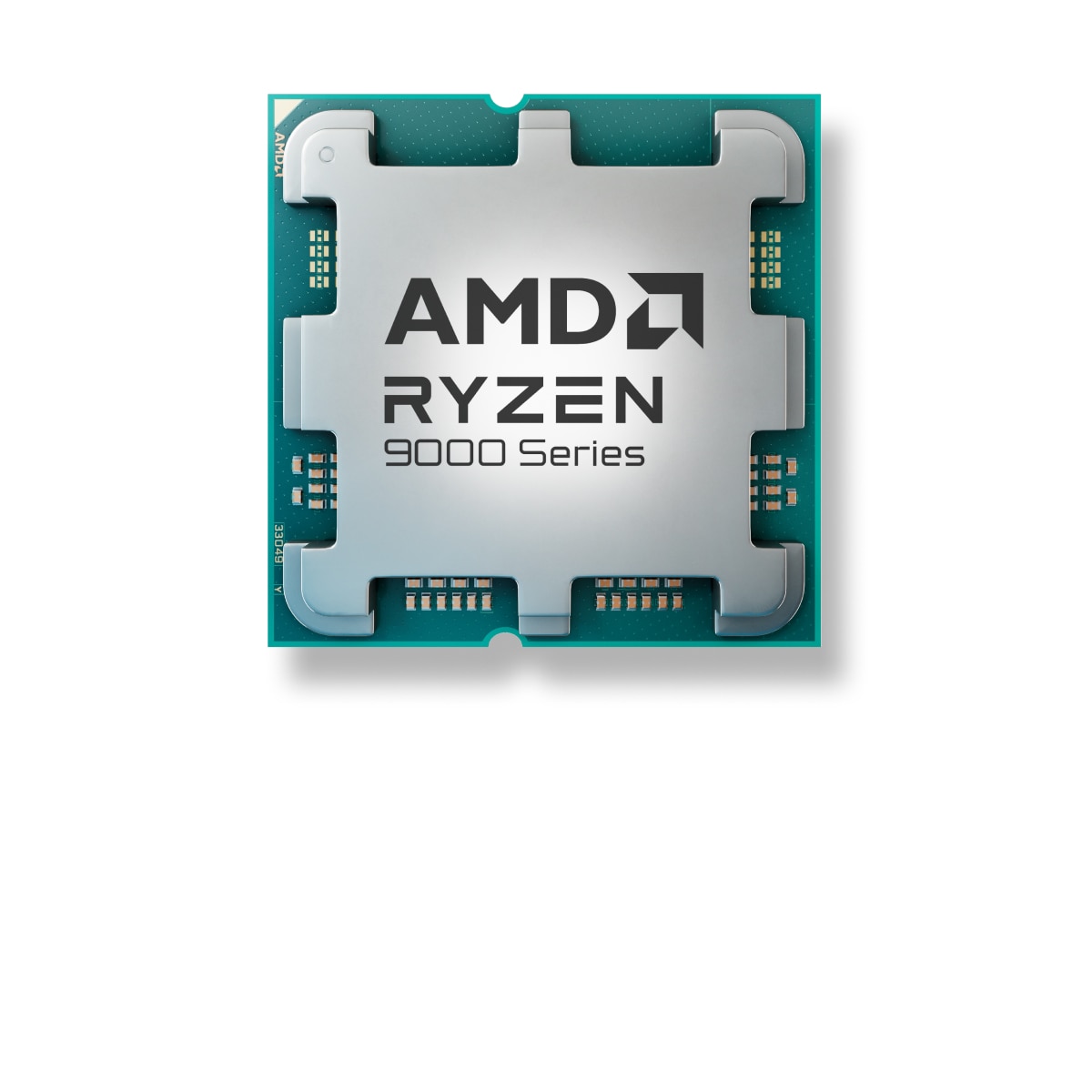 Ryzen 7 9850X3D |
AM5 shortlist for demanding CPU-heavy gaming | Use game-specific measurements and compare the 9800X3D premium. Find offerson Amazon |
 Ryzen 7 9800X3D |
A retained or sufficiently cheaper gaming option | A new GPU does not automatically justify replacing this CPU. Find offerson Amazon |
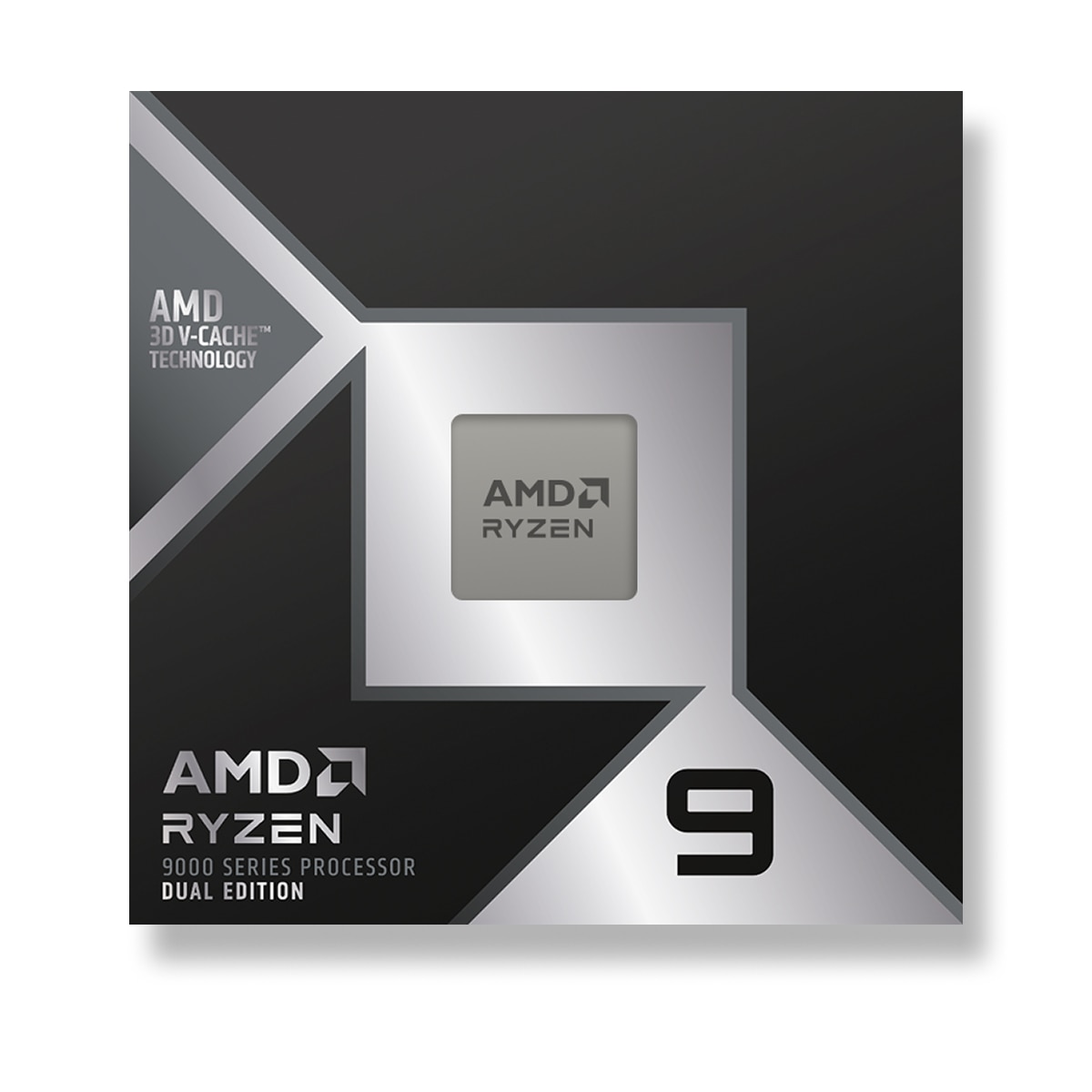 Ryzen 9 9950X3D2 Dual Edition |
Development and creation workloads that use it | Validate the application benefit and cooling before paying more. Find offerson Amazon |
For pure gaming, the two Ryzen 7 options are the main comparison here. The sixteen-core Ryzen 9 entry is an investigation route for specialist work, not a recommendation to pay more simply because the graphics card is expensive. Compare the standard 9950X3D, other suitable CPUs and an owned processor before choosing it.
Ryzen 7 9850X3D: compare current gaming evidence
AMD’s 9850X3D information confirms an AM5, DDR5 processor with eight cores and sixteen threads. Verify the motherboard’s exact CPU support and firmware version. A physically compatible socket is not proof that an older BIOS is ready.
Use TechSpot’s measured 9850X3D review when comparing it with the 9800X3D. Read the relevant games and test conditions, including the memory setup. Those are the reviewer’s results; we have not reproduced them in a PairMyRig lab or converted them into guaranteed RTX 5090 frame rates.
Assess the premium using the scenes and frame-rate floor you care about. A higher average beyond your practical display target may be less valuable than a reliable minimum in a difficult game. Current offers, cooling needs and the cost of any platform change belong in that decision.
Ryzen 7 9800X3D: a valid retained-system baseline
If you own a 9800X3D, first establish why you would replace it. Its official product specification is a starting point for a capable platform, not a claim that it matches every newer CPU. The question is whether a change improves the workload enough to justify the net expense.
For a fresh build, compare the entire 9800X3D and 9850X3D quotes. If the older option is sufficiently cheaper while meeting the goal, it can deserve the purchase. If the prices are close, use relevant measured performance and installation requirements to decide. We do not assume a live discount or publish a checkout price.
Ryzen 9 9950X3D2: do not buy extra cache without a reason
The 9950X3D2 Dual Edition offers sixteen cores and a different cache and power configuration. That is relevant to certain work, but the GPU’s 32GB capacity does not create a requirement for a matching CPU core count. Model size, memory needs and software execution paths need separate assessment.
Puget Systems tested this CPU across specific professional applications. Use the matching task to judge whether the premium makes sense; its results are not a blanket endorsement for every creator workflow. Compare lower-cost alternatives and the amount of time or productivity the upgrade could actually save.
A GPU-rendering task, CPU renderer, code compilation and interactive editing session can need different resources. The PairMyRig gaming model does not simulate any of those application outcomes. Do not use a gaming FPS table as a workstation benchmark.
Budget for the real RTX 5090 installation
| Manufacturer field | Published reference |
|---|---|
| Graphics memory | 32 GB GDDR7 |
| Reference Total Graphics Power | 575 W |
| Reference Required System Power | 1000 W; NVIDIA reference configuration |
| GPU covered | Desktop RTX 5090, not a laptop GPU |
NVIDIA’s desktop RTX 5090 specification gives the reference figures above. A partner card can have different dimensions and requirements. Check the exact board, case clearance, connector arrangement and PSU model before committing to a CPU-and-GPU budget.
Follow the GPU and PSU manufacturers’ instructions for compatible cables and connections. A connector’s shape or an old cable left in a drawer does not establish compatibility with a modular PSU. The power planner helps organise the system; it cannot inspect cable fit, PSU condition or cooling in your case.
What the current calculator can compare
| CPU | 1080p estimated FPS | 1440p estimated FPS | 4K estimated FPS |
|---|---|---|---|
| Ryzen 5 5600X | 126 | 125 | 103 |
| Core i5-12400F | 135 | 133 | 103 |
| Ryzen 5 7600 | 142 | 140 | 103 |
| Ryzen 5 9600X | 150 | 148 | 104 |
| Ryzen 7 9800X3D | 176 | 173 | 104 |
The generic model separates the tracked CPUs more at 1080p and 1440p than at 4K with this GPU. Its CPU and GPU indices are simplified workload inputs. A narrower difference at 4K is not proof that every game becomes independent of CPU speed.
Neither the 9850X3D nor the 9950X3D2 is present in the current calculator database. They therefore have no invented FPS row here. The displayed table compares only tracked CPUs under the stated conditions. It must not be read as a complete benchmark ranking of the shortlist.
For frame pacing, demanding simulations, ray tracing or latency, consult measured evidence aligned with the question. Generated frames should also be separated from rendered base performance. A large output counter does not demonstrate that the processor advances unique game states at that same rate.
Existing AM4 and Intel owners: diagnose before rebuilding
A newer GPU is not by itself a reason to discard a whole working system. Confirm the platform, physical slot, firmware, power and case requirements. Then assess whether the current CPU meets your intended frame-rate floor in the games that matter. A modest target and a demanding visual preset are different from chasing a competitive high-refresh minimum.
Investigate a repeatable scene with missed targets. Rule out caps, thermal behaviour, background tasks and memory configuration. Reduce graphics demand while keeping the scene comparable. A remaining shortfall warrants deeper CPU testing; one utilisation figure is not enough to approve a costly platform swap.
Compare retaining the computer, a supported CPU-only change and a complete AM5 move. Include motherboard, DDR5, cooling and any power changes in the quote. The future upgrade guide explains why buying every possible dependency today can waste money when the next workload is uncertain.
Research method and limits
We checked official specifications, consulted the attributed independent testing and calculated the labelled model scenarios. We did not test these RTX 5090 combinations in our own laboratory. PairMyRig uses generic gaming, High preset and 32GB RAM; it does not measure named games, 1% lows, driver overhead, PCIe effects or generated-frame quality. Read the calculation methodology before using the estimates.
Verify the current local offer, exact CPU, warranty and board support before ordering. The CPU-for-GPU hub covers other graphics starting points, and the pairing guide explains how to define the target before spending.
Compare another pairing scenario
Choose a different processor. Select High preset and 32GB system RAM to match the table. Confirm the exact graphics-memory version when a separate entry is available.
Frequently asked questions
Does an RTX 5090 require a sixteen-core CPU?
No universal gaming requirement follows from its GPU tier. Assess the games and frame-rate target. Extra cores deserve a separate workload-based justification.
Is the 9950X3D2 the default recommendation for gaming?
No. Our main gaming comparison is between the Ryzen 7 options. Investigate the Ryzen 9 premium only when relevant specialist application evidence supports it.
Can frame generation hide every CPU limitation?
No. Generated output and game simulation are different. Evaluate base rendering, input response and frame pacing rather than treating generated FPS as the processor’s simulation rate.
Why is the 9850X3D absent from the FPS table?
The current calculator has no entry for it. We have used official information and attributed testing for the discussion instead of inventing model results or relabelling another CPU.