By Walter Jobs, Technology writer and editor. Manufacturer sources, competitor coverage and model scenarios reviewed 2 November 2026.
For an RTX 5070 Ti, start with a Ryzen 5 9600X new-platform quote, retain a capable supported AM4 CPU when it meets the target, and pay for an X3D processor only when your games justify it. The Ryzen 7 9850X3D is a current gaming candidate to compare, not a compulsory partner for this graphics card. Your existing CPU belongs in the decision as a zero-purchase baseline.
As an Amazon Associate we earn from qualifying purchases. This does not change the price you pay, and a commission never affects what we recommend. Full disclosure.
The useful question is not “which CPU removes every bottleneck?” It is which complete upgrade reaches the frame-rate floor, graphics settings and responsiveness you want. A graphics-heavy 1440p game, a busy simulation and competitive low settings can produce different answers with the same GPU.
CPU shortlist by upgrade route
| Product | When to compare it | Before buying |
|---|---|---|
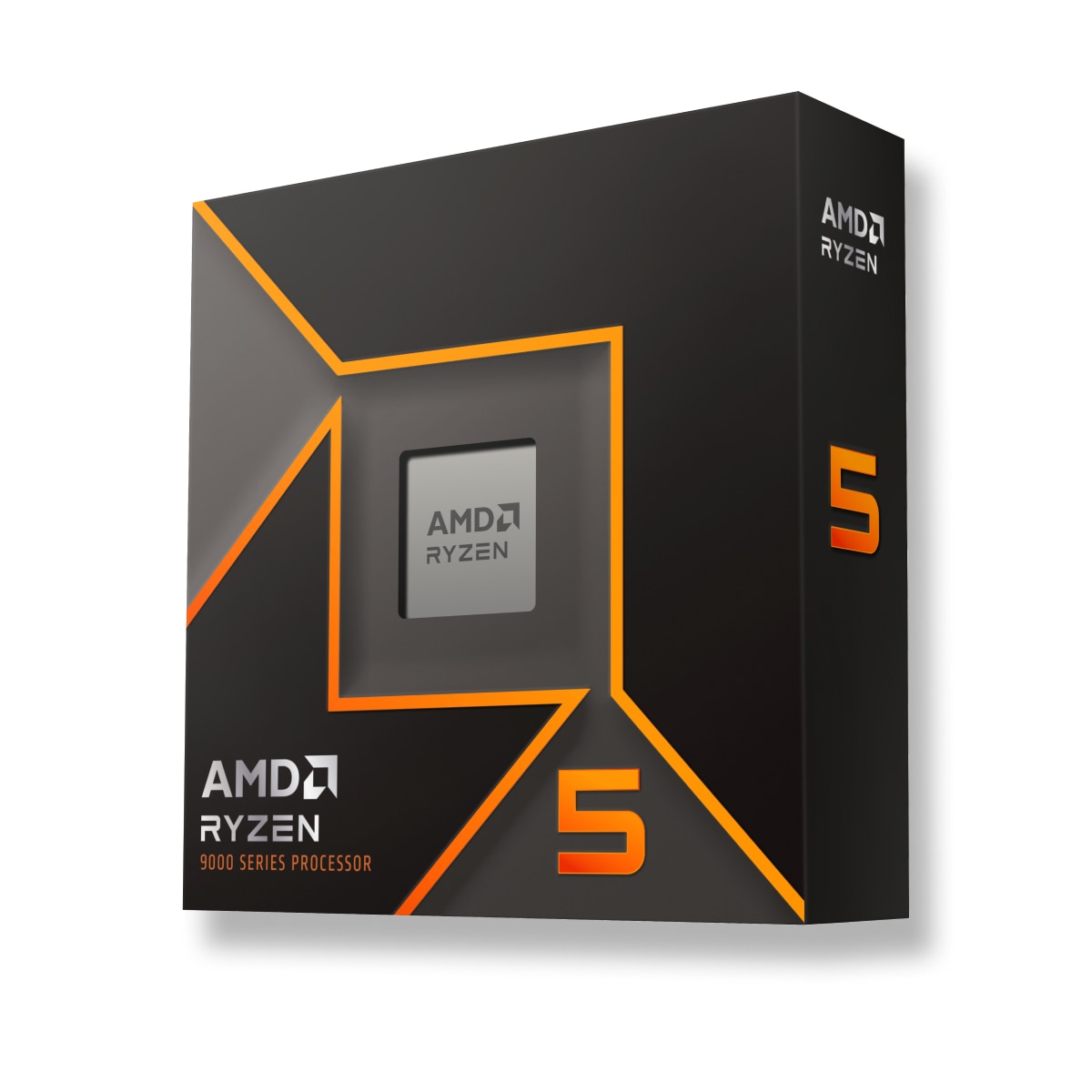 Ryzen 5 9600X |
New AM5 build with a complete budget | Compare a 7600 bundle and include board, DDR5 and cooling. Find offerson Amazon |
 Ryzen 7 9850X3D |
A measured CPU-heavy high-refresh requirement | Compare actual game gains and the current 9800X3D offer. Find offerson Amazon |
 Ryzen 5 5600X |
A supported AM4 retention route | Keep an adequate owned CPU; price supported alternatives first. Find offerson Amazon |
For AM4, the pictured 5600X is one supported-purchase comparison. An owned 5600-class processor or a supported cache-focused upgrade may be more sensible at the actual local price. Do not replace an adequate CPU simply because a shortlist includes an offer button.
Keep the Ti specification separate
| Manufacturer field | Published reference |
|---|---|
| GPU covered | Desktop RTX 5070 Ti, not the standard 5070 |
| Graphics memory | 16 GB GDDR7 |
| Memory interface | 256-bit |
| Reference graphics power | 300 W |
| Reference system power | 750 W; depends on the complete configuration |
The standard 5070 and 5070 Ti have different memory, power and graphics resources. A standard-card price or test should not be presented as a Ti result. Check the exact retail board as well: cooler dimensions, connections and manufacturer requirements can vary even when the GPU name is shared.
The reference system-power recommendation is a whole-configuration planning figure. It is not the GPU’s own draw or approval for any PSU carrying that number. Check the precise unit, condition and cable requirements, then use our PSU planner to organise the complete configuration.
Ryzen 5 9600X: compare complete AM5 builds
The 9600X belongs on a new AM5 shortlist when its complete cost fits the workload. Include a compatible motherboard, DDR5 and suitable cooling. Also quote a 7600-based system. A lower CPU sticker price and a lower finished-system price are not necessarily the same thing.
For an AM5 owner, first identify what the CPU change would improve. If the current processor delivers the CPU-heavy frame-rate floor you need, putting more money into it can leave a graphics limitation unchanged. Check measured results in the actual difficult games rather than assuming that a newer processor always makes the 5070 Ti faster.
When an X3D premium is worth investigating
Compare the 9850X3D with the 9800X3D and any appropriate supported alternative using current offers and game-specific measured evidence. Extra cache can matter in some engines, but the improvement is not uniform. Define whether the problem is a high-refresh minimum, a simulation workload or a later graphics upgrade.
Our current calculator has no 9850X3D entry. We do not substitute a 9800X3D result and rename it. The X3D purchase discussion is therefore separate from the tracked-CPU table below. An advertised boost clock or a generic CPU score cannot supply the missing game benchmark.
AM4 retention and existing Intel systems
A supported AM4 system can save the cost of a motherboard and DDR5 replacement. Read the exact board’s CPU support list and firmware procedure before a CPU-only change. A shared socket is not enough to confirm a proposed upgrade.
An existing Intel machine also deserves comparison when it meets the target. Check the installed board and memory type rather than moving platforms for brand consistency. Our guide to mixing CPU and GPU brands explains why matching logos is not the compatibility test.
Choose from the upgrade you actually need
| Your situation | Best next comparison | Do not assume |
|---|---|---|
| Owned CPU already meets the game target | Compare the GPU-only installation | A higher graphics tier requires a new CPU. |
| Older AM4 CPU misses a repeatable CPU-heavy goal | Quote a supported CPU-only change beside AM5 | The socket name proves BIOS support or good upgrade value. |
| New system or a measured high-refresh shortfall | Compare complete AM5 quotes and relevant game tests | Every X3D premium is useful at graphics-heavy settings. |
Put real quotes beside those routes. A CPU-only purchase can be good value on an owned platform and poor value when you must buy every supporting part. Include any cooler, memory, PSU or case change that the complete system requires.
Tracked CPU scenarios at three resolutions
| CPU | 1080p estimated FPS | 1440p estimated FPS | 4K estimated FPS |
|---|---|---|---|
| Ryzen 5 5500 | 110 | 101 | 59 |
| Ryzen 5 5600X | 123 | 101 | 59 |
| Core i5-12400F | 131 | 102 | 59 |
| Ryzen 5 7600 | 136 | 102 | 59 |
| Ryzen 5 9600X | 136 | 102 | 59 |
| Ryzen 7 9800X3D | 138 | 103 | 60 |
At 1440p High, the model groups these CPUs at 101–103 estimated FPS. At 1080p the range is wider. That difference follows the engine’s simplified CPU and GPU workload assumptions; it does not establish measured equality at 1440p or a guaranteed frame-rate floor in your game.
The table includes the Ryzen 5500 as context, but it does not simulate that CPU’s PCIe 3.0 connection or every board’s lane routing. A similar calculated result cannot settle those platform differences. Use relevant measured testing when an older link or a cache-sensitive workload changes the decision.
Check the shortfall before ordering
Choose a repeatable difficult scene and record your settings, frame rate and frame pacing. Rule out frame caps, abnormal temperatures, memory configuration problems and background activity. Reduce graphics demand while keeping the scene comparable, then investigate what remains.
A large improvement can support looking at graphics settings first. Little change calls for deeper CPU-side investigation, not an automatic platform order. Overall CPU utilisation alone cannot identify every game-thread limitation. Our CPU and GPU pairing guide walks through the workload-first approach.
Research method and recommendation limits
This is a specification-led editorial shortlist, not a report of our own laboratory testing. We checked manufacturer information and calculated the labelled scenarios with PairMyRig. Conditions are generic gaming, High preset and 32GB system RAM; named-game FPS, 1% lows, driver behaviour, PCIe penalties, ray tracing and generated frames are not measured here.
Primary reference: official NVIDIA product specifications.
Read our calculation method before using the estimates as buying evidence. The CPU-for-GPU hub covers other cards, including a separate standard RTX 5070 pairing guide.
Explore another pairing scenario
Choose another processor. Select High preset and 32GB system RAM to match the table, and confirm the memory version of the selected GPU.
Frequently asked questions
Does the RTX 5070 Ti require an X3D processor?
No universal requirement makes one necessary. Investigate the premium for a CPU-heavy target that relevant measured testing supports. A capable owned processor can remain the better-value choice.
Can I retain AM4 with this graphics card?
A supported complete system can be appropriate. Confirm the actual motherboard, firmware, slot, power and case requirements, then assess whether the CPU reaches your game target.
Why is the 9850X3D missing from the model table?
The current calculator has no entry for it. The article does not invent its FPS or relabel another processor’s outputs.
Does higher resolution eliminate CPU limits?
No. Higher resolution usually adds graphics work, but the CPU still processes the game. CPU-heavy scenes and demanding frame-rate targets can remain relevant.