By Walter Jobs, Technology writer and editor. Manufacturer sources, competitor coverage and model scenarios reviewed 2 November 2026.
The best CPU for the standard RTX 5070 is often the capable processor you can keep. For a purchase, compare a Ryzen 5 9600X AM5 build with supported AM4 reuse, and reserve a Ryzen 7 9850X3D comparison for a specific CPU-heavy target. Do not spend the graphics-upgrade budget on an unproven processor improvement.
As an Amazon Associate we earn from qualifying purchases. This does not change the price you pay, and a commission never affects what we recommend. Full disclosure.
Start with your display, difficult games and acceptable frame-rate floor. A high-refresh competitive target is not the same workload as a demanding visual preset. The right platform purchase should address that difference rather than follow a fixed CPU-to-GPU price ratio.
CPU shortlist for the standard 5070
| Product | When to compare it | Before buying |
|---|---|---|
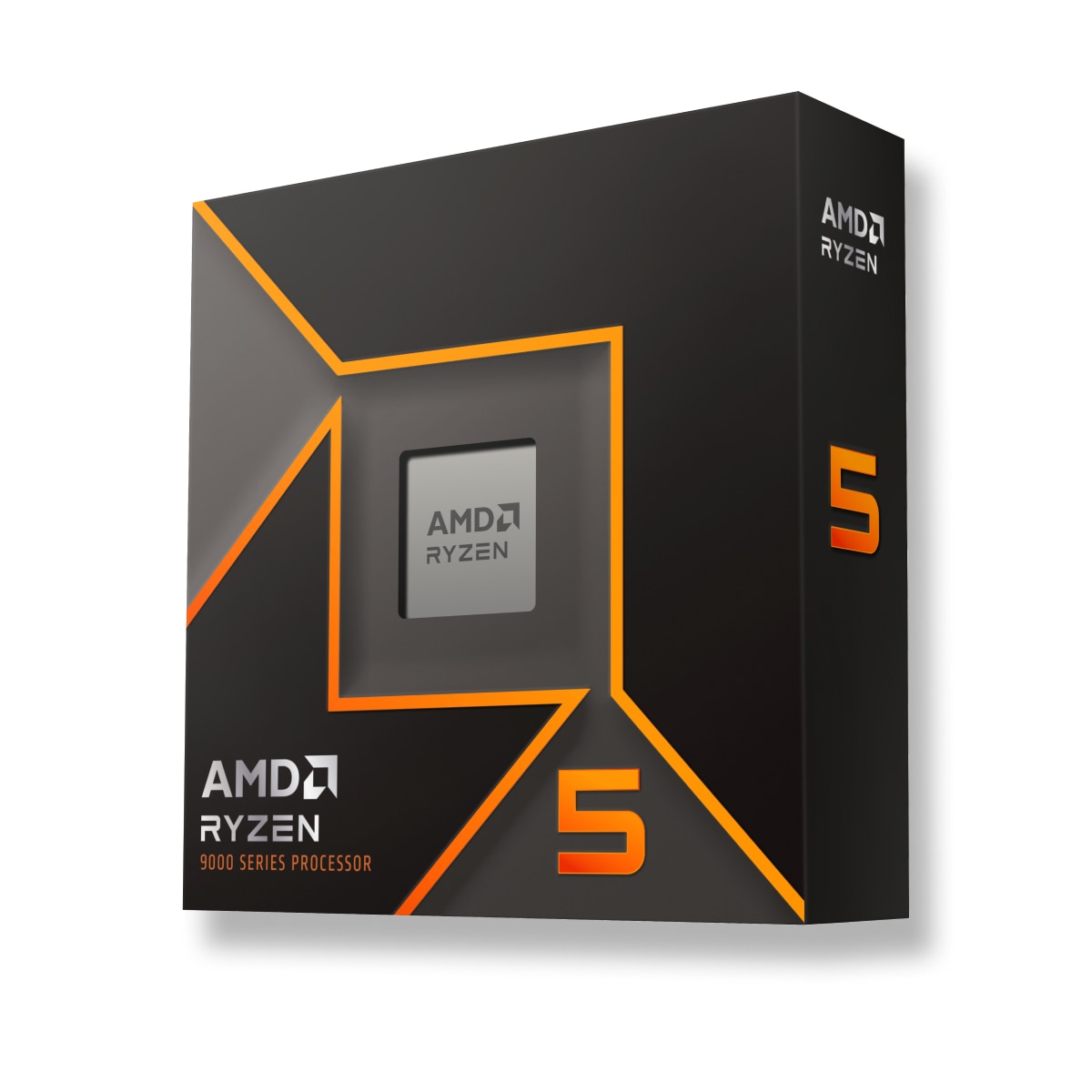 Ryzen 5 9600X |
A new AM5 platform comparison | Price the whole build against a less expensive AM5 option. Find offerson Amazon |
 Ryzen 5 5600X |
Retaining a supported AM4 system | Verify board support and a meaningful gain over the current CPU. Find offerson Amazon |
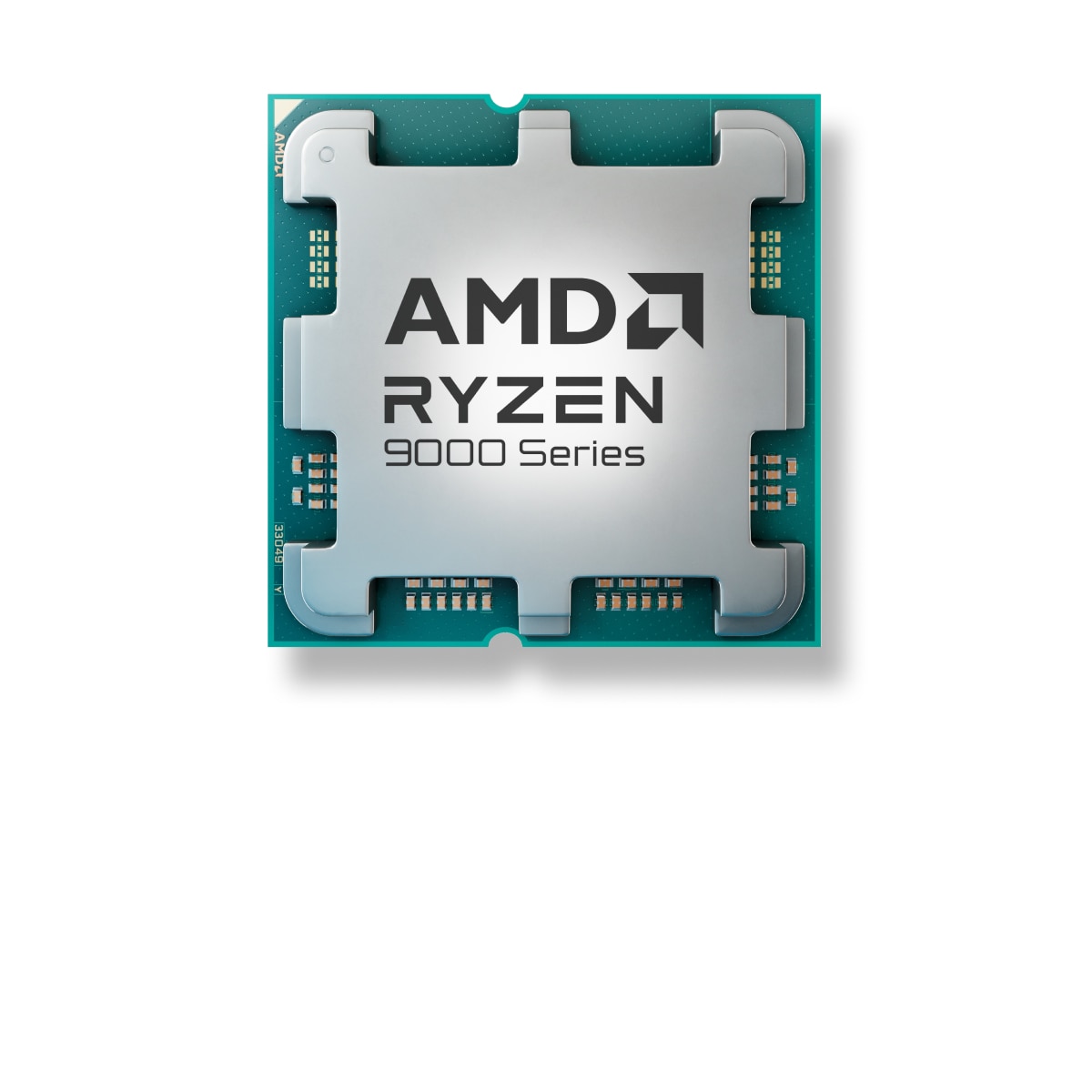 Ryzen 7 9850X3D |
A specific CPU-heavy or later graphics plan | An expensive CPU is not required by the standard 5070. Find offerson Amazon |
The pictured products are purchase comparisons, not a statement that these are the only compatible CPUs. An existing Intel system, a non-X 5600 on supported AM4 or a lower-cost AM5 bundle can also deserve attention at the actual available price.
5070 versus 5070 Ti: do not mix the evidence
| Manufacturer field | Published reference |
|---|---|
| GPU covered | Standard desktop RTX 5070, not Ti |
| Graphics memory | 12 GB GDDR7 |
| Memory interface | 192-bit |
| Reference graphics power | 250 W |
| Reference system power | 650 W; check the full system and retail board |
This page covers the 12GB standard desktop 5070. The Ti is a different card, with different memory and graphics resources. Keep the exact product constant when interpreting a CPU test, an offer or a power recommendation.
A desktop family name also does not describe a laptop GPU. Nor does it identify a particular partner cooler. Check the exact retail card’s dimensions, connections and full-system requirements alongside the CPU plan. The 5070 Ti CPU guide handles that separate graphics tier.
Ryzen 5 9600X: a new-platform comparison
Assess the 9600X as a complete AM5 and DDR5 system, not just a CPU line on a shopping list. Include a supported board, memory and suitable cooler, and quote a less expensive AM5 option such as the 7600. Compare the finished plans against the workload you need to improve.
If you already own AM5, a new graphics card does not automatically justify changing the CPU. Test the difficult scenes with the current processor first. If they reach the CPU-heavy target, keeping the platform can leave more room for a display, a necessary PSU or simply a lower total spend.
AM4 and Intel owners: retain useful components
A supported CPU-only AM4 upgrade can keep the board and DDR4 in service. Check the exact vendor CPU list, firmware prerequisites and cooling plan before ordering. Compare the 5600X offer with supported alternatives rather than paying a large premium for its suffix.
An owned 5600-class CPU may already reach your target. Similarly, a capable existing Intel installation should not be discarded just to match a new GPU generation. Motherboard support, memory type and measured game behaviour matter more than making all component labels look equally recent.
When premium CPU spending is justified
The 9850X3D is worth comparing when the requirement is a demonstrably CPU-heavy frame-rate floor or a defined later GPU upgrade. Compare current offers with the 9800X3D and appropriate supported alternatives. Extra cache does not provide the same benefit in every engine.
The PairMyRig engine does not contain a 9850X3D entry, so its FPS is not in the table. Use relevant measured game testing to evaluate that purchase. A flagship processor can be a poor allocation of budget if the actual problem is graphics settings, graphics-memory pressure or a display limitation.
Match the spending plan to the target
| Your situation | Best next comparison | Do not assume |
|---|---|---|
| Graphics-heavy goal and adequate current frame-rate floor | Keep the CPU as the baseline | A new GPU generation makes an owned platform obsolete. |
| Competitive or simulation minimum is the problem | Use measured CPU evidence for that scene | Monitor refresh rate alone identifies the needed processor. |
| Starting from scratch | Compare whole AM5 and supported alternatives | The lowest CPU sticker price creates the cheapest build. |
A display refresh figure describes a possible target, not a promise that every game reaches it. Decide whether you care about an average counter, a stable minimum or response in a particular competitive scene. Those questions require different evidence.
What the generic CPU comparison shows
| CPU | 1080p estimated FPS | 1440p estimated FPS | 4K estimated FPS |
|---|---|---|---|
| Ryzen 5 5500 | 109 | 85 | 50 |
| Ryzen 5 5600X | 115 | 86 | 50 |
| Core i5-12400F | 115 | 86 | 50 |
| Ryzen 5 7600 | 116 | 86 | 50 |
| Ryzen 5 9600X | 116 | 87 | 50 |
| Ryzen 7 9800X3D | 117 | 87 | 50 |
At 1440p High, the generic estimates cluster at 85–87 FPS with these tracked processors. The model is assigning a graphics-heavy workload under its assumptions. It is not reporting equal measured frame pacing, nor does it establish a universal “enough CPU” threshold.
The table omits individual engines, cache behaviour, PCIe transfer effects and driver differences. Close rounded outputs should make you question a large processor premium, then seek better evidence for the games where a CPU upgrade might matter. They should not be converted into a measured ranking.
Generated frames are not the CPU’s game-state rate
For a supported rendering mode, distinguish base rendering, upscaling and generated output. A larger displayed counter containing generated frames does not show that the processor prepares unique game states at that rate. Evaluate response, frame pacing and image quality together.
Compare review results using matching conditions. Native rendering and a frame-generation mode cannot be treated as interchangeable CPU measurements. Our model table does not simulate either feature quality or input latency.
A simple diagnostic and installation check
Choose the scene that misses your goal and repeat it at the same settings. Check caps, temperatures, memory configuration and background tasks. Then lower graphics demand while keeping the game workload comparable. Investigate the remaining shortfall before deciding which part needs replacement.
Price keeping the machine, a supported CPU-only change and a full platform move. Include motherboard, memory and cooling costs where relevant. Use the PSU calculator with the exact board and PSU instructions; a CPU purchase does not correct an unsuitable cable or a card that will not fit.
Research method and sources
We checked manufacturer information and calculated the labelled PairMyRig scenarios for this editorial shortlist. We did not test these combinations in a hardware laboratory. The engine uses generic gaming, High preset and 32GB RAM, without measured named-game results, 1% lows, ray tracing or generated frames.
Primary reference: official NVIDIA product specifications.
Read how the estimates work for the limitations. The pairing guide explains the diagnosis, and the CPU pairing hub provides other graphics starting points.
Explore another pairing scenario
Choose another processor. Select High preset and 32GB system RAM to match the table, and confirm the memory version of the selected GPU.
Frequently asked questions
Which 5070 does this article cover?
The standard desktop RTX 5070 with 12GB memory. The Ti and laptop GPUs need separate specifications and performance evidence.
Is a Ryzen 5 5600X automatically too slow?
No blanket rule answers that. Assess the game, target frame rate and complete platform. A graphics-heavy workload can favour retaining it, while a CPU-heavy target can justify investigation.
Do I need a premium CPU for a high-refresh display?
The refresh rate alone is not enough information. Check the actual game’s demanding scenes, settings and required frame-rate floor before choosing the CPU tier.
Can I compare the table with a generated-frame review chart?
Not as equivalent measurements. The table is a generic calculation and does not simulate generated output, image quality or input response.