By Walter Jobs, Technology writer and editor. Manufacturer sources and model scenarios reviewed 2 November 2026.
For the Intel Arc B580, check the motherboard and enabled Resizable BAR before buying a CPU. Compare a Ryzen 5 5600X in a supported AM4 system, a Ryzen 5 7600 for a supported AM5 build, and a Core i5-12400F when retaining a suitable Intel platform. An Intel graphics card does not require an Intel-branded processor, but it does need an appropriate system configuration.
As an Amazon Associate we earn from qualifying purchases. This does not change the price you pay, and a commission never affects what we recommend. Full disclosure.
The B580 decision cannot be reduced to a generic FPS table. A fast CPU on an unsuitable or incorrectly configured platform may fail to deliver the expected experience. Establish system support first, then compare processor cost and the workloads you actually run.
The B580 checklist comes before the shortlist
| Manufacturer field | Published reference |
|---|---|
| Graphics memory | 12 GB GDDR6 |
| Graphics interface | PCIe 4.0 x8 |
| Total Board Power | 190 W |
| Intel B580 Limited Edition minimum PSU | 600 W with a PCIe 8-pin cable |
| Important platform condition | Resizable BAR enabled; confirm exact board and BIOS |
Intel’s B580 specification provides the GPU fields. For platform setup, use the B-Series section of Intel’s desktop quick-start guide, rather than assuming every older Arc installation article describes the current B-Series guidance.
That guide lists Ryzen 5000 and most Ryzen 3000 processors, excluding 3000G, with AMD 500-series boards and Smart Access Memory enabled. It lists Ryzen 7000, 8000 and 9000 with AMD 600-series boards, and 12th- through 14th-generation Intel Core with Intel 600/700-series boards and ReBAR enabled. Additional systems may work, but confirm your exact board, BIOS and configuration rather than extending that list by assumption.
Check UEFI, the system disk’s partition setup and the manufacturer’s instructions for Above 4G Decoding and Resizable BAR. Do not blindly disable legacy boot or change boot mode on an existing installation. Follow the appropriate migration procedure where necessary and protect your data before firmware or disk-layout changes.
Three CPUs after the platform checks pass
| Candidate | Reason to compare it | Purchase check |
|---|---|---|
| Ryzen 5 5600X | A supported AM4 and AMD 500-series board plan | Confirm the exact BIOS and enabled Resizable BAR. Find offerson Amazon |
| Ryzen 5 7600 | A supported AM5 and AMD 600-series build | Check the exact board configuration against Intel guidance. Find offerson Amazon |
| Core i5-12400F | A compatible Intel 600- or 700-series system | Confirm UEFI, Above 4G Decoding and enabled ReBAR. Find offerson Amazon |
These are conditional choices. “AM4” or “LGA1700” alone is not enough information to approve a system. A CPU can fit a socket while the board lacks the required firmware behaviour. Check the vendor’s CPU support list, applicable BIOS version and confirmation that Resizable BAR is actually enabled.
Ryzen 5 5600X: retain compatible AM4 components

The 5600X is worth comparing when a supported board and DDR4 are already owned. Confirm the AMD processor specification and your board vendor’s documentation separately. The CPU product page cannot confirm the state of your BIOS settings or the lane configuration of your installed graphics slot.
If the platform passes those checks, compare the CPU-only cost with retaining your existing supported processor. Do not replace a working Ryzen 3600 solely because it is older: the model includes it for context, while real game behaviour still needs appropriate measured evidence. Conversely, do not assume every Ryzen 3000 product or every older AM4 board is covered by the same support guidance.
Ryzen 5 7600: a new-platform option, not a brand conflict
A new AM5 build can use an AMD CPU with Intel graphics. Evaluate the supported board, DDR5, cooling and total cost around the Ryzen 5 7600 specification. The motherboard configuration matters more than matching the logos on the CPU and GPU.
Price a complete working system. If a more expensive platform forces compromises in the PSU, memory or storage, revisit the budget. A wider future upgrade path can be useful, but it does not automatically improve today’s B580 graphics-limited workload. Our guide to mixing CPU and GPU brands explains the distinction between brand choice and feature eligibility.
Core i5-12400F: a supported Intel retention plan
The 12400F is the Intel candidate for someone retaining a compatible motherboard and memory configuration. Check Intel’s processor specification and the board’s exact support list. Confirm whether that board uses DDR4 or DDR5 before pricing any memory purchase.
Intel branding does not waive the ReBAR and firmware checks. Verify the installed configuration after the card and drivers are in place rather than assuming that supported hardware means every setting is enabled by default. The F model also lacks integrated graphics for troubleshooting a display without the discrete card installed.
What about a Ryzen 5 9600X?
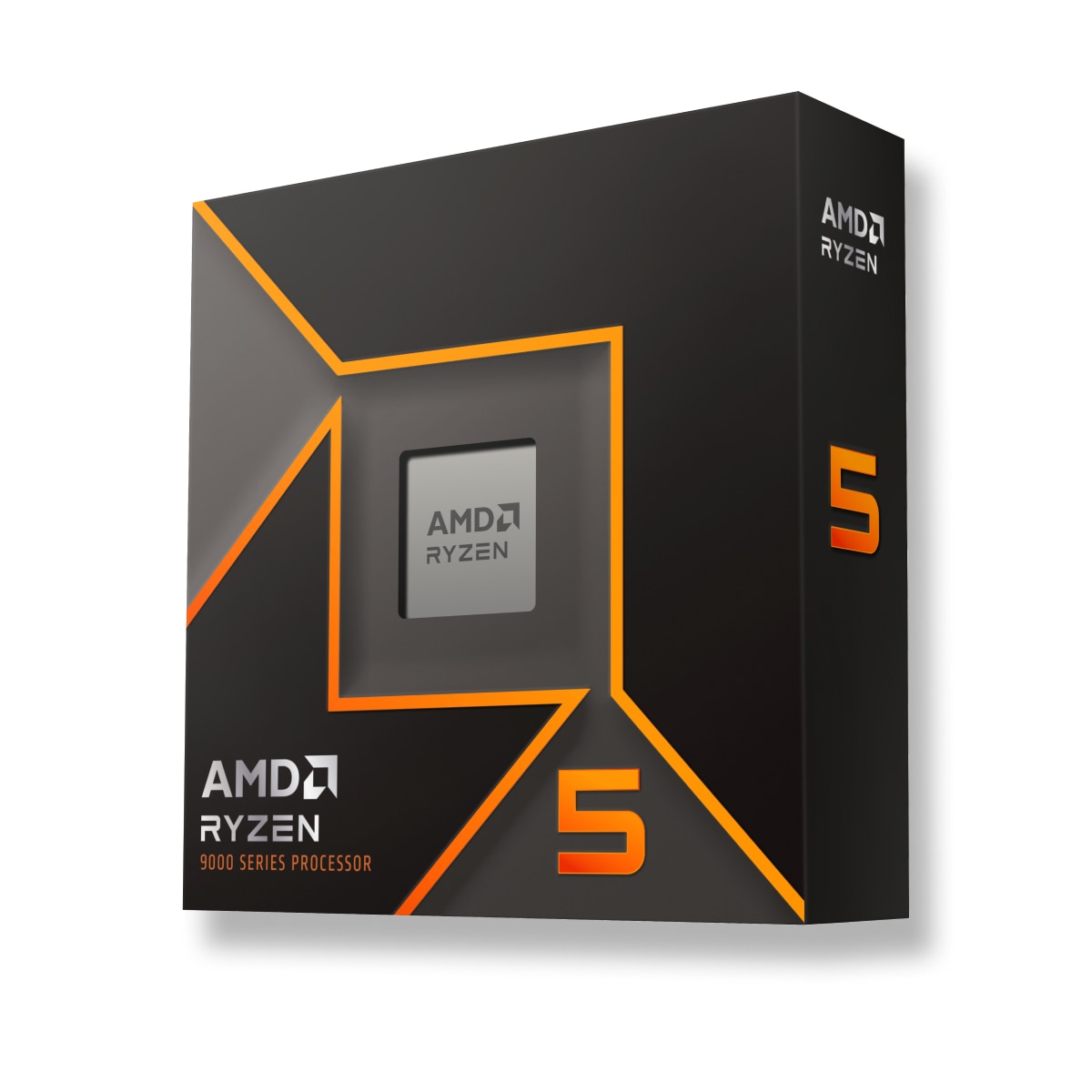
The Ryzen 5 9600X is included as a newer AM5 comparison, not a necessary premium for the B580. Its AMD specification and your motherboard’s support list determine the installation requirements. The photo identifies the product being discussed; it is not evidence of a hands-on test.
Compare the additional platform cost with measured benefits in your actual CPU-heavy games or applications. If the more affordable supported option already reaches the target, there is no reason to pay extra merely to make the pairing look newer. Keep the money available for a later upgrade with a defined purpose.
Generic CPU comparisons cannot simulate ReBAR setup
| CPU | 1080p estimated FPS | 1440p estimated FPS | 4K estimated FPS |
|---|---|---|---|
| Ryzen 5 3600 | 66 | 49 | 28 |
| Ryzen 5 5600X | 66 | 49 | 28 |
| Core i5-12400F | 66 | 49 | 28 |
| Ryzen 5 7600 | 66 | 49 | 28 |
| Ryzen 5 9600X | 67 | 49 | 28 |
At 1440p High the five CPU scenarios all round to 49 estimated FPS; at 4K they round to 28. These are generic engine outputs with 32GB RAM. They are not tests of ReBAR on versus off and do not demonstrate equal real-world frame pacing across the processors.
The engine does not reproduce Arc driver overhead, game-specific API behaviour, PCIe transfer effects or a misconfigured BIOS. A tied table therefore cannot prove that an unsupported system will behave like a supported one. Treat platform eligibility as a separate condition that must be satisfied before comparing the calculated outputs.
Check the actual games, then the physical installation
For an Arc purchase, seek current measured evidence for the games and APIs you use, with a stated driver version and a supported system. Do not generalise one older game’s behaviour to every title, or assume that an advertised feature guarantees the same result in all software. Current application support and your required settings matter more than a generic average.
The Limited Edition power and dimensions guidance applies to that board. Partner cards can differ, so verify the exact retail design, case clearance and available PSU cables. The PSU planner can help assemble the component list, but it cannot confirm PSU quality, condition or the correct cable for your model.
How the recommendations were checked
This is a specification-led editorial comparison with PairMyRig model scenarios. We did not bench-test these combinations or perform a B580 driver comparison. The model conditions are generic gaming, High preset and 32GB RAM; there are no measured named-game results, 1% lows or frame-generation measurements here. Read the calculation methodology for the limitations.
Return to the CPU pairing hub for other GPU families. Before ordering, confirm the exact processor, motherboard, memory, graphics board and seller terms as a complete plan. A CPU recommendation is useful only when the rest of the system supports it.
Explore another pairing scenario
Choose a different processor. Select High preset and 32GB system RAM to match the model table.
Frequently asked questions
Does the Arc B580 need an Intel CPU?
No. Intel lists supported AMD and Intel platform configurations. Check the exact board and BIOS, with Resizable BAR enabled, rather than choosing by brand alone.
Is Resizable BAR optional for this buying recommendation?
Our shortlist assumes a supported, correctly configured platform with it enabled, following Intel’s B-Series guidance. Do not use the model table to justify skipping that setup requirement.
Can a Ryzen 5 3600 work with a B580?
Intel includes most Ryzen 3000 processors, excluding 3000G, in specified supported configurations. Confirm your exact board and firmware rather than approving the system from the processor name alone.
Did you test B580 performance with ReBAR disabled?
No. We have not performed that measurement. The table is a generic calculator comparison and cannot quantify a disabled-ReBAR penalty or verify an unsupported platform.