By Walter Jobs, Technology writer and editor. Manufacturer sources and model scenarios reviewed 2 November 2026.
For an RTX 3050, first identify the 6GB or 8GB desktop version, then keep a capable existing CPU if it meets your target. For a purchase, compare a supported Ryzen 5 5600X AM4 upgrade with a Ryzen 5 9600X AM5 plan only when a new platform or later graphics upgrade is already justified. Do not spend a premium trying to make an entry-level graphics card behave like a higher tier.
As an Amazon Associate we earn from qualifying purchases. This does not change the price you pay, and a commission never affects what we recommend. Full disclosure.
The best CPU for RTX 3050 is often an ownership decision. Reusing a working board and memory can save more than a small performance difference between new processors. A complete new build needs its own budget comparison rather than borrowing the economics of a CPU-only upgrade.
Two CPU purchase routes
| Product | When to compare it | Before buying |
|---|---|---|
 Ryzen 5 5600X |
A supported AM4 CPU-only upgrade | Keep a capable existing processor instead if it reaches your goal. Find offerson Amazon |
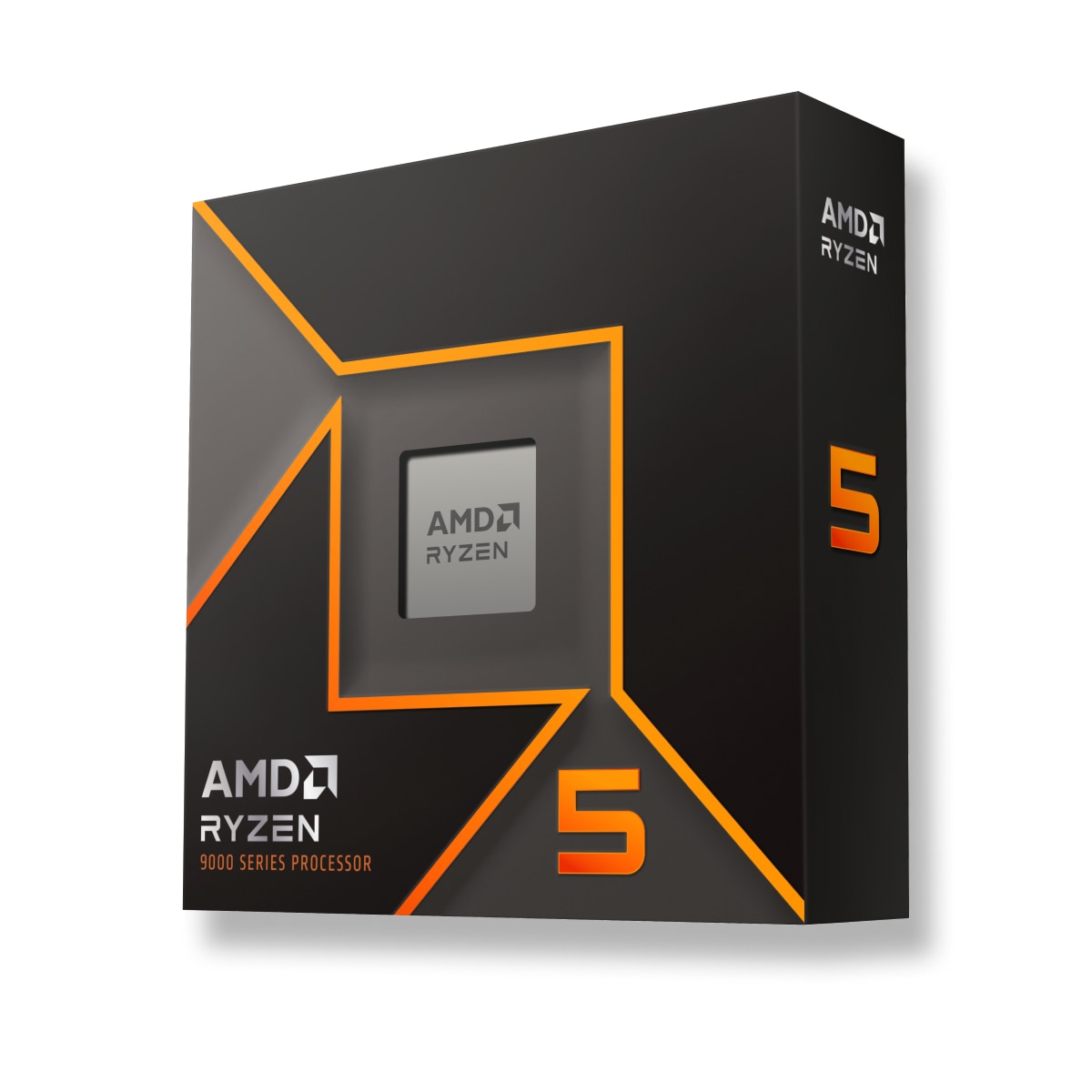 Ryzen 5 9600X |
New AM5 system with a defined later GPU upgrade | This is a platform plan, not a necessary purchase for a 3050. Find offerson Amazon |
The AM5 option is a platform plan, not a necessary companion for the 3050. Compare a lower-cost supported AM5 CPU such as the 7600 and the computer you already own. A larger CPU budget should have a defined benefit beyond the current graphics card.
The RTX 3050 6GB and 8GB are separate products
| Manufacturer field | Published reference |
|---|---|
| Desktop versions | RTX 3050 8 GB / RTX 3050 6 GB |
| Memory interface, respectively | 128-bit / 96-bit |
| Reference card power, respectively | 130 W / 70 W |
| Reference system power, respectively | 550 W / 300 W; check the complete system |
NVIDIA lists different desktop 3050 specifications for the two memory capacities. The difference is not merely the amount of memory: the memory interface and reference power also change. Confirm the exact product before applying a review, PSU requirement or expected performance.
The reference 6GB configuration has no supplementary power connector, while the 8GB reference configuration lists an 8-pin connection. Check the exact retail board anyway. A slot-powered card is not automatically suitable for every office PC; case format, firmware, slot power and the manufacturer’s support still matter.
The model table uses the 8GB desktop RTX 3050 entry. A separate 6GB entry is available in the calculator. We have not silently applied the 8GB numbers to the 6GB card, an OEM variation or a laptop GPU with a similar name.
Ryzen 5 5600X: a supported AM4 improvement
The 5600X can be worth comparing when it improves an older CPU without replacing the board and DDR4. Check AMD’s official specification and the exact motherboard CPU list. Firmware support, update procedure and cooling need confirmation before purchase.
Compare the offer with other available supported AM4 options, including the non-X 5600. Do not pay a large premium for the X suffix or replace an already capable processor just because an article has a buy button. Keep your present setup as the zero-cost baseline in the decision.
Ryzen 5 9600X: justify the platform beyond the GPU
The 9600X uses AM5 and DDR5. It can fit a new-system plan with later CPU or graphics requirements, but those supporting parts change the cost. Include a compatible motherboard, memory and appropriate cooling.
If the current 3050 is the performance constraint, a costly CPU platform may be the wrong first upgrade. Compare keeping the machine, a modest supported CPU change and saving for a more suitable graphics card. A future platform option is useful only when it supports a realistic plan.
What if you already own an Intel CPU?
A capable supported Intel system can stay in the comparison. For example, use Intel’s 12400F information with the exact board’s support list and memory configuration. The illustrated AMD options are not a brand requirement imposed by NVIDIA.
Compare whole upgrade costs. A compatible CPU change can retain useful components, while moving to AM5 usually changes more than the processor. Do not discard working parts solely to make the build’s generation labels look consistent.
Generic model estimates for the 8GB card
| CPU | 1080p estimated FPS | 1440p estimated FPS | 4K estimated FPS |
|---|---|---|---|
| Ryzen 5 3600 | 41 | 30 | 12 |
| Ryzen 5 5600X | 41 | 30 | 12 |
| Core i5-12400F | 41 | 30 | 12 |
| Ryzen 5 7600 | 41 | 30 | 12 |
| Ryzen 5 9600X | 41 | 30 | 12 |
All five scenarios round to 41 estimated FPS at 1080p and 30 at 1440p in this generic High-preset model. That is not a set of measured game results. The engine is assigning a graphics constraint under its chosen assumptions, which makes it a poor tool for proving the value of a premium CPU here.
The model does not reproduce every CPU-heavy scene, driver issue or graphics-memory event. A rounded tie cannot show equal frame-time consistency across the CPUs. Use measured results for the games that miss your target, and keep graphics settings and card variants comparable.
Separate entry-level graphics limits from CPU problems
A faster processor cannot add VRAM or turn the 3050’s graphics resources into those of a higher-tier card. If higher resolution, textures or effects cause the shortfall, compare those settings in a repeatable scene. High allocation displayed by a monitoring overlay is not by itself proof of a memory-capacity problem.
Also check frame caps, temperatures, memory configuration and background tasks before ordering parts. If reducing graphics demand produces little improvement in the same scene, investigate CPU-heavy behaviour. If it produces a large improvement, reconsider whether the graphics settings or card deserve attention first.
Be especially careful with office and small-form-factor PCs
Read the system manufacturer’s guidance for the exact machine. A card may need a low-profile bracket, more clearance or a PSU connection the system lacks. A CPU that fits a socket is not automatically supported by a proprietary motherboard or firmware.
Do not assume a 70W reference graphics specification approves any old PSU. Use the power planner to organise the parts alongside the system and board manufacturers’ requirements. Installation suitability matters before any theoretical FPS comparison.
Research method
This is a specification-led editorial comparison with calculated scenarios. We did not bench-test the combinations. PairMyRig uses generic gaming, High preset and 32GB system RAM, without measured named-game results, 1% lows, PCIe penalties or feature-quality testing. See how the model works before using the table.
Our pairing guide explains how to connect a budget with a gaming target. The CPU pairing directory covers other graphics cards when a larger GPU change is the better next step.
Compare another pairing scenario
Choose a different processor. Select High preset and 32GB system RAM to match the table. Confirm the exact graphics-memory version when a separate entry is available.
Frequently asked questions
Which RTX 3050 version does the table use?
The 8GB desktop entry. The calculator has a separate 6GB model. Do not transfer these figures directly to the 6GB card, OEM variations or laptop GPUs.
Does the 6GB RTX 3050 need an external power cable?
NVIDIA’s reference specification lists no supplementary connector for the 6GB configuration. Verify the exact board and the host system’s requirements before assuming a particular installation is suitable.
Will a high-end CPU remove all RTX 3050 limits?
No. A CPU upgrade does not increase graphics processing resources or memory capacity. Identify the actual performance problem before spending on a platform.
Should I build a new AM5 system solely for the 3050?
Compare the whole budget and wider ownership plan. Retaining a capable system or prioritising a graphics improvement can be more useful than buying an expensive supporting platform for this card alone.