By Walter Jobs, Technology writer and editor. Manufacturer sources and model scenarios reviewed 2 November 2026.
For an RTX 3070, compare a supported Ryzen 5 5600X AM4 upgrade with a Ryzen 5 9600X AM5 plan, while keeping a capable existing CPU as the baseline. Identify whether the problem is CPU-heavy frame pacing or the graphics card’s workload before buying. A newer processor cannot add memory to the 3070’s 8GB configuration.
As an Amazon Associate we earn from qualifying purchases. This does not change the price you pay, and a commission never affects what we recommend. Full disclosure.
This page covers the standard desktop RTX 3070, not the 3070 Ti or Laptop GPU. The goal is a sensible complete upgrade, with clear reasons for retaining parts or changing platforms. There is no universal processor that guarantees the card is never limited.
CPU purchase routes for an existing system
| Product | When to compare it | Before buying |
|---|---|---|
 Ryzen 5 5600X |
A supported AM4 retention plan | Check the price versus keeping your present processor. Find offerson Amazon |
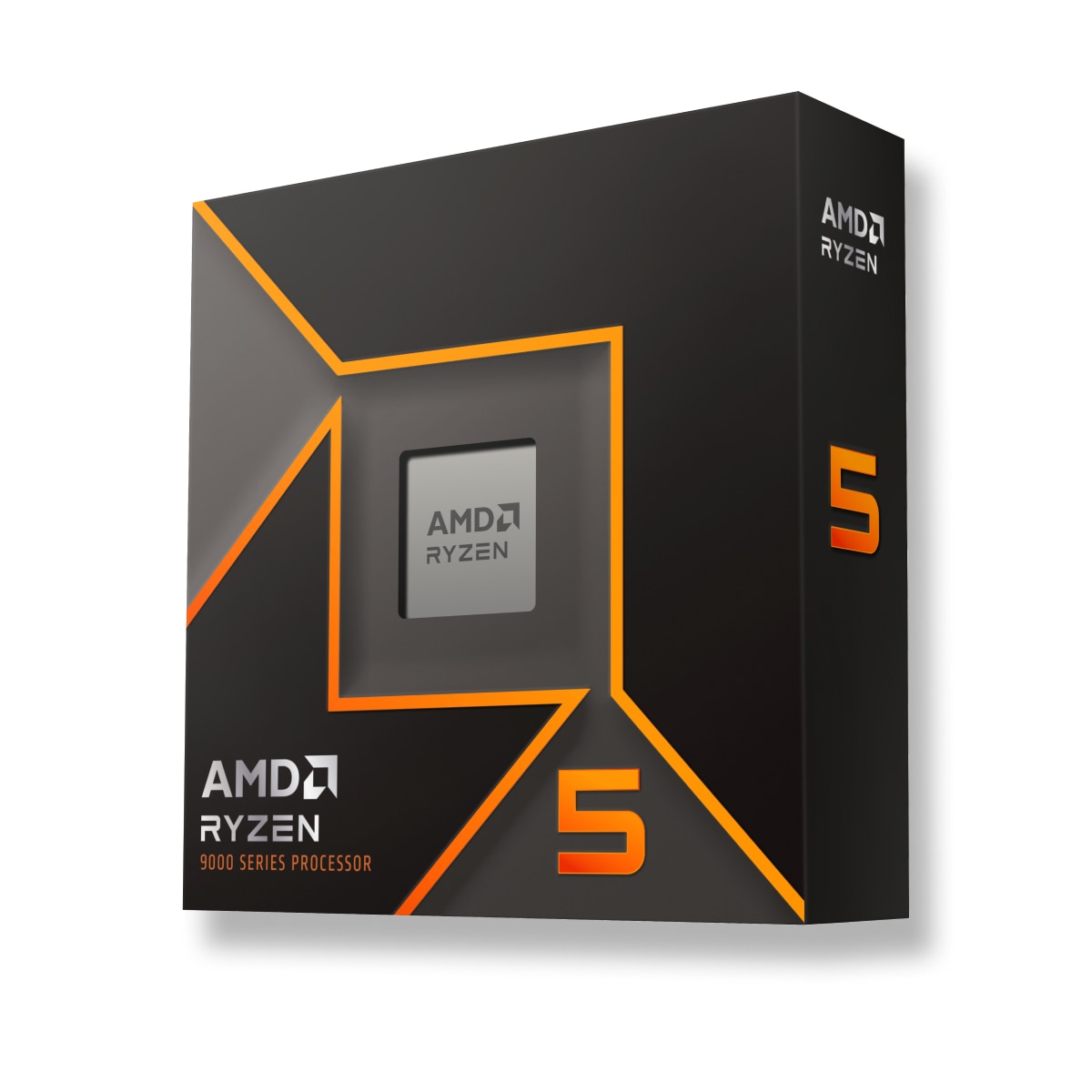 Ryzen 5 9600X |
A justified platform change with later upgrades in mind | Include the full AM5 cost and measure the actual CPU need. Find offerson Amazon |
Two focused routes are more useful here than a premium option included solely to complete a price ladder. A supported Intel machine or a less expensive AM5 combination can also be appropriate. The best route depends on the parts and performance you already have.
Ryzen 5 5600X: a CPU-only upgrade must earn its cost
The 5600X can be worth pricing when an older AM4 processor misses your target and the board supports the change. Check AMD’s official specification and your board vendor’s exact CPU list. Confirm the firmware version and procedure rather than assuming that every AM4 board is ready.
Also compare the non-X 5600 and other supported offers. A large price premium for a small CPU change may be less useful than retaining the current machine. If you already own a 5600-class CPU, first identify a relevant measured benefit before paying to replace it.
Ryzen 5 9600X: make the platform move intentional
The 9600X uses AM5 and DDR5. It is a platform comparison when a new build, a CPU-heavy requirement or a defined later upgrade justifies replacing supporting parts. Include the motherboard, memory and suitable cooler in the quote.
A lower-cost AM5 alternative can also be relevant. Compare whole builds rather than protecting one CPU choice at the expense of a required PSU or useful graphics upgrade. Future options are valuable only when they fit a realistic ownership plan.
What the RTX 3070 specification actually says
| Manufacturer field | Published reference |
|---|---|
| Graphics memory | 8 GB GDDR6 |
| Memory interface | 256-bit |
| Reference graphics card power | 220 W |
| Reference system power | 650 W; configuration-dependent |
| GPU covered | Desktop RTX 3070, not 3070 Ti or Laptop |
NVIDIA lists the 3070 and 3070 Ti separately. The standard card here has 8GB GDDR6. Do not apply the Ti column’s memory type, power or review results to a standard 3070.
The reference system-power figure is not a reading from your PC. A partner board and a different full configuration can need separate checks. Verify the exact card, cable requirements and case clearance before committing to a CPU-and-GPU budget.
Keep an existing Intel platform in the comparison
A compatible Intel CPU can remain useful with the 3070. Check the exact board’s support list, BIOS and memory type before pricing a CPU change. The illustrated AMD options do not create a CPU-brand requirement for the graphics card.
Compare keeping the system, a supported CPU-only improvement and an AM5 replacement. Include cooling and any memory changes in each quote. A cheaper processor can still create the more expensive upgrade when it requires replacing more of the computer.
Generic model estimates with the standard 3070
| CPU | 1080p estimated FPS | 1440p estimated FPS | 4K estimated FPS |
|---|---|---|---|
| Ryzen 5 5600X | 79 | 59 | 23 |
| Core i5-12400F | 79 | 59 | 23 |
| Ryzen 5 7600 | 79 | 59 | 23 |
| Ryzen 5 9600X | 79 | 59 | 23 |
| Ryzen 7 9800X3D | 80 | 59 | 23 |
All five processors round to 59 estimated FPS at 1440p and 23 at 4K in this generic High-preset scenario. The engine is assigning graphics demand under simplified assumptions. It is not reporting measured results for a named game or equal frame-time behaviour across CPUs.
The 4K output is particularly easy to overread because the model applies a simplified memory-capacity factor. That assumption does not reproduce a particular game’s texture behaviour or prove that every 8GB card has the same problem at every setting. Use the table as context, not a diagnosis.
Separate an 8GB graphics constraint from a CPU shortfall
If the difficulty appears with higher textures, resolution or effects, change one setting at a time in a repeatable scene. Watch frame pacing and the actual game behaviour. High memory allocation shown by an overlay alone is not proof of a VRAM-capacity problem.
A CPU upgrade does not add graphics memory or graphics processing resources. If the GPU is the issue, compare settings and a graphics upgrade before paying for a new platform. If the same scene remains slow after graphics demand is reduced, investigate CPU-heavy behaviour and configuration before ordering parts.
Used-card condition can matter more than the pairing
The 3070 may be part of a used purchase or an older owned system. Check the exact board, fan condition, abnormal temperatures and seller’s return terms. A performance issue caused by cooling or a faulty card should be investigated before building a new platform around it.
Inspect the PSU model, condition and available connectors against the GPU maker’s guidance. Use the PSU planner to organise the component list, not to approve an unknown unit merely because the headline wattage is high.
When does an X3D upgrade make sense?
Investigate cache-focused CPUs when measured results in your game show an improvement relevant to your target. A supported AM4 option can retain parts, while a newer-platform option changes the budget. Neither is required simply because the graphics card can run a demanding game.
Check frame caps, thermal behaviour, memory configuration and background load before attributing the problem to CPU choice. Our guide to pairing processors and graphics cards explains how to work from a repeatable shortfall rather than a universal bottleneck score.
Method and limits
This is a manufacturer-specification-led editorial shortlist with PairMyRig scenarios. We did not run a laboratory comparison of these combinations. The model uses generic gaming, High preset and 32GB RAM, without named-game benchmarks, measured 1% lows, PCIe effects, ray tracing or driver testing. See the calculation methodology.
Compare actual current prices, board support and warranty before buying. Return to the CPU pairing hub if changing the graphics card is also part of the plan.
Compare another pairing scenario
Choose a different processor. Select High preset and 32GB system RAM to match the table. Confirm the exact graphics-memory version when a separate entry is available.
Frequently asked questions
Will a new CPU solve every RTX 3070 performance issue?
No. Graphics demand, memory capacity, card condition, caps and configuration can matter. Identify the specific cause before spending on a processor.
Does the standard RTX 3070 use GDDR6X?
NVIDIA lists 8GB GDDR6 for the standard desktop 3070 discussed here. Keep the 3070 Ti and its separate specification out of a direct standard-card comparison.
Do I need AM5 for an RTX 3070?
There is no blanket requirement. A supported existing platform may reach the target. Compare compatibility, measured performance and the complete cost of moving platforms.
Are the 4K figures measured VRAM tests?
No. The model includes a simplified capacity assumption. It does not reproduce a particular game’s memory behaviour or replace measured graphics testing.