By Walter Jobs, Technology writer and editor. Manufacturer sources and model scenarios reviewed 2 November 2026.
For an RTX 3080, compare a supported Ryzen 7 5700X3D AM4 upgrade, a Ryzen 5 9600X new AM5 build and a Ryzen 5 7600 lower-cost AM5 plan. If your existing CPU already meets your game target, keeping it may be the best purchase decision. Start by identifying whether your desktop RTX 3080 is the 10GB or 12GB version; a CPU upgrade cannot turn one into the other.
As an Amazon Associate we earn from qualifying purchases. This does not change the price you pay, and a commission never affects what we recommend. Full disclosure.
There is no single processor that removes all bottlenecks. A player seeking a stable frame-rate floor in a busy multiplayer match has different CPU needs from someone running a graphics-heavy game at high resolution. The correct choice depends on that workload, your present platform and the total replacement bill.
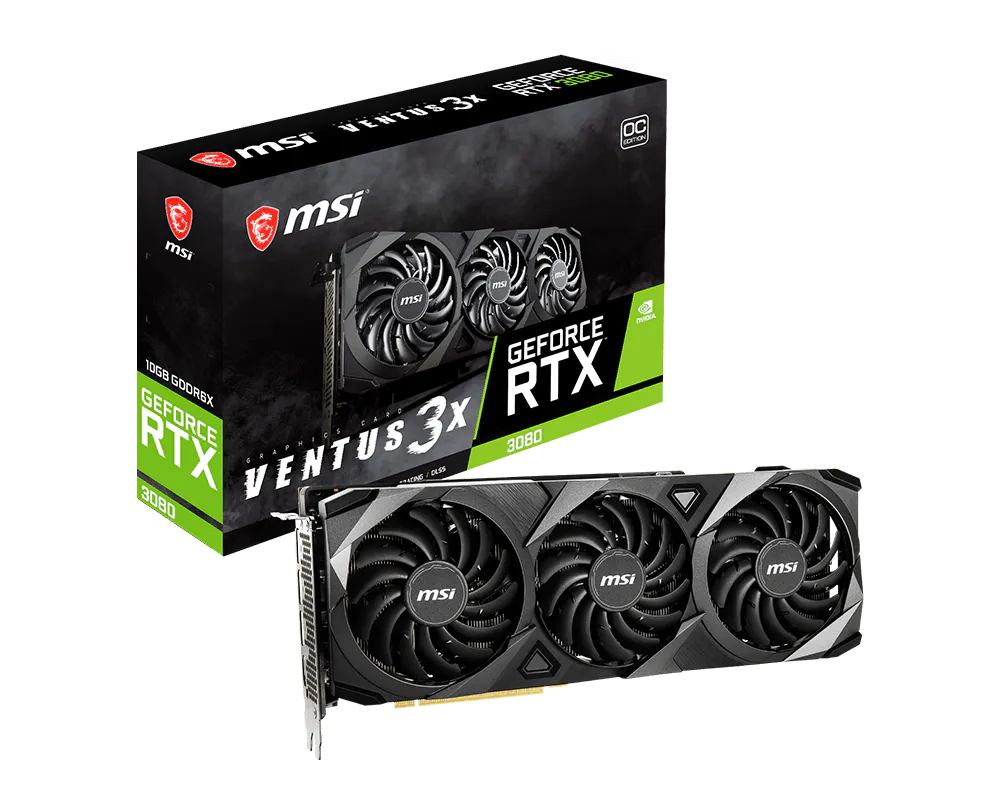
Identify the RTX 3080 before choosing the CPU
| Manufacturer field | Published reference |
|---|---|
| Desktop memory variants | 10 GB GDDR6X / 12 GB GDDR6X |
| Memory interface, respectively | 320-bit / 384-bit |
| Reference card power, respectively | 320 W / 350 W |
| NVIDIA reference system power | 750 W; confirm the full system and exact board |
NVIDIA lists separate desktop RTX 3080 configurations. The 10GB and 12GB versions differ in more than the product label: memory configuration and reference power also differ. Do not use a 3080 Ti review or a laptop RTX 3080 result as a direct benchmark for either desktop version.
The model table on this page uses the 10GB RTX 3080 entry. Our database has a separate 12GB entry, and you can choose that in the calculator. Both cards need their actual manufacturer’s installation guidance. The pictured MSI model is a 10GB retail board; its cooler and cables are not a description of every RTX 3080.
CPU shortlist by upgrade path
| Candidate | Reason to compare it | Purchase check |
|---|---|---|
| Ryzen 7 5700X3D | A compatible AM4 gaming upgrade | Verify BIOS support, seller terms and the price versus keeping your CPU. Find offerson Amazon |
| Ryzen 5 9600X | A new AM5 platform with future CPU options | Include a compatible board, DDR5 and cooling in the quote. Find offerson Amazon |
| Ryzen 5 7600 | A lower-cost AM5 comparison | Choose from complete platform prices, not the CPU price alone. Find offerson Amazon |
These are three ways to buy a working platform, not a ranking based on a pretend laboratory score. Keep the GPU constant when assessing whether a CPU change is worthwhile. A cheap processor that requires a new motherboard and memory can be a more expensive upgrade than a dearer CPU that works in your current board.
Ryzen 7 5700X3D: consider it for compatible AM4
A supported 5700X3D upgrade is worth investigating when you already own AM4 and have evidence of a CPU-heavy gaming limit. Check AMD’s processor information and, separately, the exact board vendor’s CPU support list. The socket name alone does not confirm BIOS support, firmware procedure or cooler suitability.
Do not buy an old-platform CPU at any asking price simply because it saves a motherboard swap. Compare a genuine available offer, warranty and delivery with a complete AM5 quote. If the used or remaining-stock price is inflated, retaining the present CPU or moving platforms may be more sensible. We do not publish a live price or assume ongoing stock.
An existing Ryzen 5 5600 deserves a place in the calculation even though it is not the cache-focused shortlist pick. If it delivers the frame pacing you need, the money saved by keeping it is real. The model below cannot demonstrate the 5700X3D’s game-specific cache benefits, so tied numbers are a reason to seek better evidence rather than invent an advantage.
Ryzen 5 9600X: assess the entire AM5 build
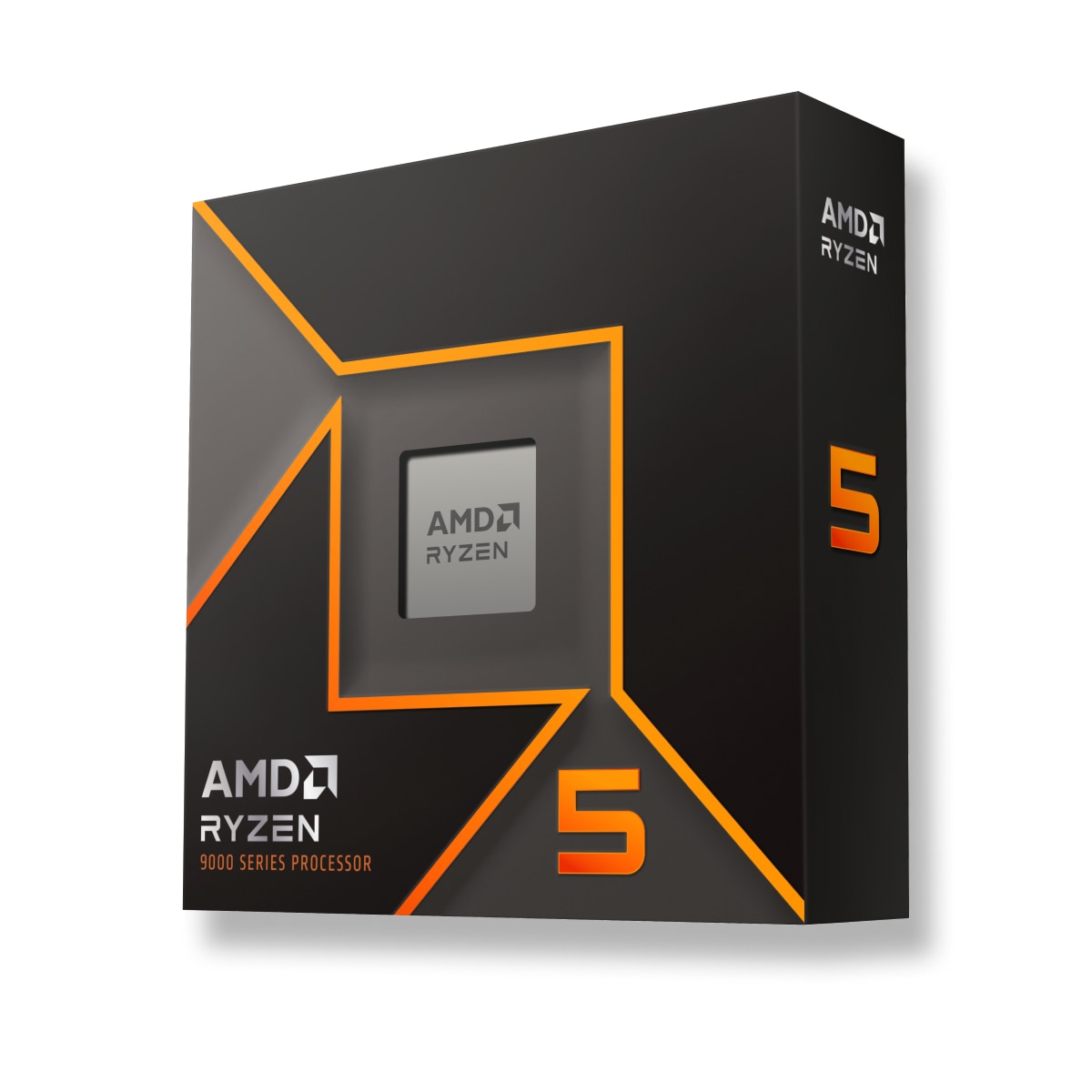
The 9600X is the new-platform candidate to compare when the plan extends beyond the current RTX 3080. Use AMD’s Ryzen 5 9600X specification to check platform requirements, then price a supported motherboard, DDR5 and suitable cooling. A processor-only comparison understates the cost of leaving an older platform.
A new socket can provide future options, but it is not a reason to pay for an upgrade you do not need. Define what this purchase must achieve now: a higher CPU-limited frame-rate floor, application performance or a planned later graphics card. If the only current problem is a demanding graphics preset, test that assumption before replacing the platform.
Ryzen 5 7600: the alternative AM5 quote
Include the Ryzen 5 7600 when comparing complete new-build quotes. Review its official specification, memory support and the contents of the actual boxed offer. Do not assume a tray processor comes with the same accessories as a boxed package.
Decide between the 7600 and 9600X using the difference in total cost and measured results relevant to your games. Savings might cover a better display, a required PSU replacement or simply remain unspent. Buying a more expensive CPU to satisfy a generic “no bottleneck” label provides no comparable benefit unless it solves a real shortfall.
What the model says, and what it cannot decide
| CPU | 1080p estimated FPS | 1440p estimated FPS | 4K estimated FPS |
|---|---|---|---|
| Ryzen 5 5600 | 96 | 72 | 35 |
| Ryzen 7 5700X3D | 96 | 72 | 35 |
| Ryzen 5 7600 | 97 | 72 | 35 |
| Ryzen 5 9600X | 97 | 72 | 35 |
| Ryzen 7 9800X3D | 97 | 72 | 35 |
All five CPU scenarios round to 72 estimated FPS at 1440p and 35 at 4K with the 10GB RTX 3080. The engine is assigning a graphics constraint in that generic setup. It is not reporting measured equality between a 5600 and 9800X3D, and it does not test busy simulations, esports frame-time tails or cache-sensitive behaviour.
The narrow differences at 1080p should not be converted into a purchase ranking. The generic index cannot establish how much a particular CPU would improve your difficult scene. Look for measured testing of that scene or genre with comparable memory, settings and GPU load, then decide whether the improvement is worth the whole platform cost.
Separate CPU limits from VRAM, cooling and graphics limits
A faster processor cannot add VRAM to the 10GB card, repair a failing graphics card or remove the cost of an extreme graphics preset. If performance deteriorates with higher textures, resolution or ray tracing, isolate each setting and compare repeatable runs. Memory allocation alone is not proof of a capacity problem, so avoid diagnosing from one overlay number.
For a used RTX 3080, inspect condition, seller terms, fan behaviour and temperatures before spending on supporting parts. Check the exact PSU model and cable requirements, not just the large wattage printed on its label. Our power planning tool can help organise the configuration, but the GPU and PSU manufacturers’ instructions remain necessary.
Evidence behind this shortlist
We used manufacturer specifications and PairMyRig model outputs for this editorial comparison. We have not tested these CPU and RTX 3080 combinations in a lab. The estimates use generic gaming, High preset and 32GB RAM; they do not measure named games, PCIe effects, 1% lows, drivers or generated frames. See how the estimates are calculated for the model’s practical limits.
For a wider comparison, return to the CPU-for-GPU hub. Our guide to pairing a CPU and GPU explains how to turn a display target into an upgrade plan without assuming that every older component needs replacement.
Compare another pairing with the same graphics or CPU
Choose a different processor. Select High preset and 32GB system RAM to match the model table. For the RTX 3080, select the separate 12GB entry if that is the card you own.
Frequently asked questions
Is a Ryzen 5 5600 enough for an RTX 3080?
It may meet your target in graphics-heavy workloads, while some CPU-heavy games can justify more CPU performance. Check actual frame pacing and the target frame rate. The model table is not proof that all CPUs perform equally.
Does the RTX 3080 12GB need a different CPU?
There is no separate CPU socket requirement caused by its memory capacity. Assess the workload and platform as usual. Keep its separate GPU performance entry, power needs and exact board specification in the comparison.
Will a CPU upgrade fix the 10GB card’s memory limitations?
No. It does not increase graphics memory. If a particular workload exceeds the card’s practical capabilities, adjust the relevant settings or assess a graphics upgrade after confirming the cause.
Should every RTX 3080 owner move to AM5?
No. A working system that reaches the target does not require a platform swap. Compare keeping it, a supported CPU-only upgrade and a complete AM5 system using the full costs and relevant measured evidence.