By Walter Jobs, Technology writer and editor. Manufacturer sources and model scenarios reviewed 2 November 2026.
For an RTX 4060 Ti, compare a supported Ryzen 5 5600X AM4 upgrade and a Ryzen 5 9600X AM5 plan before paying for a premium gaming CPU. An X3D option belongs in the discussion only when a CPU-heavy target or a defined later GPU upgrade justifies it. First identify whether the graphics card is the 8GB or 16GB version.
As an Amazon Associate we earn from qualifying purchases. This does not change the price you pay, and a commission never affects what we recommend. Full disclosure.
The additional memory version does not automatically need a stronger processor. Graphics-memory capacity, GPU processing capability and CPU game simulation are different resources. Choose from the workload and the parts you own rather than a rule that a larger VRAM number requires a more expensive CPU.
CPU shortlist by upgrade need
| Product | When to compare it | Before buying |
|---|---|---|
 Ryzen 5 5600X |
Supported AM4 reuse | Confirm the actual board link and BIOS support. Find offerson Amazon |
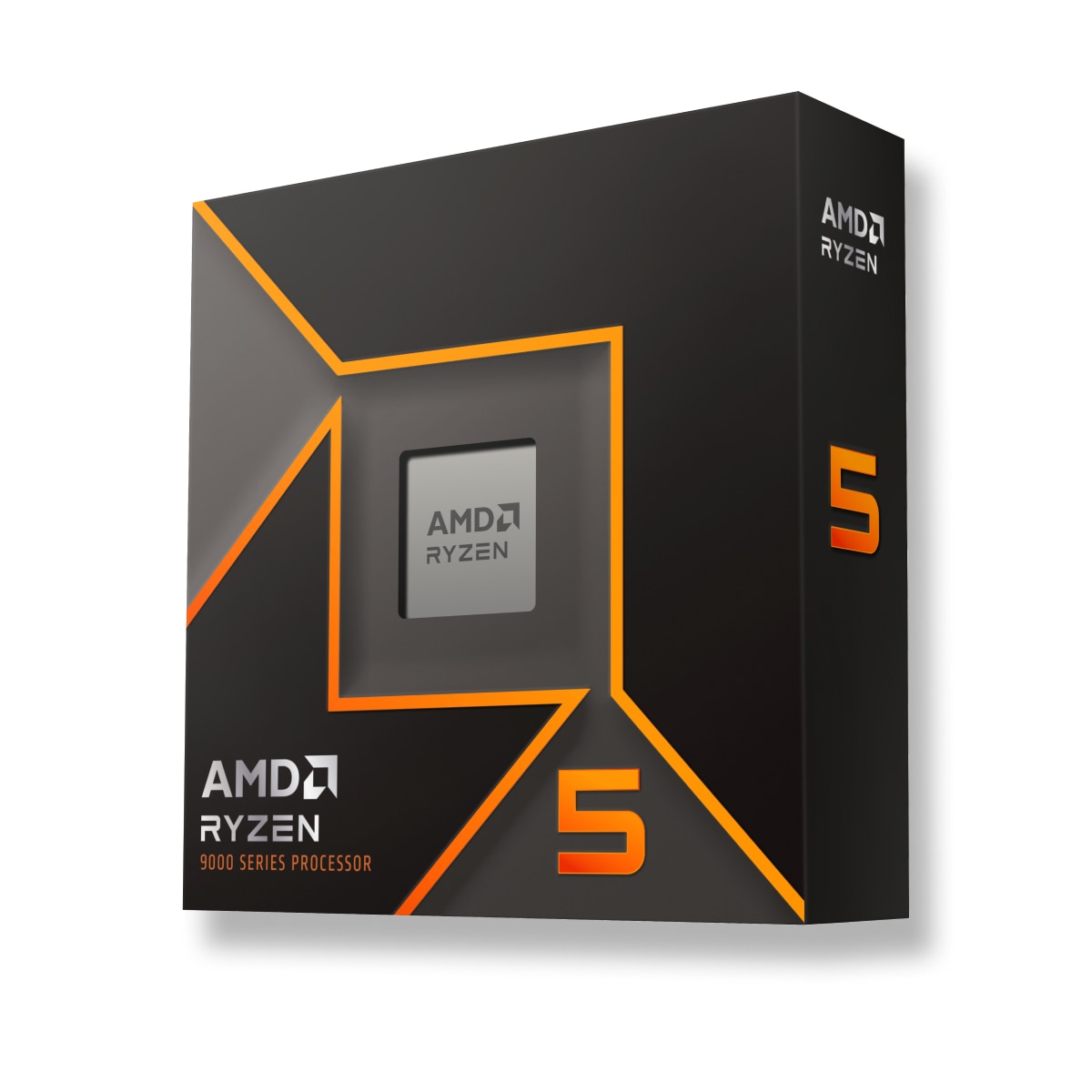 Ryzen 5 9600X |
A new AM5 build with a complete budget | Compare less costly supported options before paying more. Find offerson Amazon |
 Ryzen 7 9800X3D |
A specific CPU-heavy target or later GPU upgrade | A 16GB graphics card does not itself require this CPU tier. Find offerson Amazon |
If you already own a capable processor, keep it as the starting point. A new CPU should solve a shortfall you can describe. Also compare lower-cost supported CPUs and an existing Intel system; the pictures are not a claim that only AMD processors can work.
8GB and 16GB versions: keep the comparison honest
| Manufacturer field | Published reference |
|---|---|
| Memory configurations | 8 GB GDDR6 / 16 GB GDDR6 |
| Memory interface | 128-bit |
| Reference Total Graphics Power | 160 W or 165 W; confirm the exact board |
| Reference Required System Power | 550 W; configuration-dependent |
| Example MSI 8GB graphics link | PCIe 4.0 x8 in a physical x16 connector |
NVIDIA lists both memory capacities for the 4060 Ti. Confirm the exact retail product before applying a benchmark or offer. An 8GB sale price should not be presented as though it buys the 16GB card.
The current table uses the 8GB RTX 4060 Ti model entry. The calculator also has a separate 16GB entry. Its capacity factor is a simplified assumption, not a measured comparison of how real games manage memory. Do not interpret the difference between those entries as a universal benchmark advantage.
The PCIe x8 connection is a separate platform check
For the example retail board, MSI lists PCIe 4.0 using eight lanes in a physical x16 connection. The connector’s length is not proof of sixteen electrical lanes. Check your installed CPU and the board’s primary graphics slot together.
An older supported link can change available bandwidth without making the system automatically incompatible. Its practical effect depends on the card and workload. We have not measured a universal PCIe 3.0 penalty, and the generic model does not simulate one. Use comparable measured tests if that difference affects the purchase.
Ryzen 5 5600X: retain a supported AM4 board
The 5600X specification includes PCIe 4.0 support at the CPU. That does not upgrade an older board’s routing. Confirm the exact motherboard’s CPU list, firmware procedure and slot configuration.
Compare available supported AM4 offers, including the non-X 5600. If a similar capable processor is already installed, do not assume a small CPU sidegrade is useful. A low CPU-only price is attractive only when the complete supported change fixes the relevant shortfall.
Ryzen 5 9600X: a complete new-platform comparison
The 9600X uses AM5 and DDR5. Include the compatible board, memory and cooling when comparing a new build or platform replacement. A lower-cost AM5 alternative can also meet the target, so do not decide from processor-only prices.
A platform with future options can be sensible when a later upgrade is defined. It should not be used to justify spending heavily for an uncertain future need. Compare the benefit today with retaining a working system and directing the budget toward the part causing the actual limitation.
When an X3D CPU is worth investigating
The 9800X3D is an option for a game-specific CPU-heavy target or a wider graphics upgrade plan. Compare current X3D alternatives and actual offers before buying. It is not required by either the 8GB or 16GB card.
Use measured results for the game and target frame-rate floor. A generic model cannot reproduce a cache-sensitive engine, crowded multiplayer scene or measured 1% low. If the present GPU’s graphics workload is the problem, a CPU premium may leave that problem unchanged.
Model estimates with the 8GB card
| CPU | 1080p estimated FPS | 1440p estimated FPS | 4K estimated FPS |
|---|---|---|---|
| Ryzen 5 5600X | 77 | 57 | 22 |
| Core i5-12400F | 77 | 57 | 22 |
| Ryzen 5 7600 | 77 | 57 | 22 |
| Ryzen 5 9600X | 77 | 57 | 22 |
| Ryzen 7 9800X3D | 78 | 58 | 22 |
The 1440p High estimates are 57 FPS for four processors and 58 for the 9800X3D. These rounded outputs reflect the engine’s generic graphics assumptions. They are not measured evidence that the CPUs have equal game performance or that one extra calculated frame justifies a platform change.
The model does not capture PCIe transfer effects, driver behaviour or the detailed memory-management differences of a particular game. Use the separate 16GB entry only as another model scenario. Seek real testing of the relevant graphics versions before deciding what more memory will change in your workload.
More VRAM and generated output do not settle CPU choice
A faster CPU cannot add graphics memory to the 8GB card. If textures or demanding graphics settings cause a problem, isolate the relevant setting and compare repeatable runs. Allocation shown by an overlay alone does not prove the source of a stutter.
Similarly, a generated-frame counter is not the rate at which the CPU produces unique game states. Compare rendered base performance, input response and image quality alongside generated output. The PairMyRig table does not simulate frame generation or evaluate its quality.
Use the upgrade budget where it makes a difference
Check caps, temperatures, memory configuration and background tasks before buying hardware. Lower graphics demand in the same difficult scene and see what changes. A persistent shortfall warrants further CPU investigation; a large improvement can point toward graphics demand.
Quote keeping the system, a supported CPU-only change and a complete AM5 move. Our pairing guide connects that process with a practical gaming target. Check case space, exact connectors and the board maker’s power guidance, using the PSU planner alongside the manufacturers’ instructions.
Research method
This is a checked-specification editorial shortlist with calculated PairMyRig scenarios. We did not lab-test these combinations or measure a PCIe penalty. The model uses generic gaming, High preset and 32GB RAM, without named-game benchmarks, 1% lows, ray tracing or generated-frame results. Read the calculation method for its scope.
Verify current offers, exact CPU support and warranty before ordering. For a different GPU, return to the CPU pairing directory.
Compare another pairing scenario
Choose a different processor. Select High preset and 32GB system RAM to match the table. Confirm the exact graphics-memory version when a separate entry is available.
Frequently asked questions
Does the 16GB 4060 Ti require a stronger CPU than the 8GB card?
Memory capacity alone does not create a higher CPU requirement. Compare the actual workload, frame-rate goal and platform rather than using VRAM size as a CPU-tier rule.
Does a physical x16 connector mean sixteen active lanes?
No. The cited MSI 8GB board uses eight lanes. Verify the exact card and the installed CPU-and-motherboard connection.
Are the table’s 8GB and 16GB differences measured?
This table uses the 8GB model entry. The separate calculator entry uses simplified capacity assumptions; it is not a measured memory-version benchmark.
Should I buy an X3D CPU for this GPU?
Investigate it when a relevant CPU-heavy target or defined later upgrade supports the premium. Keeping an adequate current CPU or making a smaller supported change can be better value.