By Walter Jobs, Technology writer and editor. Manufacturer sources and model scenarios reviewed 2 November 2026.
For the standard RTX 4070, compare a Ryzen 5 9600X new AM5 plan with a supported Ryzen 5 5600X AM4 upgrade; investigate X3D only for a defined CPU-heavy target. Keep a capable existing processor when it already delivers the experience you want. The right choice depends on platform ownership and game behaviour, not an arbitrary CPU-to-GPU spending ratio.
As an Amazon Associate we earn from qualifying purchases. This does not change the price you pay, and a commission never affects what we recommend. Full disclosure.
This page covers the standard desktop 4070. It does not combine 4070 SUPER, Ti, Ti SUPER and laptop results into one recommendation. Identify your actual graphics card before comparing the CPU upgrade around it.
CPU shortlist by platform and game target
| Product | When to compare it | Before buying |
|---|---|---|
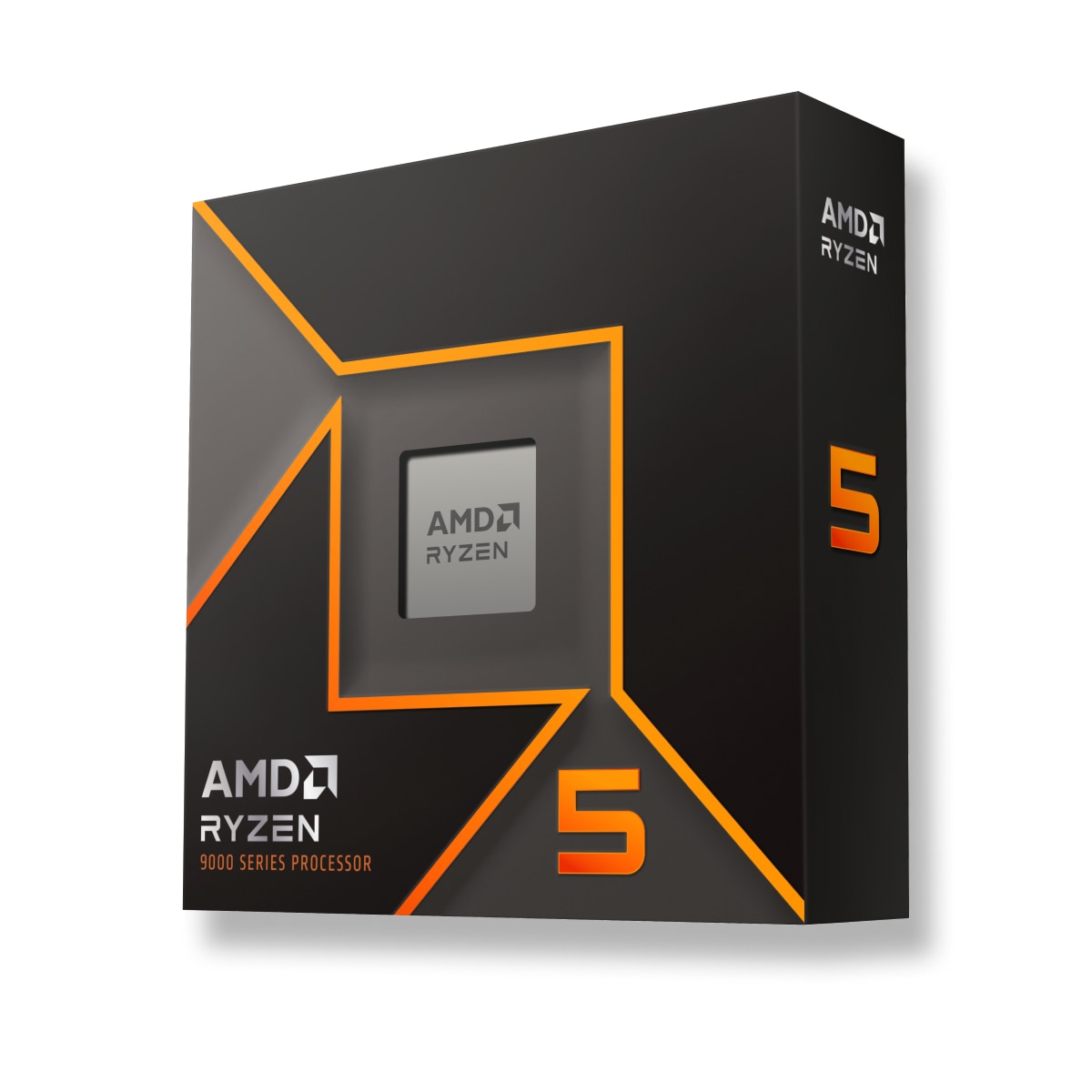 Ryzen 5 9600X |
New AM5 cost comparison | Price motherboard, DDR5 and cooling alongside the CPU. Find offerson Amazon |
 Ryzen 5 5600X |
Keeping supported AM4 parts useful | Do not replace a similar capable CPU without a measured shortfall. Find offerson Amazon |
 Ryzen 7 9800X3D |
CPU-heavy gaming or a wider future GPU plan | Compare current X3D alternatives and relevant game results. Find offerson Amazon |
The premium gaming option is conditional. If a modest CPU or the current machine already reaches the target, extra cache is not automatically a good purchase. Compare the whole plan, including the board and memory you can reuse.
Ryzen 5 9600X: start with a complete AM5 quote
The 9600X specification establishes an AM5 and DDR5 platform. Price a supported motherboard, memory and cooling before deciding whether the CPU is good value for a new build. Also compare a lower-cost AM5 option such as the Ryzen 7600.
For someone already on AM5, a CPU change still needs a purpose. A graphics-heavy game may gain less from a processor upgrade than a CPU-heavy simulation or competitive target. Test the workload and look for relevant measured evidence rather than assuming that every new GPU deserves a newer CPU.
Ryzen 5 5600X: make an owned AM4 system count
A supported 5600X upgrade can retain a motherboard and DDR4 that a platform move would replace. Check AMD’s processor information, the exact board CPU list and the firmware procedure. A common socket does not approve every older board or BIOS.
Compare genuine available prices for supported alternatives, including the non-X 5600. If you already own a similar capable CPU, keeping it is a serious option. Do not turn a pairing list into a reason to buy a small sidegrade that does not solve the frame-rate shortfall.
Ryzen 7 9800X3D: an evidence-based premium
The 9800X3D is a candidate for CPU-heavy gaming or a defined later graphics upgrade. Compare the current 9850X3D and relevant AM4 cache-focused alternatives as appropriate to the platform you own. Actual offers and game results matter more than preserving a fixed “best premium” label.
The model cannot measure the cache advantage in a particular engine. If the difficult game scene is already graphics-limited with the 4070, a larger CPU investment can leave the main problem unchanged. Seek measured frame-time evidence aligned with your target before paying a large platform premium.
Keep standard RTX 4070 specifications separate
| Manufacturer field | Published reference |
|---|---|
| GPU covered | Standard desktop RTX 4070, not SUPER or Ti |
| Standard memory configurations | 12 GB GDDR6 / 12 GB GDDR6X |
| Memory interface | 192-bit |
| Reference Total Graphics Power | 200 W |
| Reference Required System Power | 650 W; full-system requirements vary |
NVIDIA’s 4070 family page contains several distinct columns. The standard 4070 lists 12GB GDDR6 or GDDR6X configurations; do not substitute a SUPER or Ti result, or assume every retail listing has the same memory subsystem.
The table below uses one generic standard 4070 entry. It does not separately model every memory variant or factory-overclocked board. For physical installation, check the precise cooler, connectors and manufacturer guidance rather than relying on the GPU family alone.
A capable Intel system can remain a good pairing
NVIDIA graphics does not require an AMD CPU simply because those are the pictured purchase options. Check the support and memory type of the Intel board you own. A retained 12400F-class platform can deserve comparison when it meets the intended game target.
Moving platforms can change the motherboard, memory and cooling bill. Compare that whole cost with a supported CPU-only improvement and with keeping the machine. Our guide to cheaper CPUs with expensive GPUs explains why component price ratios cannot settle performance.
Generic estimates: what close results actually mean
| CPU | 1080p estimated FPS | 1440p estimated FPS | 4K estimated FPS |
|---|---|---|---|
| Ryzen 5 5600X | 99 | 74 | 43 |
| Core i5-12400F | 100 | 74 | 43 |
| Ryzen 5 7600 | 100 | 75 | 43 |
| Ryzen 5 9600X | 100 | 75 | 43 |
| Ryzen 7 9800X3D | 101 | 75 | 43 |
The model estimates 74 or 75 FPS at 1440p High across the five tracked processors. That close grouping follows the engine’s simplified graphics workload. It is not measured equality between the CPUs and does not establish identical minimum frame times in a demanding game.
At 1080p, this generic scenario still shows small rounded differences. That does not mean a CPU-heavy esports or simulation workload would behave identically. The table is an initial comparison aid, while measured results for your game and settings should decide whether a CPU premium is useful.
Frame generation does not replace base responsiveness
When evaluating a supported feature, distinguish base rendering, upscaling and generated output. A displayed FPS counter containing generated frames does not establish the CPU’s unique game-state rate. Examine response, frame pacing and image quality alongside the counter.
The PairMyRig model does not simulate these modes. Do not compare its generic estimate with a review’s frame-generation result as if they used the same conditions. Match the card, settings and rendering mode before interpreting a difference.
Check the complete upgrade before ordering
Use a repeatable scene to investigate the actual shortfall. Check caps, thermal behaviour, memory configuration and background activity. If reducing graphics demand does little, investigate a remaining CPU-heavy limit; if it helps substantially, the graphics workload may deserve priority.
Check PSU model and condition, the exact graphics-board requirements and case fit. Use the PSU calculator as a planning aid with manufacturer instructions. A CPU upgrade cannot correct an unsuitable power connection or a card that does not fit.
Evidence and method
This editorial shortlist uses manufacturer specifications and PairMyRig calculations. We did not test these combinations in our own lab. The model conditions are generic gaming, High preset and 32GB RAM, without measured named-game FPS, 1% lows, ray tracing, PCIe effects or generated frames. Read the model methodology for its limits.
Compare exact current offers and warranty before purchase. Return to the CPU pairing hub for other GPU families, or use the pairing guide to work from a game target.
Compare another pairing scenario
Choose a different processor. Select High preset and 32GB system RAM to match the table. Confirm the exact graphics-memory version when a separate entry is available.
Frequently asked questions
Which RTX 4070 does this page cover?
The standard desktop model. SUPER, Ti, Ti SUPER and laptop GPUs should be assessed separately rather than treated as the same specification.
Does every RTX 4070 use GDDR6X?
NVIDIA lists 12GB GDDR6 and GDDR6X configurations for the standard 4070. Check the exact product. The generic model does not separately reproduce those versions.
Is an X3D CPU required for the 4070?
No. Consider the premium only when your CPU-heavy game target or a wider upgrade plan supports it. A capable existing CPU may already meet the goal.
Do similar model FPS values prove the CPUs are equal?
No. They reflect a simplified generic scenario and rounding. They do not measure game-specific cache behaviour, latency or frame-time consistency.