By Walter Jobs, Technology writer and editor. Manufacturer sources and model scenarios reviewed 2 November 2026.
For a new RTX 4090 gaming system, compare the Ryzen 7 9850X3D with the Ryzen 7 9800X3D before moving to a more expensive workstation-oriented processor. If you already own a CPU that delivers the frame-rate floor you want, keeping it can be the better upgrade. The graphics card’s price does not create an obligation to replace every supporting part.
As an Amazon Associate we earn from qualifying purchases. This does not change the price you pay, and a commission never affects what we recommend. Full disclosure.
The best CPU for RTX 4090 depends on the game, display target and work you do between gaming sessions. Competitive settings can expose processor differences that a graphics-heavy 4K preset hides. Creation, development and rendering add a separate question: does the software need more CPU cores, more graphics memory, or something else entirely?
CPU shortlist by workload
| Product | When to compare it | Before buying |
|---|---|---|
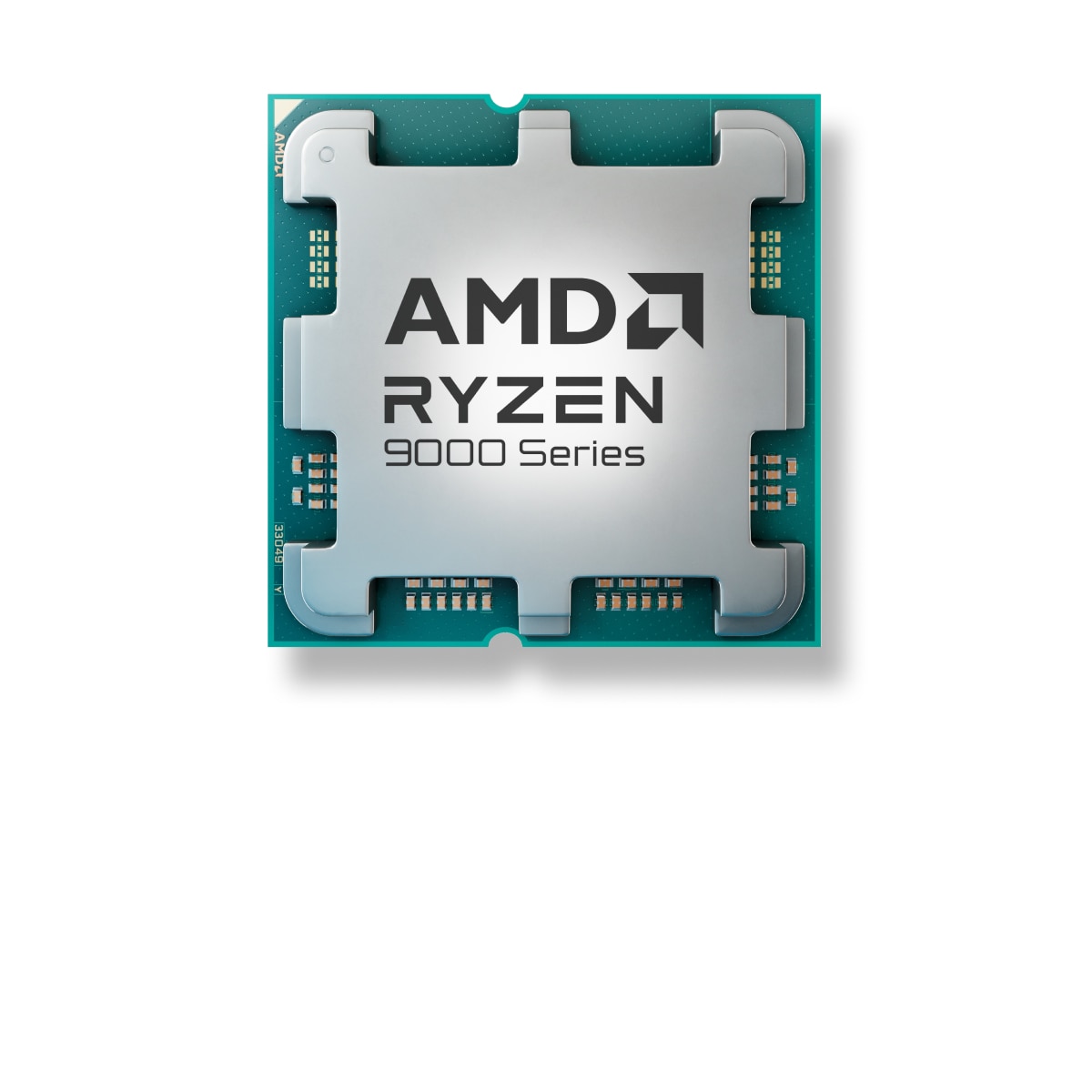 Ryzen 7 9850X3D |
Current AM5 gaming shortlist | Compare relevant game tests and its total price with the 9800X3D. Find offerson Amazon |
 Ryzen 7 9800X3D |
Gaming alternative when the offer saves enough | Do not replace an adequate owned CPU just to match the GPU tier. Find offerson Amazon |
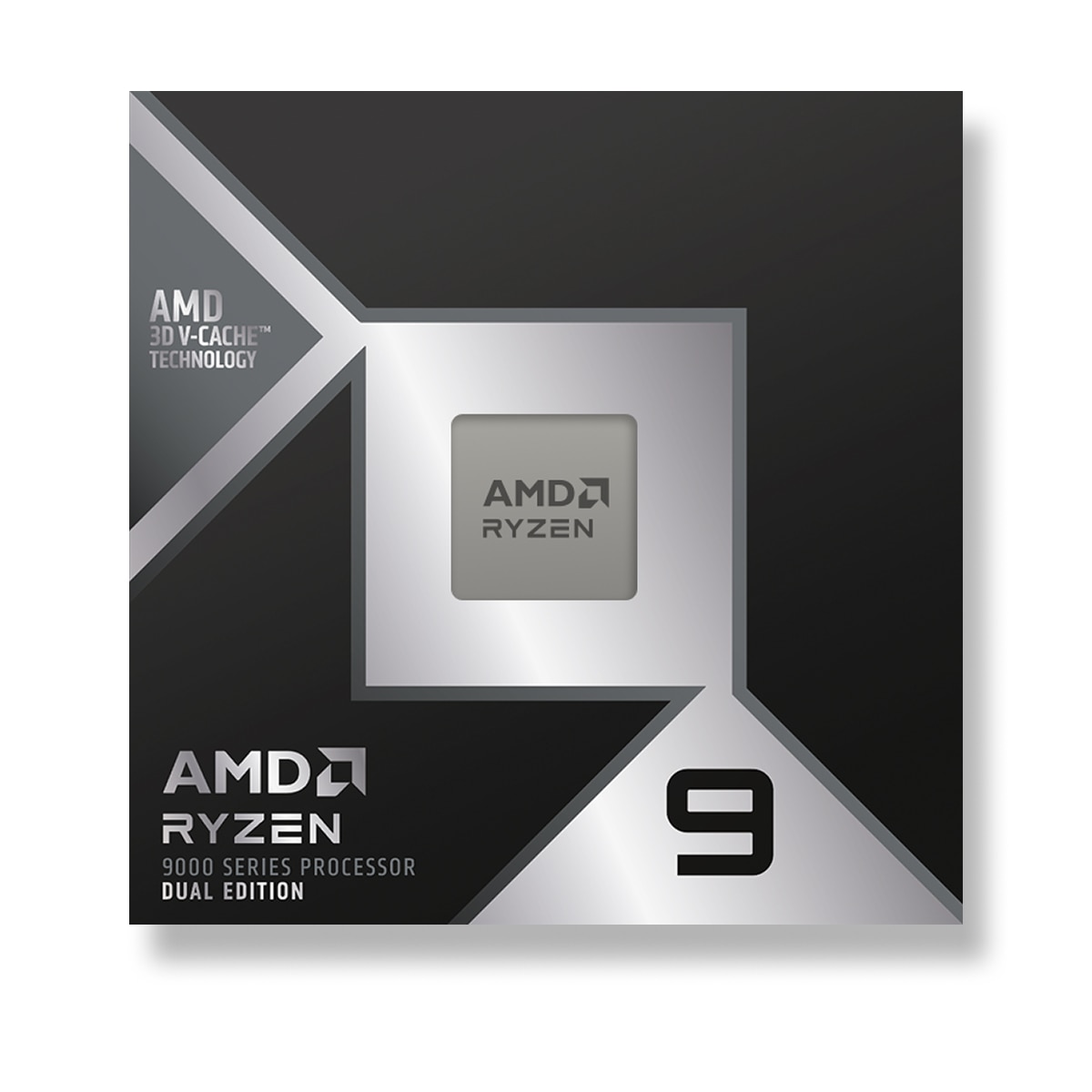 Ryzen 9 9950X3D2 Dual Edition |
Specialist creation or development plus gaming | Require application evidence before paying for extra cores and cache. Find offerson Amazon |
The Ryzen 9 entry is a specialist comparison, not our default gaming recommendation. Compare it with the standard 9950X3D and other appropriate workstation CPUs using your actual application. There is no reason to pay for extra cache or cores when the workload does not benefit enough to cover the premium.
Ryzen 7 9850X3D: the current gaming comparison
AMD lists the 9850X3D as an eight-core, sixteen-thread AM5 processor with DDR5 support and 96MB L3 cache. Check the board’s exact CPU support list and required firmware. The socket label does not prove that an installed BIOS recognises a newer processor.
Our recommendation is to compare it, not to assume it wins every purchasing decision. TechSpot’s independently measured 9850X3D review provides game-by-game evidence against the 9800X3D. Those measurements belong to TechSpot, not PairMyRig. Read its setup and the relevant games rather than transferring an average to your own RTX 4090 system.
For a new build, compare the total cost with the 9800X3D: CPU, motherboard, memory and cooling. If the gaming difference does not affect your target, a lower complete price can be more valuable. For an existing 9800X3D owner, the decision should begin with a reason to change; a newer model name alone is insufficient.
Ryzen 7 9800X3D: retain it or compare a good offer
The 9800X3D’s official specification establishes a distinct product, not a promise that it matches the 9850X3D in every game. Compare actual local offers and measured results at the settings you care about. We do not publish a supposed live price that could be stale when you order.
If the 9800X3D is already installed, test the demanding scenes before replacing it. Check your minimum acceptable frame rate and frame pacing, rather than only the largest average FPS number. An upgrade that improves an uncapped result beyond the display’s useful range may matter less than a stable experience in the scene that currently struggles.
Ryzen 9 9950X3D2: require specialist workload evidence
The 9950X3D2 Dual Edition is a different class of purchase, with sixteen cores and a different power and cooling plan. It is not necessary simply because the RTX 4090 is a high-end GPU. Include the standard 9950X3D, non-X3D workstation alternatives and the CPU you already own in the comparison.
Puget Systems’ application testing is useful when evaluating a specific creation or development workflow. Look at the matching application and task, not a broad “creator” label. A workload using GPU acceleration may need a different balance from CPU rendering or compilation. This article does not turn those application tests into gaming benchmarks.
What the RTX 4090 itself requires
| Manufacturer field | Published reference |
|---|---|
| Graphics memory | 24 GB GDDR6X |
| Reference Total Graphics Power | 450 W |
| Reference Required System Power | 850 W; NVIDIA reference configuration |
| GPU covered | Desktop RTX 4090, not RTX 4090 Laptop |
The values above come from NVIDIA’s desktop RTX 4090 specification. Its system-power guidance uses a reference configuration; a partner board or a different complete system can need a different assessment. Check the exact PSU, connectors and cable instructions, along with case space and airflow.
CPU TDP is not whole-system wall power. Do not decide PSU suitability by adding two headline labels or assuming that any unit with a large wattage is adequate. Use the PSU planner to assemble the proposed parts, then follow the relevant hardware manufacturers’ installation guidance.
Generic model scenarios for tracked CPUs
| CPU | 1080p estimated FPS | 1440p estimated FPS | 4K estimated FPS |
|---|---|---|---|
| Ryzen 5 5600X | 125 | 123 | 77 |
| Core i5-12400F | 133 | 131 | 77 |
| Ryzen 5 7600 | 140 | 132 | 77 |
| Ryzen 5 9600X | 148 | 132 | 78 |
| Ryzen 7 9800X3D | 173 | 134 | 78 |
Within the model, the 9600X and 9800X3D scenarios are much closer at 4K than at 1080p. That is a consequence of the engine assigning a larger graphics workload at higher resolution. It does not prove equal frame-time consistency or show that CPU-heavy games stop depending on the processor at 4K.
The current calculator does not contain a 9850X3D or 9950X3D2 entry. We have not substituted the 9800X3D or another CPU and relabelled its FPS. The table shows only tracked processors. It does not rank every recommended CPU or replace the measured reviews linked above.
When an existing AM4 or Intel system is worth keeping
A supported older platform is not automatically incompatible with an RTX 4090. Check the physical slot, firmware, case, power supply and software requirements. Performance is a separate question. Someone with a moderate frame-rate target and demanding graphics may have less reason to rebuild than someone chasing a high CPU-heavy frame-rate floor.
Use a repeatable scene to investigate the limitation. Check caps, thermal behaviour, memory configuration and background activity. Reduce graphics demand while keeping the scene comparable. If the shortfall persists, examine game-specific CPU evidence before buying another platform. One overall CPU-utilisation figure is not a complete diagnosis.
Compare three plans: keep the system; make a supported CPU-only improvement; or replace the platform. Include the motherboard, DDR5, cooling and any necessary power changes in the third quote. Our guide to using a cheaper CPU with an expensive GPU explains why a price ratio alone cannot make that decision.
How this shortlist was researched
We checked manufacturer specifications, reviewed the attributed outside testing and calculated the labelled PairMyRig scenarios. We did not test these combinations in our own laboratory. Our generic model uses High preset and 32GB system RAM; it does not measure named games, 1% lows, driver behaviour, PCIe effects, ray tracing or generated frames. See the model methodology for its scope.
Confirm current offers, warranty and the exact processor before ordering. For another graphics card, use the CPU pairing hub. Choose the complete upgrade that solves your workload, with evidence appropriate to the amount you are spending.
Compare another pairing scenario
Choose a different processor. Select High preset and 32GB system RAM to match the table. Confirm the exact graphics-memory version when a separate entry is available.
Frequently asked questions
What CPU guarantees no bottleneck with an RTX 4090?
None guarantees that across every game, setting and frame-rate target. A useful pairing meets a defined workload goal; the limiting component can change between scenes and settings.
Should I replace an owned 9800X3D with a 9850X3D?
Start by identifying a shortfall. Compare relevant measured gains and the net upgrade cost. A new graphics purchase or model name does not by itself justify replacing a CPU that meets the target.
Is a sixteen-core X3D processor required for the 4090?
No. Consider it for workloads that demonstrably benefit from its resources. Pure gaming and heavily threaded production work should not be treated as the same purchasing question.
Are there calculated 9850X3D results in this table?
No. That CPU is not in the current calculator database. Its discussion uses official specifications and attributed external testing, without inventing a model entry or our own laboratory results.