By Walter Jobs, Technology writer and editor. Manufacturer sources and model scenarios reviewed 2 November 2026.
For the desktop RTX 5050, keep a capable existing CPU when it meets the goal; compare a supported Ryzen 5 5600X AM4 upgrade before paying for a whole new platform. A Ryzen 5 9600X AM5 plan is relevant when a new system or later graphics upgrade already has a purpose. The 5050 itself does not require that level of platform spending.
As an Amazon Associate we earn from qualifying purchases. This does not change the price you pay, and a commission never affects what we recommend. Full disclosure.
Identify the exact desktop GPU and the computer it will enter. A laptop with an RTX 5050 name is a separate system, with different power and upgrade constraints. The best CPU purchase is one that improves the whole usable PC without consuming money needed for the graphics workload.
Two CPU upgrade routes to compare
| Product | When to compare it | Before buying |
|---|---|---|
 Ryzen 5 5600X |
CPU-only upgrade in supported AM4 | Confirm board support and compare other available AM4 offers. Find offerson Amazon |
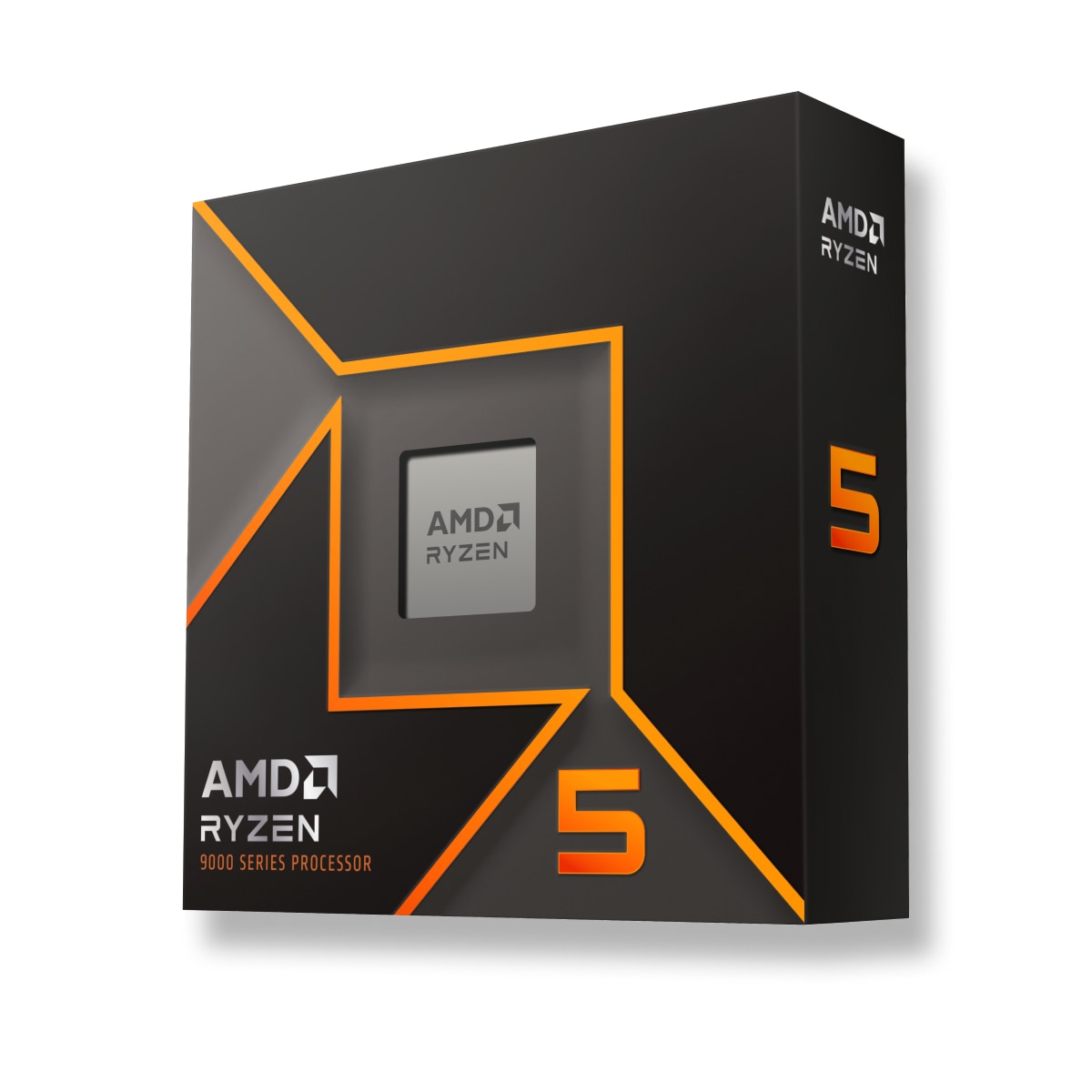 Ryzen 5 9600X |
AM5 system planned for a later graphics upgrade | Do not spend for this platform solely to unlock an entry graphics card. Find offerson Amazon |
These are ownership routes, not a claim that other supported CPUs cannot work. Keep a suitable Intel machine or compare a lower-cost AM5 configuration if those options fit the actual budget better. A shortlist should narrow the decision rather than create a mandatory shopping list.
Know the desktop RTX 5050 specification
| Manufacturer field | Published reference |
|---|---|
| Graphics memory | 8 GB GDDR6 |
| Memory interface | 128-bit |
| Reference Total Graphics Power | 130 W |
| Reference Required System Power | 550 W; configuration-dependent |
| Example MSI graphics link | PCIe 5.0 x8 in a physical x16 connector |
NVIDIA lists 8GB GDDR6 for the standard desktop 5050. Do not substitute specifications from the 5060 or from a laptop model. Check the board you would actually buy for dimensions, power connectors and installation guidance.
The reference system-power figure depends on a complete configuration. It is not a measured reading from your PC or a guarantee that any ageing PSU of that wattage is suitable. The exact unit, condition, cables and partner-board requirements still matter.
The graphics link needs a CPU-and-board check
For the example retail design, MSI specifies PCIe 5.0 using eight lanes in a physical x16 connector. The maximum supported generation is not necessarily the generation your installed system uses. Check the CPU, motherboard and main graphics slot together.
An older compatible link does not automatically mean the card cannot be used. Its effect needs relevant measured evidence for the actual GPU and games. Do not relabel a 5060 Ti PCIe test as a measurement of this 5050, or invent a universal bandwidth penalty.
Ryzen 5 5600X: a supported AM4 upgrade route
The 5600X supports an AM4 and DDR4 plan. Confirm the exact motherboard’s CPU support, BIOS version and update procedure before ordering. Its CPU-side PCIe capability does not change an older motherboard’s slot routing.
Compare the available price with other supported AM4 options, including the non-X 5600. If a capable processor is already installed, first establish the relevant gain from changing it. Buying a small CPU sidegrade to accompany a modest graphics upgrade can consume the budget without improving the difficult workload.
Ryzen 5 9600X: useful only when the platform plan is justified
The 9600X is an AM5 and DDR5 CPU. Price the motherboard, memory and cooling as part of a complete build. Compare less expensive AM5 alternatives and the machine you already own before deciding that this is the right purchase.
A defined later GPU upgrade or a separate CPU-heavy task can make a stronger platform sensible. An uncertain plan to “future proof everything” is weaker justification. Consider whether retaining the present system or improving graphics first achieves more with the same budget.
Existing Intel systems deserve a fair comparison
A supported Intel platform can use the 5050 without matching the CPU brand to the card. Check the exact board’s CPU support, firmware and memory type when assessing an upgrade. A useful existing processor is not made obsolete by the GPU’s generation number.
If considering a 12400F-class system, compare whole bundle prices and installation requirements rather than assuming an older processor is automatically cheaper. Reusing a board can save money; buying every supporting part separately creates a different decision.
Generic FPS scenarios for tracked processors
| CPU | 1080p estimated FPS | 1440p estimated FPS | 4K estimated FPS |
|---|---|---|---|
| Ryzen 5 5600X | 52 | 38 | 15 |
| Core i5-12400F | 52 | 39 | 15 |
| Ryzen 5 7600 | 52 | 39 | 15 |
| Ryzen 5 9600X | 52 | 39 | 15 |
| Ryzen 7 9800X3D | 52 | 39 | 15 |
At 1080p High the five scenarios all round to 52 estimated FPS. At 1440p they round to 38 or 39. These are calculated index outputs, not measured game results. The small difference does not establish the real-world benefit of changing platforms.
The model does not reproduce PCIe transfer behaviour, individual drivers, CPU-heavy scenes or detailed graphics-memory events. A rounded tie is not proof of identical latency or frame pacing. Use measured testing of the actual game when deciding whether a CPU upgrade has a worthwhile benefit.
Generated frames do not make the CPU faster
When examining supported frame-generation modes, separate rendered base performance from generated output. A higher displayed counter does not demonstrate that the CPU advances the game at that same rate. Input response and image quality still need evaluation.
The model table does not include generated frames. Do not compare its values with a review chart using a different rendering mode and assume the difference is a hardware fault. Match resolution, preset, upscaling and frame-generation conditions before interpreting any FPS gap.
Decide whether the next spend belongs on CPU or graphics
Choose a repeatable scene that misses the target. Rule out caps, temperatures, memory configuration and background activity. Reduce graphics demand while keeping the game workload comparable. A large improvement can support investigating graphics first; a persistent problem needs deeper diagnosis of CPU-heavy behaviour and configuration.
A processor change cannot add VRAM to the 8GB card or increase its graphics resources. Compare a smaller supported CPU improvement, a better-matched graphics tier and a complete platform replacement using the whole costs. Our pairing guide explains how to build that comparison.
Final checks and research method
Confirm exact card size, power connections and current seller terms. Use the PSU planner alongside the board and PSU manufacturers’ requirements. Software compatibility, physical installation and meeting a game target are separate checks.
This editorial shortlist uses manufacturer information and PairMyRig calculations. We did not test these combinations in our own laboratory. The model uses generic gaming, High preset and 32GB RAM, without measured named-game FPS, 1% lows, PCIe penalties or frame-generation results. Read the method and limitations.
The CPU pairing hub provides other graphics starting points. If a later platform change is part of the plan, the upgrade-planning guide helps identify which parts actually need buying now.
Compare another pairing scenario
Choose a different processor. Select High preset and 32GB system RAM to match the table. Confirm the exact graphics-memory version when a separate entry is available.
Frequently asked questions
Does the RTX 5050 need a PCIe 5.0 CPU?
Not as a blanket requirement for a compatible installation. Check the complete system and use relevant testing to assess the performance of its actual connection. A newer generation label alone does not justify a premium CPU.
Is a Ryzen 5 5600X a sensible partner?
It can be appropriate in a supported AM4 system at a suitable price. Whether it meets the target depends on the game and settings. A capable CPU you already own can be the better value.
Does the desktop RTX 5050 use GDDR7?
NVIDIA lists 8GB GDDR6 for the model covered here. Do not transfer the memory specification of a different 50-series GPU to this card.
Are the estimates based on Multi Frame Generation?
No. The generic model does not simulate frame generation, output quality or input latency. Evaluate those features separately from the calculated baseline scenarios.