By Walter Jobs, Technology writer and editor. Manufacturer sources, competitor coverage and model scenarios reviewed 2 November 2026.
For an RX 7600, keep a capable existing CPU before buying a new platform. If a purchase is needed, compare a supported Ryzen 5 5600X AM4 change with a complete AM5 plan, including lower-cost alternatives to the Ryzen 5 9600X. The graphics card does not require a premium CPU merely to form a sensible pairing.
As an Amazon Associate we earn from qualifying purchases. This does not change the price you pay, and a commission never affects what we recommend. Full disclosure.
A useful budget build starts with the required game experience. Define the display, settings and difficult scenes, then identify what the current PC fails to deliver. Reusing owned DDR4 and a supported board is a different purchase from assembling every component from scratch.
Focused CPU shortlist
| Product | When to compare it | Before buying |
|---|---|---|
 Ryzen 5 5600X |
A modest CPU-only upgrade on supported AM4 | Compare the non-X 5600 and keeping the present processor. Find offerson Amazon |
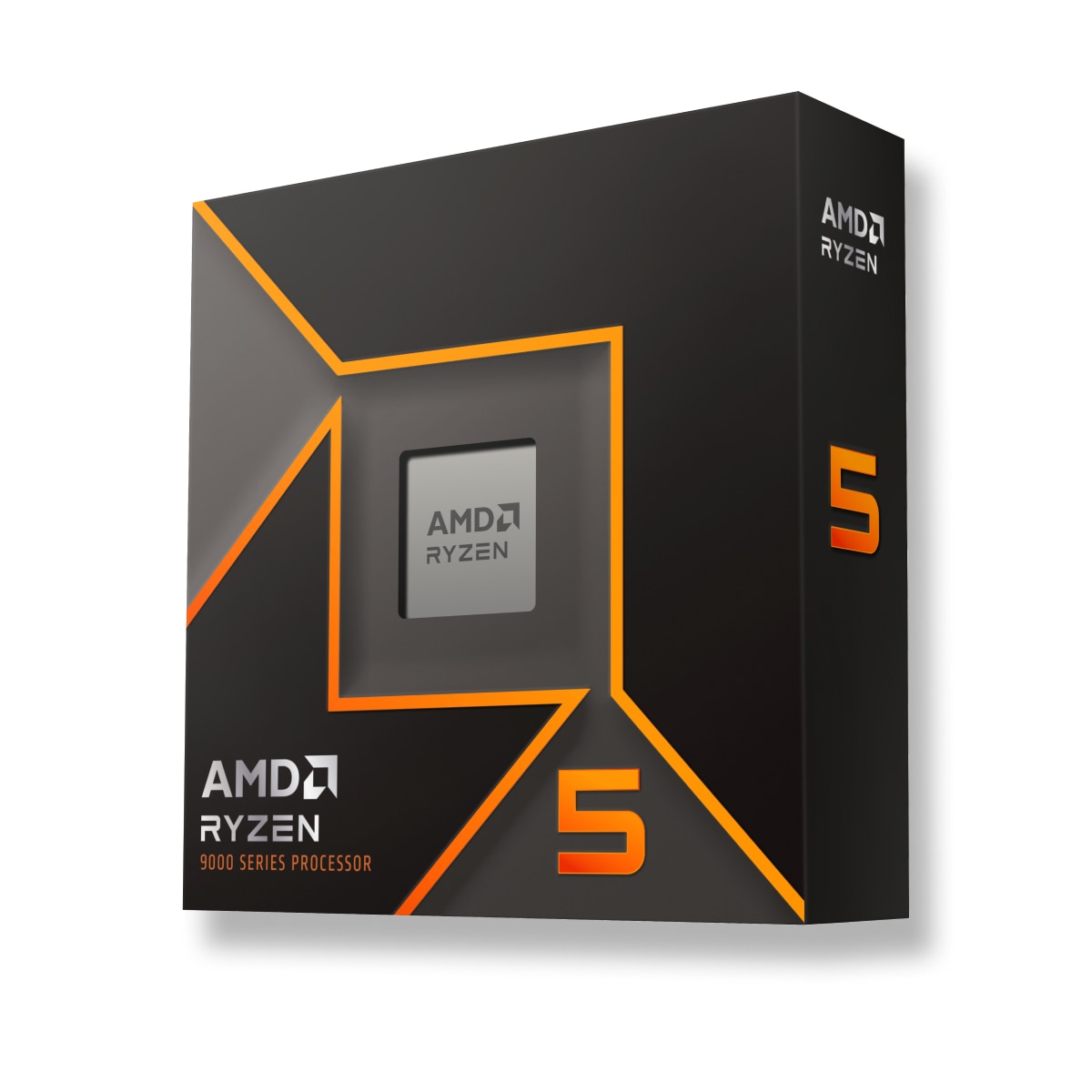 Ryzen 5 9600X |
A new AM5 plan with wider future needs | Compare a cheaper AM5 build; this CPU is not required by the GPU. Find offerson Amazon |
We have not added a flagship processor simply to complete a premium category. A working Intel system can also be worth retaining. Compare the finished cost and relevant performance rather than assuming that the illustrated CPUs are the only options.
Confirm the RX 7600 graphics card
| Manufacturer field | Published reference |
|---|---|
| GPU covered | Radeon RX 7600 desktop, not RX 7600 XT |
| Graphics memory | 8 GB GDDR6 |
| Typical Board Power | 165 W |
| AMD minimum PSU recommendation | 550 W; full-system needs vary |
This is the standard 8GB Radeon RX 7600, not the RX 7600 XT. Ryzen 5 7600 is a processor with a similar number, not the graphics card. Keep those names distinct when checking a listing, a performance review or the calculator’s selected component.
The board-power figure and minimum PSU recommendation describe different things. Check the exact retail design’s connectors, clearance and full-system requirements. The PSU planner can help assemble the proposed configuration, but it cannot establish the condition or cable compatibility of a unit you own.
AM4: compare a CPU-only change with keeping it
A supported 5600X upgrade may improve an older AM4 machine without replacing the board and memory. Read the vendor’s CPU list and BIOS prerequisites, and include any necessary cooling. Compare a genuine non-X 5600 offer as well; a large premium for the X suffix may not solve the workload more effectively.
An owner already using a capable 5600-class CPU should start with a reason to replace it. If the graphics settings are the actual limitation, another CPU may bring little benefit. A cache-focused AM4 option needs relevant measured game evidence, a sensible available price and confirmed board support.
AM5: price the whole plan
The 9600X belongs in a new-platform comparison when the complete AM5 and DDR5 budget is justified. Quote the motherboard, memory and cooler alongside the CPU. A 7600-based alternative can also deserve attention when it leaves more money for a useful graphics improvement or a necessary supporting component.
A future upgrade path can be valuable, but it does not increase the RX 7600’s own graphics resources today. Be specific about the later need. A plan to replace the GPU within a defined budget is different from buying an expensive processor because it might be useful someday.
Existing Intel systems and brand matching
A supported Intel system can work with Radeon graphics. Do not replace an adequate processor because the logos differ. Check the board, graphics connection, firmware, PSU and case as a complete installation.
A 12400F-class system is one comparison in the model table. Its real suitability depends on the games and the installed motherboard and memory configuration. Our GPU guide for the 12400F addresses that starting point, and the brand-mixing guide separates compatibility from optional feature eligibility.
The eight-lane connection deserves a separate check
A retail RX 7600 example from MSI specifies a PCIe 4.0 x8 graphics connection. The actual installed link also depends on the CPU and motherboard. A newer board cannot turn a processor’s PCIe 3.0 capability into PCIe 4.0.
This is relevant when comparing CPUs such as the Ryzen 5500 and 5600-class options. The generic model does not simulate the link difference, so matching rounded FPS cannot settle the platform decision. Seek measurements of the actual card on a comparable connection if bandwidth behaviour matters to your games.
Choose the route that improves the complete PC
| Your situation | Best next comparison | Do not assume |
|---|---|---|
| Capable CPU and clearly weak graphics performance | Compare settings or graphics-first improvements | A premium CPU increases the card’s VRAM. |
| Old CPU and GPU both under consideration | Diagnose the game and quote a supported small change | Both components must be replaced together. |
| A new PC with a restricted budget | Price the full platform and useful graphics tier | A flagship processor is the default budget pairing. |
Put current local offers against each route, with delivery and warranty included. Reusing a board can make an upgrade affordable; buying an entire older platform to reproduce that saving can create a very different total.
Generic CPU scenarios with the RX 7600
| CPU | 1080p estimated FPS | 1440p estimated FPS | 4K estimated FPS |
|---|---|---|---|
| Ryzen 5 5500 | 59 | 44 | 17 |
| Ryzen 5 5600X | 59 | 44 | 17 |
| Core i5-12400F | 59 | 44 | 17 |
| Ryzen 5 7600 | 59 | 44 | 17 |
| Ryzen 5 9600X | 59 | 44 | 17 |
| Ryzen 7 9800X3D | 60 | 44 | 17 |
The six tracked processors round to 44 estimated FPS at 1440p High in this generic model. That result mainly reflects the graphics workload assigned by the engine. It is not a measured conclusion that every game or frame-time metric is identical across the CPUs.
The low 4K estimate also includes a simplified memory-capacity assumption. It is not a measured VRAM test or a universal prediction for every title. The table should encourage a careful budget comparison, not replace the game evidence needed for a processor purchase.
Before spending, test the difficult scene
Check frame caps, temperatures, background tasks and the installed memory configuration. Repeat a scene at the settings you want, then reduce graphics demand while keeping the game workload comparable. A large improvement can point toward graphics settings first; a persistent shortfall warrants further investigation.
A faster CPU cannot add VRAM to the 8GB card. If textures or effects are the issue, isolate those settings rather than assuming a processor swap will fix them. Our pairing guide explains how to choose the upgrade from the actual shortfall.
Research method
This editorial shortlist uses checked manufacturer information and PairMyRig calculations. We did not run a laboratory comparison of these combinations. The engine uses generic gaming, High preset and 32GB RAM, without measured named-game FPS, 1% lows, PCIe penalties, ray tracing or generated frames.
Primary reference: official AMD product specifications.
Read our calculation methodology for the limits. The CPU pairing hub provides other graphics starting points if the GPU itself is the better upgrade.
Explore another pairing scenario
Choose another processor. Select High preset and 32GB system RAM to match the table, and confirm the memory version of the selected GPU.
Frequently asked questions
Is Ryzen 5 7600 the same product as Radeon RX 7600?
No. The Ryzen is a CPU and the Radeon is a graphics card. Confirm which component a listing, review or calculator field describes.
Does an RX 7600 need a high-end processor?
Not as a universal requirement. Keep an adequate existing CPU, and investigate a premium only when the actual workload justifies it.
Will similar model FPS rule out PCIe differences?
No. The model does not simulate the graphics connection. Check the CPU, board and actual card, then use relevant measured evidence when needed.
Should a new CPU fix an 8GB graphics-memory problem?
It cannot increase the card’s VRAM. Diagnose the game settings and graphics behaviour before choosing between a CPU change, settings adjustment or graphics upgrade.