By Walter Jobs, Technology writer and editor. Manufacturer sources, competitor coverage and model scenarios reviewed 2 November 2026.
For an RX 9060 XT, compare a complete Ryzen 5 9600X AM5 plan with supported AM4 reuse, and keep a capable existing CPU in the running. A Ryzen 7 9850X3D comparison belongs to a specific CPU-heavy goal or later graphics plan. Choosing the 16GB card does not create a requirement for a more expensive processor.
As an Amazon Associate we earn from qualifying purchases. This does not change the price you pay, and a commission never affects what we recommend. Full disclosure.
First identify whether the graphics card is the 8GB or 16GB model. Then price the complete system. A premium CPU paired with the wrong graphics-memory configuration can be a less useful purchase than a modest CPU and the GPU variant that better suits the workload.
CPU shortlist by upgrade need
| Product | When to compare it | Before buying |
|---|---|---|
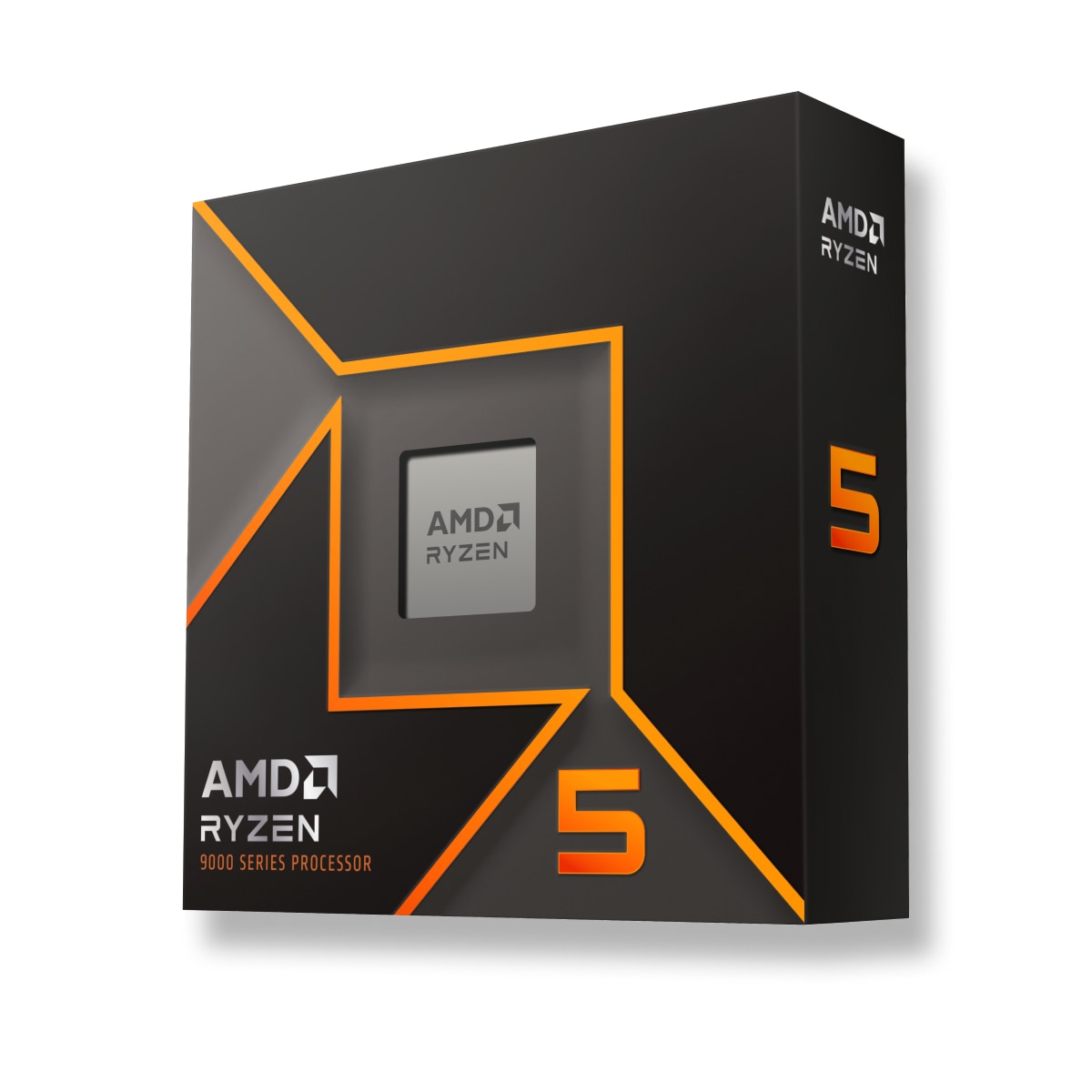 Ryzen 5 9600X |
A complete AM5 new-build comparison | Compare the total with a 7600-based build and the better GPU variant. Find offerson Amazon |
 Ryzen 5 5600X |
Retaining compatible AM4 board and memory | Check BIOS support and whether the existing CPU already works well. Find offerson Amazon |
 Ryzen 7 9850X3D |
A defined CPU-heavy target or later GPU upgrade | Do not buy the CPU premium merely because the GPU has 16GB. Find offerson Amazon |
Compare actual available offers, not launch positions. Include an owned processor, a lower-cost AM5 alternative and other supported AM4 options in the quote. The shortlist narrows useful routes without imposing a fixed CPU tier.
8GB and 16GB versions need separate attention
| Manufacturer field | Published reference |
|---|---|
| Versions covered | RX 9060 XT 8GB and 16GB |
| Memory type / interface | GDDR6 / 128-bit |
| Reference board power | 150 W for 8GB; 160 W for 16GB |
| Reference minimum PSU | 450 W; confirm the exact board and complete PC |
| Table model entry | 16GB; separate 8GB entry available in the calculator |
The versions have different graphics-memory capacity and reference board-power figures. A seller’s 8GB price should not be used as though it buys the 16GB product. Check the exact retail board for power, dimensions, connections and warranty.
More VRAM is not a general processing-speed ranking, but capacity can affect suitable textures and memory-sensitive workloads. Do not infer that a CPU premium solves a graphics-memory problem. Equally, an allocation counter alone does not prove that capacity is the cause of a stutter.
Put the complete budget against the memory choice
| Your situation | Best next comparison | Do not assume |
|---|---|---|
| Graphics-memory-sensitive goal and a limited budget | Quote the appropriate GPU version with a modest CPU | Extra CPU spending repairs the 8GB card’s capacity. |
| Owned AM4 or Intel CPU already reaches the target | Keep the CPU and compare graphics-only cost | 16GB automatically requires a higher CPU tier. |
| Measured CPU-heavy shortfall or defined later GPU upgrade | Compare supported cache-focused options and total platform cost | Generic model ties settle a real game’s cache behaviour. |
Use real local quotes for those plans. A modest CPU and a more appropriate GPU variant can be more useful than spending heavily on processor headroom you do not use. The opposite can be true for a genuinely CPU-heavy target, which is why the workload comes first.
Ryzen 5 9600X: compare a whole AM5 system
The 9600X is an AM5 and DDR5 candidate for a new build or a justified compatible upgrade. Include the motherboard, memory and suitable cooling. Also compare a 7600-based system, with the actual boxed or tray offer and any cooler purchase accounted for.
If AM5 is already owned, identify the shortfall before changing the CPU. A graphics-heavy title may be better served by the right card and settings. For someone moving from an older system, the platform replacement should have a benefit large enough to justify more than the CPU’s sticker price.
AM4 and Intel retention can change the answer
A supported 5600X or other appropriate AM4 upgrade can retain the board and DDR4. Read the exact vendor CPU list and firmware instructions. An owned 5600-class processor may already reach the desired CPU-heavy frame-rate floor, making no purchase the sensible starting point.
An existing Intel installation can also pair with Radeon graphics. Do not move platforms for matching logos. Check the whole system and optional feature support separately; our brand-mixing guide explains that distinction.
When extra cache is worth paying for
Investigate X3D when a relevant measured game test shows a benefit at the frame-rate floor you need, or when a defined later graphics upgrade makes the broader platform plan worthwhile. Compare the 9850X3D with the 9800X3D and appropriate supported alternatives using current offers.
The calculator does not contain a 9850X3D entry. Its discussion here does not supply invented FPS or borrow another CPU’s row. A generic score cannot reproduce the cache behaviour of every engine, so use measured evidence to decide whether the premium matters.
Model scenarios with the 16GB entry
| CPU | 1080p estimated FPS | 1440p estimated FPS | 4K estimated FPS |
|---|---|---|---|
| Ryzen 5 5500 | 76 | 57 | 33 |
| Ryzen 5 5600X | 77 | 57 | 33 |
| Core i5-12400F | 77 | 57 | 33 |
| Ryzen 5 7600 | 77 | 57 | 33 |
| Ryzen 5 9600X | 77 | 57 | 33 |
| Ryzen 7 9800X3D | 78 | 58 | 33 |
The model uses the 16GB RX 9060 XT entry. At 1440p High, five CPU scenarios round to 57 estimated FPS and the 9800X3D scenario to 58. That close grouping reflects simplified graphics assumptions; it does not prove equal real CPU performance or minimum frame times.
A separate 8GB entry is available in the calculator. Its stored index and memory-capacity assumptions are not a controlled 8GB-versus-16GB game test. Do not treat the difference between those entries as a measured benchmark or a prediction for every texture setting.
Check the actual card and platform connection
Confirm the graphics card’s interface and your installed CPU-and-board routing. The slot’s physical length does not establish the electrical lane count. A secondary full-length slot can have a narrower connection than the main slot intended for graphics.
A newer maximum PCIe generation on the card is not an automatic reason to replace an otherwise suitable CPU. When older-link behaviour affects the decision, seek measurements for the actual board and workload. The PairMyRig table does not calculate a PCIe penalty.
Use a repeatable game problem to choose the next spend
Pick the scene that misses your goal, check caps and temperatures, and confirm memory configuration and background activity. Reduce graphics demand while keeping the scene comparable. Investigate what remains before deciding whether the processor, GPU, settings or another issue deserves attention.
Generated output also needs to be kept separate from base rendering and simulation. A larger counter containing inserted frames does not establish that the CPU advances unique game states at the same rate. Compare responsiveness and frame pacing alongside image quality.
Our pairing guide explains the diagnosis. Use the power planner with the exact board and PSU instructions when assembling the final quote.
Research method and buying checks
We checked official information and calculated PairMyRig scenarios for this editorial shortlist. We did not perform our own lab comparison of these combinations or memory versions. Conditions are generic gaming, High preset and 32GB system RAM; measured named-game results, 1% lows, PCIe effects, ray tracing and generated frames are outside the table.
Primary reference: official AMD product specifications.
See the calculation method for the limitations. The CPU pairing hub covers other cards, while the upgrade-planning guide helps distinguish a defined later step from unnecessary spending now.
Explore another pairing scenario
Choose another processor. Select High preset and 32GB system RAM to match the table, and confirm the memory version of the selected GPU.
Frequently asked questions
Does the 16GB version need a better CPU than the 8GB card?
Memory capacity alone does not create a higher CPU requirement. Choose from the game, settings, frame-rate target and complete platform cost.
Which version does the model table use?
The 16GB entry. The separate 8GB entry is another generic scenario, not a measured memory-version comparison.
Should I prioritise an X3D CPU or the GPU memory version?
Compare the actual shortfall and complete quotes. Extra CPU headroom does not solve a graphics-memory limitation, while a CPU-heavy target needs its own measured evidence.
Can an Intel CPU be used with the RX 9060 XT?
Yes, in an appropriate supported system. Check the board, firmware, slot, power and software requirements rather than treating brand matching as the compatibility rule.