By Walter Jobs, Technology writer and editor. Manufacturer sources and model scenarios reviewed 2 November 2026.
For a Ryzen 5 3600, start by comparing the RX 6600 for a low-cost upgrade, the RTX 4060 for a specific feature or power requirement, and the RX 9060 XT 16GB for a larger graphics step. The right card is the one that improves your current games enough to justify its cost. Keeping a usable Ryzen 3600 can be sensible; treating it as suitable for every graphics card and frame-rate target is not.
As an Amazon Associate we earn from qualifying purchases. This does not change the price you pay, and a commission never affects what we recommend. Full disclosure.
The important distinction is between upgrading an existing AM4 computer and building a complete PC around a used processor. An owner can reuse the board, DDR4, cooler and operating setup. A new builder must price those parts. The same GPU may fit both machines, but the economics are different.
GPU shortlist for three different budgets
| Candidate | Reason to compare it | Purchase check |
|---|---|---|
| Radeon RX 6600 | A low-cost offer that beats your existing card enough | Inspect used condition and warranty; do not buy a tiny sidegrade. Find offerson Amazon |
| GeForce RTX 4060 | A specific feature or power-conscious upgrade | Check the board link and whether 8 GB suits your games. Find offerson Amazon |
| Radeon RX 9060 XT 16GB | A larger graphics step with a longer ownership plan | Make the CPU upgrade optional until actual game evidence supports it. Find offerson Amazon |
None of these is a universal recommendation at any price. Compare the actual offer with nearby alternatives and your present GPU. The RX 6600 and RTX 4060 can be uninteresting sidegrades for some owners, while a larger card may be unnecessary for a modest display target. Begin with the improvement, then assess the discount.
RX 6600: only buy when the price and improvement justify it
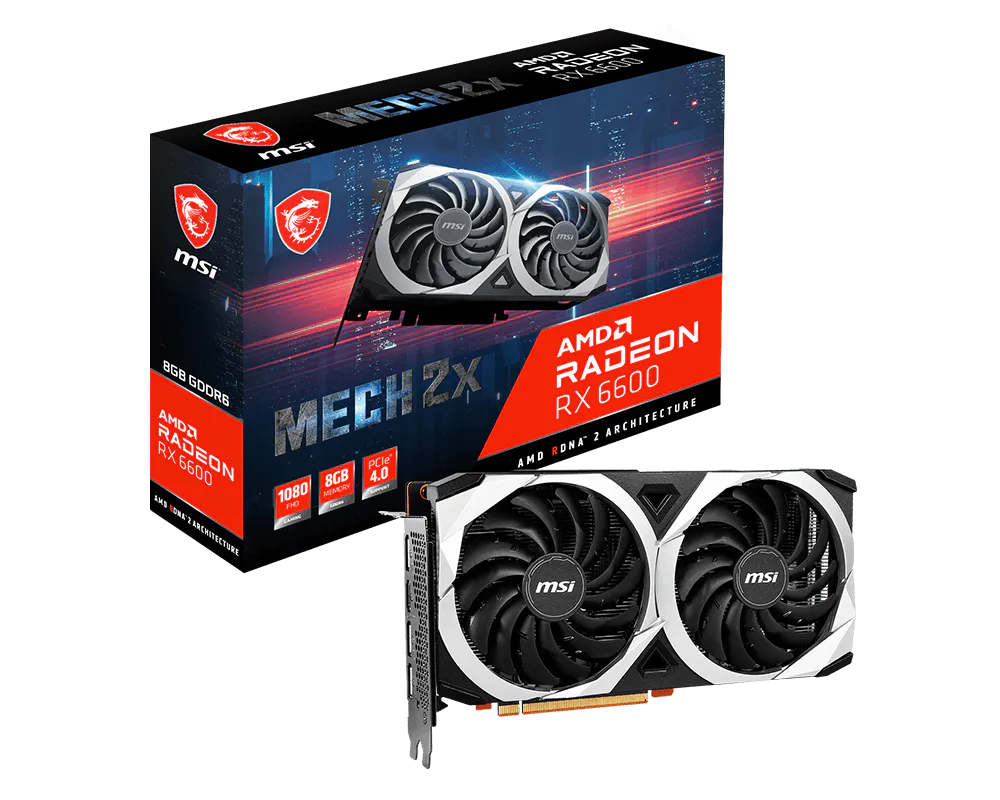
The RX 6600 is the low-cost candidate for a system moving up from a substantially weaker card. Its AMD product specification gives you the GPU-family baseline; use the exact retail board for physical dimensions and installation requirements. The MSI MECH board shown here is an example design, not a promise about the card supplied by every seller.
A used offer needs a condition check and clear return terms. Ask for the precise model, evidence that it works, and any remaining warranty before comparing the price. A cheap card that needs a cooler repair or cannot be returned can erase the savings. Do not assume every old listing is a bargain because the rest of the system is also older.
RTX 4060: evaluate the actual feature requirement
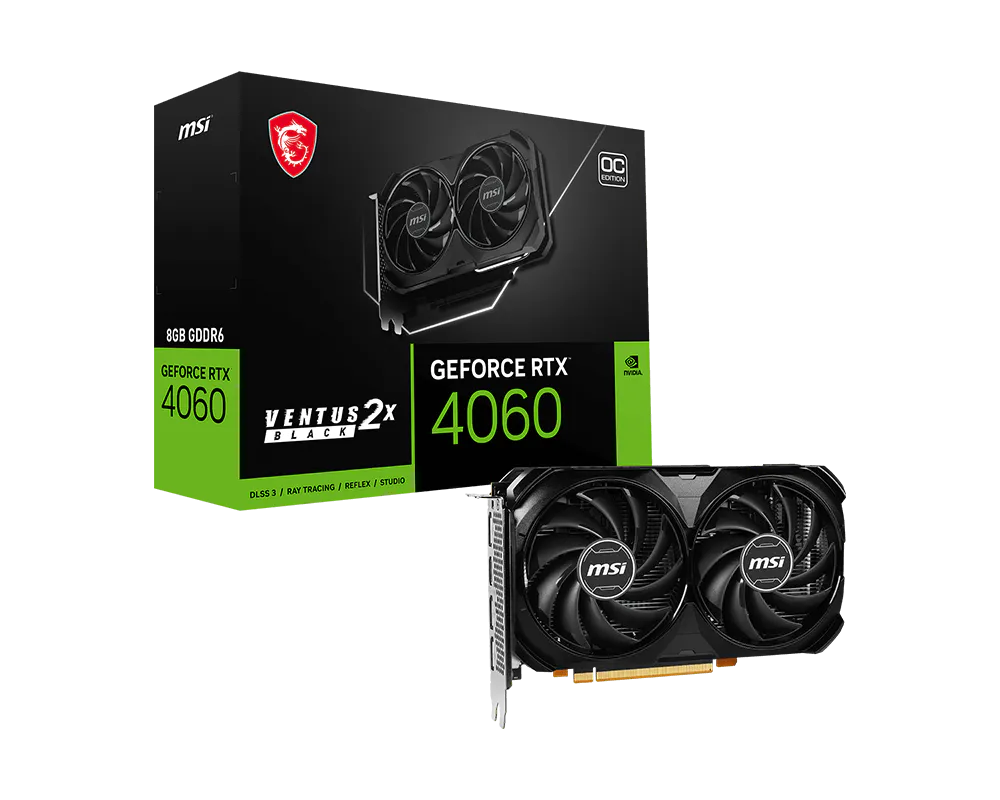
The RTX 4060 can make sense when a supported application, game feature or the exact board’s power and cooling requirements fit your needs. Consult NVIDIA’s 4060 family information without importing 4060 Ti specifications into the standard model. Check measured image quality and performance in the games you play rather than assuming a feature name decides value.
The standard desktop card has 8GB memory. Whether that is acceptable depends on game settings and the ownership plan; it is neither unlimited nor an automatic failure in every game. Compare the entire graphics workload. Frame generation also does not make the Ryzen 3600 process game simulation at the displayed generated-frame rate.
RX 9060 XT 16GB: consider a larger staged upgrade
This candidate is for someone who needs a more substantial graphics improvement now and may keep the card through a later CPU upgrade. Verify the 16GB RX 9060 XT specification and the actual offer. A similar product name with less memory should not silently replace the 16GB model in the comparison.
A staged plan is useful only if each stage has a purpose. Buy the GPU first when the current graphics card is the demonstrated problem. Make a supported AM4 CPU change later if your games still miss the CPU-heavy target. Do not commit to buying both parts simply because a pairing article lists them together.
The Ryzen 3600 supports PCIe 4.0, with board conditions
| Manufacturer field | Published reference |
|---|---|
| CPU cores / threads | 6 / 12 |
| Socket / system memory | AM4 / DDR4 |
| Architecture | Zen 2 |
| CPU PCIe support | PCIe 4.0; board routing still matters |
| L3 cache / default TDP | 32 MB / 65 W |
AMD’s Ryzen 5 3600 information identifies this as a different platform case from a Ryzen 5 5500. Do not assume every older AM4 processor is limited to PCIe 3.0. Equally, CPU support does not upgrade an older motherboard’s routing: the installed board, BIOS and main slot determine the usable connection.
Check lane width as well as generation. A full-length physical slot can have fewer electrical lanes, especially in a secondary position. Read the manual for your configuration, including storage devices that share resources. These are installation checks; they are not evidence that an assumed PCIe penalty applies equally to every game.
Generic GPU scaling with the Ryzen 3600
| GPU | 1080p estimated FPS | 1440p estimated FPS | 4K estimated FPS |
|---|---|---|---|
| Radeon RX 6600 | 50 | 37 | 14 |
| GeForce RTX 4060 | 60 | 45 | 17 |
| Radeon RX 7600 | 59 | 44 | 17 |
| Radeon RX 9060 XT 16GB | 76 | 57 | 33 |
| GeForce RTX 5060 Ti 16GB | 87 | 65 | 38 |
| Radeon RX 9070 | 101 | 88 | 51 |
The model moves from 37 estimated FPS with the RX 6600 to 57 with the RX 9060 XT 16GB at 1440p High. It also includes the RX 9070 as a larger comparison, rather than imposing a hard GPU ceiling on the processor. Those outputs describe this generic scenario only; they are not measured results for a particular title.
At 1080p the RX 9070 scenario reaches 101 estimated FPS, while at 4K it reaches 51. Neither figure tells you the worst frame time in a multiplayer match. A busy game can remain CPU-limited at high resolution, and a light game can run much faster than the table. Match measured evidence to your actual workload before spending beyond the smaller candidates.
Decide whether the CPU or GPU needs to change first
Choose a repeatable section of a game that misses your target. Record settings, resolution, frame rate and frame pacing with a monitoring tool. Check for caps, abnormal temperatures, background activity and a memory configuration problem. Then reduce graphics work while leaving the game scene comparable. A large improvement points toward graphics demand; little change calls for further investigation rather than an automatic GPU purchase.
If the 3600 is the relevant limitation, investigate a supported AM4 upgrade before assuming that a new platform is required. Confirm the exact motherboard CPU list and firmware instructions. Price the CPU, cooling and any necessary memory changes. Compare that total with retaining the machine and with a complete replacement platform.
For a fresh build, do not buy an old AM4 bundle solely to match a cheap used 3600. Compare the assembled cost and warranty with a newer platform. Reusing owned parts can be excellent value, but the saving disappears when you have to buy every supporting component separately. Our pairing upgrade-planning guide covers this difference.
Method, sources and purchase checks
These recommendations combine manufacturer specifications with editorial upgrade reasoning. The displayed estimates were calculated in PairMyRig using generic gaming, High preset and 32GB RAM. We did not bench-test the combinations. The model does not reproduce named games, driver overhead, memory timings, PCIe effects, 1% lows or feature quality. See the calculation method for the boundaries of the comparison.
Before ordering, check case space, the exact power connectors and the board maker’s PSU requirement. Use the PSU planning tool alongside those instructions. For other processors, the GPU pairing directory provides the next comparison; there is no need to replace the whole PC if a single supported change reaches the target.
Explore another pairing scenario
Choose a different graphics card. Select High preset and 32GB system RAM to match the model table.
Frequently asked questions
What is the maximum GPU for a Ryzen 5 3600?
There is no universal performance ceiling defined by the CPU name. Compatibility, workload and target frame rate are separate questions. A stronger GPU can be useful for graphics-heavy work while still encountering a CPU limit elsewhere.
Does the Ryzen 3600 only support PCIe 3.0?
No. AMD lists PCIe 4.0 support for the processor. Your motherboard and installed slot can impose a lower generation or lane width, so confirm the actual system configuration.
Should I choose a 16GB GPU just for more VRAM?
Capacity is one consideration, not a complete performance ranking. Check the processing performance, settings and memory behaviour of your games, plus the improvement over your current card.
Does playing at 4K remove every CPU bottleneck?
No. Higher resolution often increases graphics demand, but the CPU still processes the game workload. CPU-heavy scenes and frame-rate targets can remain relevant at 4K.