By Walter Jobs, Technology writer and editor. Manufacturer sources and model scenarios reviewed 2 November 2026.
For an owned Ryzen 5 5600 system, compare the RX 6600 for a low-cost step from a much weaker card, the RTX 4060 for an appropriate feature or installation need, and the RTX 5060 when its newer features and current price make sense. Also price a 16GB RX 9060 XT before committing to an 8GB card. Keep the 5600 when it already meets the CPU-heavy part of your gaming target.
As an Amazon Associate we earn from qualifying purchases. This does not change the price you pay, and a commission never affects what we recommend. Full disclosure.
The best GPU for Ryzen 5 5600 depends on the card being replaced. An inexpensive GPU can be a substantial improvement for one owner and a sidegrade for another. Write down your current GPU, display resolution, difficult games and acceptable frame-rate floor before comparing products.
GPU shortlist by upgrade need
| Product | When to compare it | Before buying |
|---|---|---|
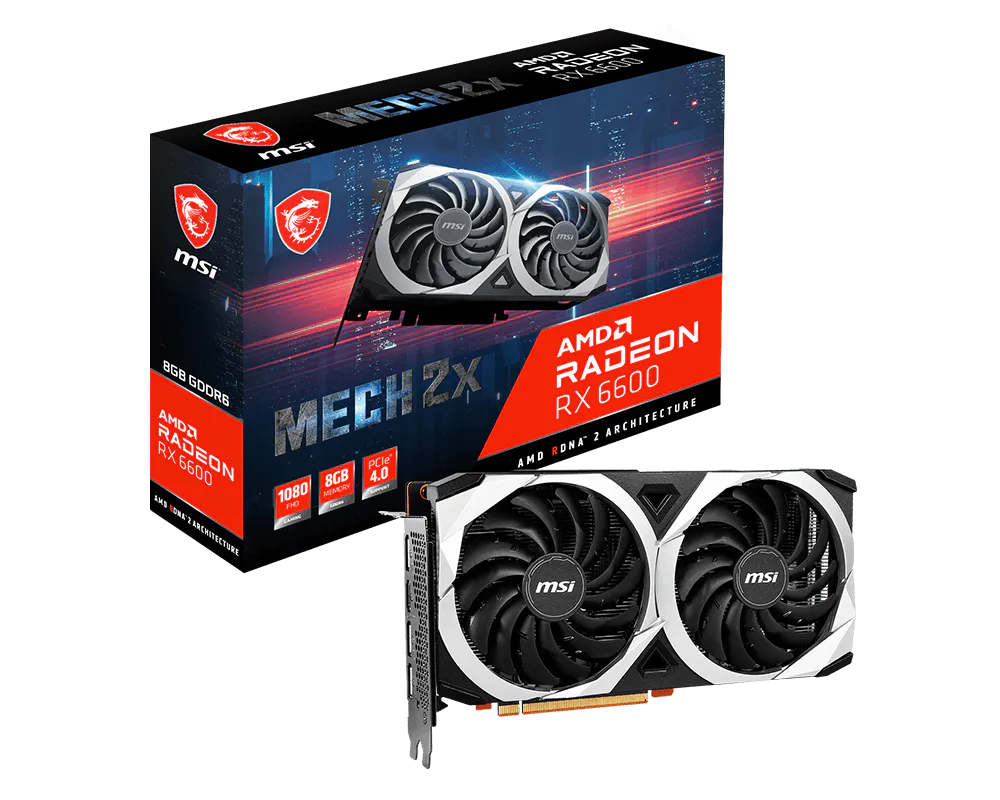 Radeon RX 6600 |
Lower-cost improvement from a much weaker card | Confirm condition and the size of the upgrade. Find offerson Amazon |
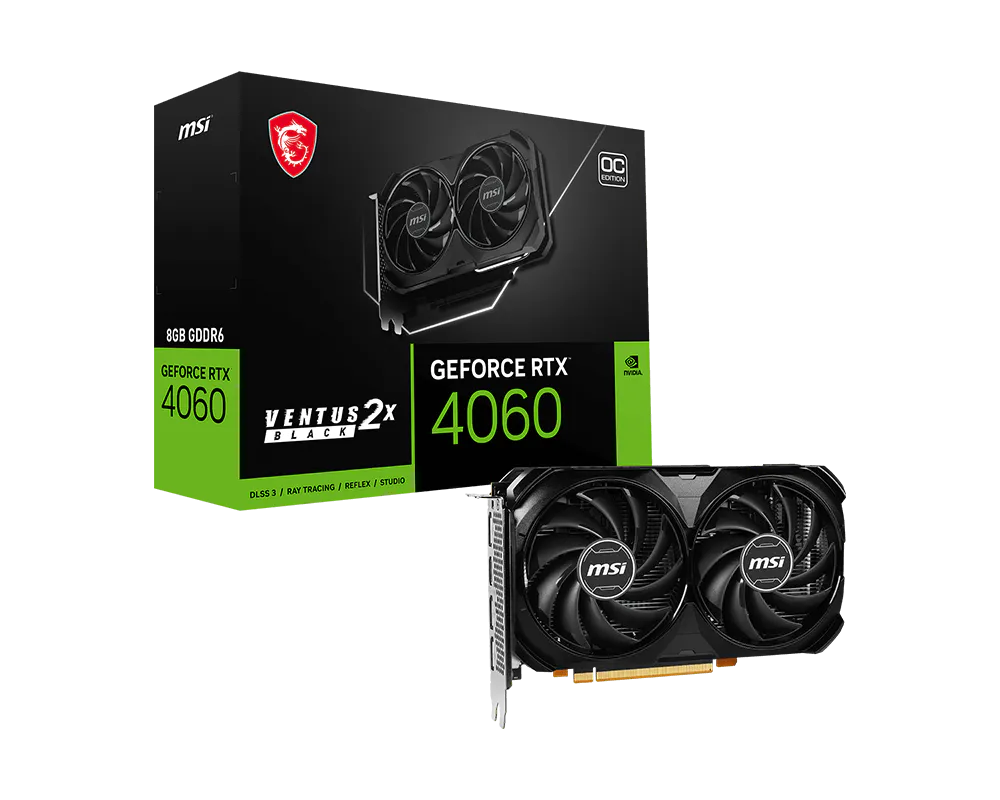 GeForce RTX 4060 |
Specific software features or a suitable low-power board | Compare the actual offer against newer cards. Find offerson Amazon |
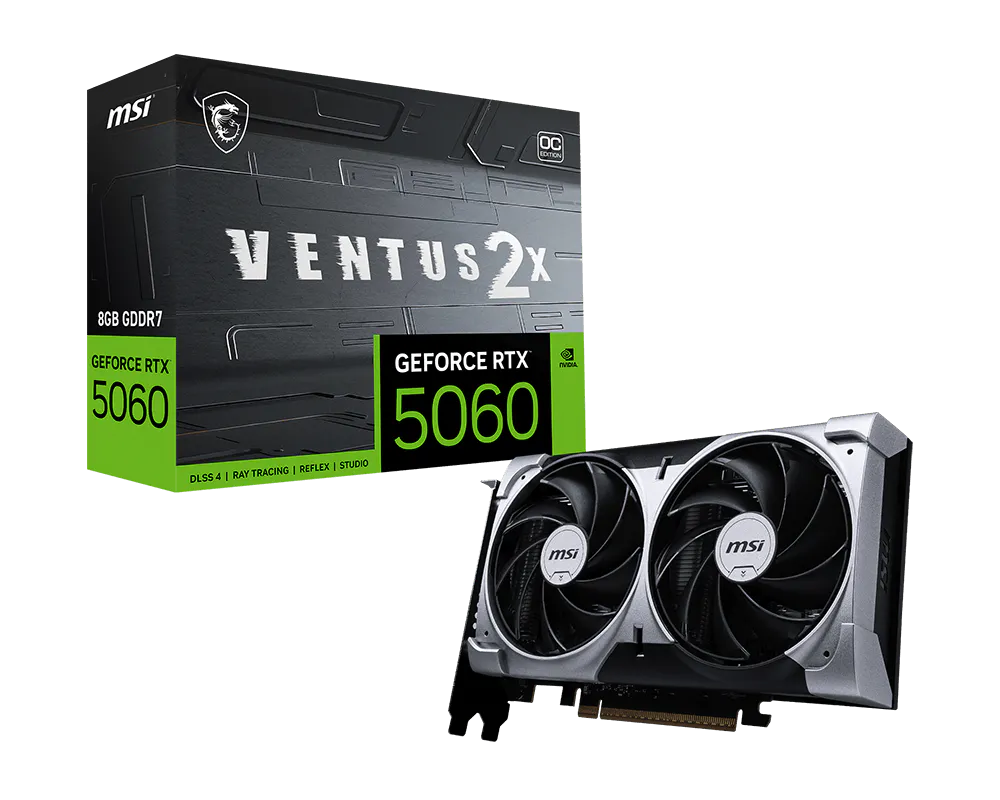 GeForce RTX 5060 |
Newer NVIDIA feature support at an acceptable price | Check 8GB suitability and a 16GB Radeon alternative. Find offerson Amazon |
The pictured MSI boards identify actual retail designs. Other cards using the same GPU can have different coolers, dimensions, connectors and acoustics. Compare the exact offer rather than assuming that every card in a family is the product shown in the table.
RX 6600: useful when the improvement is large enough
The RX 6600 is the low-cost comparison for an older, substantially weaker graphics card. Check AMD’s GPU specification and the partner board’s installation requirements. Do not buy merely because the offer looks inexpensive beside a newer card.
A used listing needs condition and return checks. Confirm the exact board, evidence that it works and any warranty before paying. If the existing GPU is already near this performance class, a larger upgrade or keeping the current card may provide better value than spending on a small change.
RTX 4060: compare the offer against newer alternatives
The RTX 4060 can fit a specific software feature, a suitable board’s power requirements or an attractive current offer. Use the standard model in NVIDIA’s 4060 family specification; the 4060 Ti is a separate product. Check the game or application’s support for the feature you intend to use.
Its appeal must survive a comparison with the RTX 5060 and competing Radeon offers. We have not assigned a universal price threshold because local availability, warranty and seller terms differ. Compare actual complete offers and measured game results, rather than assuming that an older model is automatically the budget winner.
RTX 5060: check the 8GB constraint as well as the features
The standard RTX 5060 is an 8GB card, not the 16GB 5060 Ti. Assess textures, graphics settings and the games you plan to keep playing. Memory capacity alone does not rank processing speed, but it can influence which settings remain practical.
For the MSI board shown, check the precise connection and power guidance on its product page. A newer PCIe generation does not mean the 5600 must be replaced. Confirm the actual CPU-and-board link, then use measurements for the exact card if older-link behaviour influences the purchase.
Why a 16GB Radeon alternative belongs in the comparison
The RX 9060 XT 16GB is worth pricing alongside the pictured candidates, particularly for an ownership plan sensitive to graphics-memory capacity. Keep the 8GB and 16GB versions separate. A lower-priced 8GB listing does not establish the value of the 16GB product.
Compare processing performance, ray tracing, software features and current offers as separate considerations. A larger memory number does not guarantee a faster card in every workload. If one application’s acceleration path is essential, check that support directly rather than choosing by brand preference.
The non-X Ryzen 5600 platform
| Manufacturer field | Published reference |
|---|---|
| CPU cores / threads | 6 / 12 |
| Socket / memory | AM4 / DDR4 |
| L3 cache | 32 MB |
| CPU PCIe support | PCIe 4.0; actual board connection varies |
| Default TDP | 65 W |
AMD’s Ryzen 5 5600 information applies to the non-X processor. Do not silently substitute 5600X or 5600G results. Similar product names do not establish the same cache, graphics or connection behaviour.
The CPU supports PCIe 4.0, but a motherboard can provide a lower-generation connection. Check the manual for the main slot, lane width and any sharing with installed devices. A physically long secondary slot may have a narrower electrical connection than the slot intended for the GPU.
Modelled graphics tiers with the same CPU
| GPU | 1080p estimated FPS | 1440p estimated FPS | 4K estimated FPS |
|---|---|---|---|
| Radeon RX 6600 | 50 | 37 | 14 |
| GeForce RTX 4060 | 61 | 45 | 17 |
| GeForce RTX 5050 | 52 | 38 | 15 |
| GeForce RTX 5060 | 70 | 52 | 20 |
| Radeon RX 9060 XT 16GB | 77 | 57 | 33 |
| Radeon RX 9070 | 118 | 88 | 51 |
The generic 1440p model estimates 37 FPS for the RX 6600, 45 for the RTX 4060, 52 for the RTX 5060 and 57 for the RX 9060 XT 16GB. These are calculated scenario outputs, not measured game results or an overall value ranking. The table also includes a larger RX 9070 comparison to show that there is no universal GPU ceiling attached to the CPU name.
The model does not measure PCIe penalties, driver differences, ray tracing or game-specific memory behaviour. A memory-capacity effect in the model is a simplified assumption, not proof that a particular game will behave the same way. Seek actual testing of your demanding games before paying for a larger graphics tier.
Upgrade the CPU only when it solves a real problem
If graphics settings drive the performance shortfall and the CPU-heavy frame-rate floor is acceptable, investigate a GPU-only change first. If reducing graphics demand barely changes a repeatable difficult scene, rule out frame caps, temperatures and configuration problems, then examine whether a CPU upgrade is justified.
A supported AM4 upgrade can retain the board and DDR4, but check the exact CPU support list and firmware procedure. Compare its total cost with keeping the 5600 and with moving to a new platform. Buying a GPU does not make every other component obsolete.
Our CPU and GPU pairing guide explains this process. If the new GPU will move into a later system, the upgrade-planning guide helps separate a defined next step from paying early for an uncertain future need.
Research and final purchase checks
This is an editorial shortlist using manufacturer information and PairMyRig scenarios. We did not bench-test these combinations. Calculations use generic gaming, High preset and 32GB RAM; no named-game benchmarks, measured 1% lows or generated-frame results are claimed. Read how the estimates work before relying on them.
Check the exact card’s size, PSU guidance, connectors, price and warranty. Use the power planner with the manufacturer’s requirements. The GPU pairing hub gives alternatives when you want to compare a different processor.
Compare another pairing scenario
Choose a different graphics card. Select High preset and 32GB system RAM to match the table. Confirm the exact graphics-memory version when a separate entry is available.
Frequently asked questions
Is an RTX 5060 too powerful for Ryzen 5 5600?
There is no blanket rule making the pairing unsuitable. Check your games, frame-rate goal and full installation requirements. Some workloads can benefit from more CPU performance, while others remain graphics-heavy.
Is the Ryzen 5600 the same as the 5600X or 5600G?
No. Use specifications and testing for the exact processor. A similar model name is not permission to transfer all platform or performance claims.
Should I choose the cheapest 8GB graphics card?
Only if the performance, memory behaviour, features and seller terms suit your needs. Compare a relevant 16GB alternative and the actual improvement from your existing GPU.
Can I keep my AM4 motherboard?
Often that is part of the value of a GPU-only upgrade, but check the exact board connection, firmware, power and case requirements. Compatibility and meeting the gaming target remain separate checks.