By Walter Jobs, Technology writer and editor. Manufacturer sources, competitor coverage and model scenarios reviewed 2 November 2026.
For a Core i5-10400F, compare the RX 6600 for a low-cost improvement, the RTX 5060 for a specific feature or offer, and the RX 9060 XT 16GB for a larger graphics step or staged upgrade. First establish whether the CPU already misses your frame-rate floor. A faster graphics card cannot make the processor’s game simulation faster.
As an Amazon Associate we earn from qualifying purchases. This does not change the price you pay, and a commission never affects what we recommend. Full disclosure.
The ownership context matters. Retaining a working LGA1200 board and DDR4 can make a graphics-only purchase useful. Buying every supporting component around a used 10400F is a different decision, with different costs and warranty trade-offs.
GPU shortlist for an owned 10400F PC
| Product | When to compare it | Before buying |
|---|---|---|
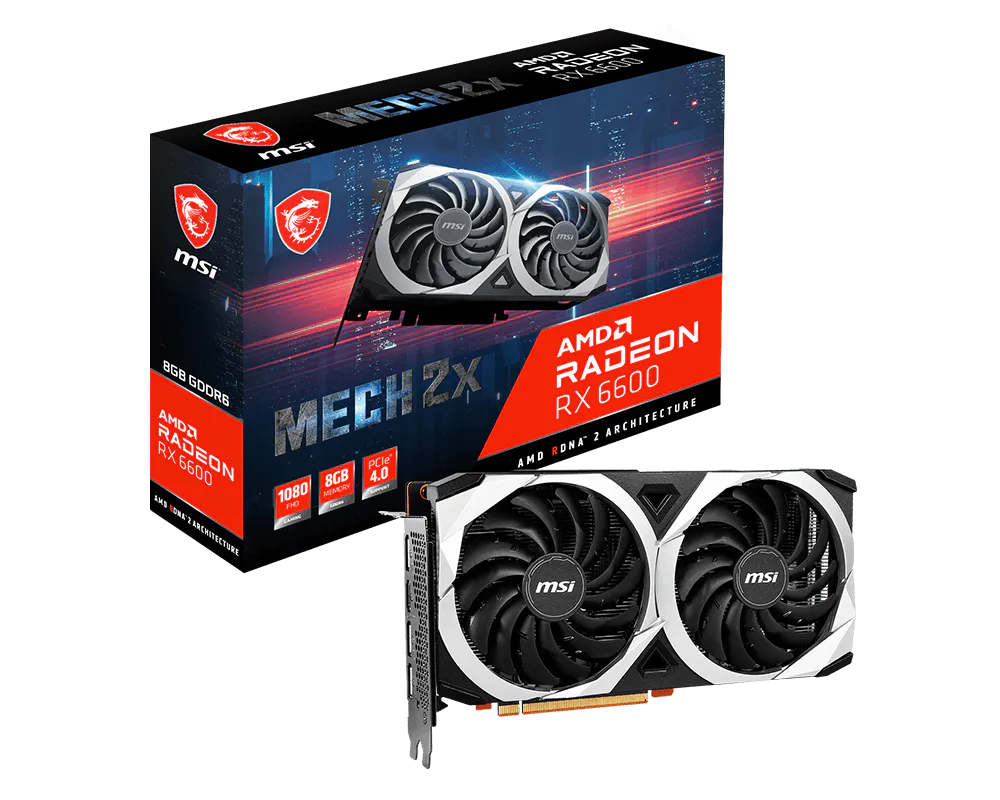 Radeon RX 6600 |
A lower-cost improvement from a much weaker card | Check condition, seller terms and the size of the gain. Find offerson Amazon |
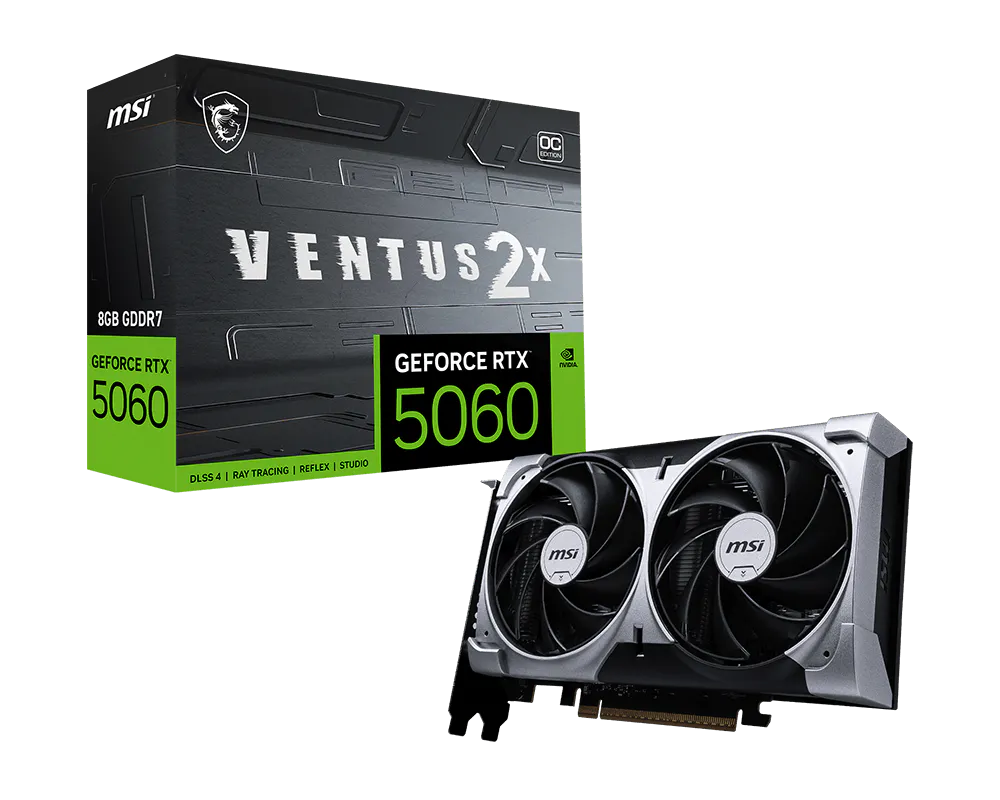 GeForce RTX 5060 |
A specific software feature or current offer | Confirm 8GB suitability and older-link game behaviour. Find offerson Amazon |
| A larger graphics step or staged platform plan | Do not assume it fixes CPU-heavy frame pacing. Find offerson Amazon |
The larger candidate is conditional, not a declaration that the old processor suits every graphics tier and game target. Compare the gain from your current GPU, the complete installation bill and the likelihood of a later platform move.
RX 6600: make the low-cost gain worthwhile
The RX 6600 belongs in the comparison when it substantially improves a much weaker graphics card at a suitable price. Check the exact board, condition, seller terms and required connections. A small sidegrade can be poor value even at a low asking price.
Used offers need more than a family name. Confirm the actual model and evidence that it works, and understand the return and warranty position. Cooling or condition problems can erase a saving before CPU pairing becomes relevant.
RTX 5060: assess the feature and older connection
The standard desktop RTX 5060 has 8GB memory. Do not substitute the 16GB Ti configuration when considering textures, a seller listing or a review. Check the supported feature in the software you use and compare current competing offers.
The 10400F’s PCIe 3.0 capability deserves separate attention with a card using a narrower link. A newer generation advertised on the GPU does not become the installed generation automatically. Seek measured results for the actual card and games when older-link behaviour affects the decision.
RX 9060 XT 16GB: a larger or staged purchase
The 16GB RX 9060 XT is a candidate when the present GPU is the main problem and a larger improvement is worthwhile. Confirm the exact memory version and retail-board requirements. More capacity does not by itself establish a faster processing tier or acceptable CPU-heavy frame pacing.
It can also be a card to retain through a later platform change. That staged plan should have a purpose: improve the graphics-heavy shortfall now, then assess the CPU after seeing the result. Do not commit to two purchases simply because the system is older.
What the 10400F platform actually supports
| Manufacturer field | Published reference |
|---|---|
| CPU cores / threads | 6 / 12 |
| Socket | LGA1200 |
| Official memory support | DDR4-2666 |
| CPU PCIe generation | PCIe 3.0 |
| TDP | 65 W; not whole-system power |
The CPU’s official memory specification is DDR4-2666, while the actual installation also depends on the motherboard and its supported configuration. Do not assume another board’s memory settings apply to an OEM or restricted platform. Check the installed channels and capacity before attributing a slow game entirely to the GPU.
The F processor has no integrated graphics for a display without the discrete card. Plug the monitor into the installed GPU as appropriate to the system. A motherboard video connector is not evidence that this processor supplies a graphics output.
PCIe 3.0 and OEM restrictions are separate checks
Read the motherboard manual for the primary graphics slot, electrical lane count and device sharing. A full-length secondary slot may not provide the connection you expect. Replacing only the motherboard does not change the CPU’s supported PCIe generation.
For an office or proprietary PC, verify case format, PSU connectors, slot power, firmware and the system maker’s support. A GPU that suits a standard ATX tower can be the wrong physical purchase for a small office machine. Basic fit and power approval come before model FPS.
Choose graphics-first or platform-first from evidence
| Your situation | Best next comparison | Do not assume |
|---|---|---|
| Weak current GPU and adequate CPU-heavy frame-rate floor | Compare a meaningful graphics-only step | The CPU’s age alone requires replacing the platform. |
| The target is missed even after graphics demand is reduced | Investigate CPU-side limits and configuration | A larger GPU fixes every slow scene. |
| Proprietary or small office PC | Confirm physical, power and firmware approval first | A standard desktop recommendation proves OEM compatibility. |
A same-socket CPU purchase deserves a complete price comparison. Do not pay heavily for an old top-tier processor only because it fits a support list. Compare the measured improvement and full cost with keeping the machine or moving to a newer platform.
Generic model scenarios with the 10400F
| GPU | 1080p estimated FPS | 1440p estimated FPS | 4K estimated FPS |
|---|---|---|---|
| Radeon RX 6600 | 50 | 37 | 14 |
| GeForce RTX 5060 | 69 | 52 | 20 |
| Radeon RX 9060 XT 16GB | 76 | 57 | 33 |
| GeForce RTX 5070 | 109 | 85 | 50 |
| Radeon RX 9070 XT | 110 | 97 | 57 |
| GeForce RTX 5070 Ti | 110 | 101 | 59 |
The model estimates 37 FPS with the RX 6600, 52 with the RTX 5060 and 57 with the RX 9060 XT 16GB at 1440p High. These are calculated generic outputs, not measured results from a physical 10400F system. The larger cards in the table provide context rather than a universal purchase recommendation.
The engine does not simulate PCIe penalties, OEM limitations, memory tuning, driver behaviour or individual CPU-heavy scenes. It cannot establish a fixed maximum GPU or a universal game FPS ceiling. A rounded number should not replace the system and workload checks above.
Test the current PC before ordering
Use a repeatable scene that misses your target. Check caps, temperatures, background activity and memory configuration. Lower graphics demand while keeping the game workload comparable, then investigate what changes. Overall CPU utilisation alone is not a complete diagnosis.
If the CPU-heavy frame-rate floor is inadequate, a larger GPU may leave the problem intact. If the graphics workload is the main shortfall, a GPU-only change may avoid a platform purchase. The pairing guide explains how to work through this decision.
Research method and purchase checks
We checked manufacturer information and calculated PairMyRig scenarios for this editorial shortlist. We did not bench-test these combinations. Conditions are generic gaming, High preset and 32GB RAM; named-game FPS, measured 1% lows, PCIe effects and generated-frame performance are not supplied here.
Primary reference: official Intel product specifications.
Read the calculation method for the limitations. Use the PSU planner with the exact system instructions. The GPU pairing hub and separate 11400F guide cover different starting points without conflating their PCIe support.
Explore another pairing scenario
Choose another graphics card. Select High preset and 32GB system RAM to match the table, and confirm the memory version of the selected GPU.
Frequently asked questions
Does the i5-10400F support PCIe 4.0?
Intel lists PCIe 3.0 for this processor. A newer advertised GPU or motherboard generation does not change that CPU capability.
Can I put any listed card in an office PC?
No model list approves every case, PSU or proprietary board. Verify the exact system’s physical, electrical and firmware requirements before purchasing.
Should I buy the fastest LGA1200 CPU first?
Only if a supported change solves the real shortfall at a sensible total cost. Compare relevant measured gains, keeping the current system and a complete newer-platform quote.
Can the 10400F display without a discrete GPU?
The F model has no integrated graphics. A motherboard video connector alone does not provide the missing processor graphics capability.